marvinblue
Members
-
Joined
-
Last visited
Everything posted by marvinblue
-
I believe I found my issue. I removed Real Traffic AI and my backup works as intended. I've also seen that this mod is no longer supported, so I don't think I'll continue to use it.
-
That's the thing though, everything was working perfectly until this latest update. I was using PR and thought that was the problem, so I switched to STP. Everything else is the same.
-
Nice one!! Unfortunately I don't use that script, but I'm glad you've found a solution.
-
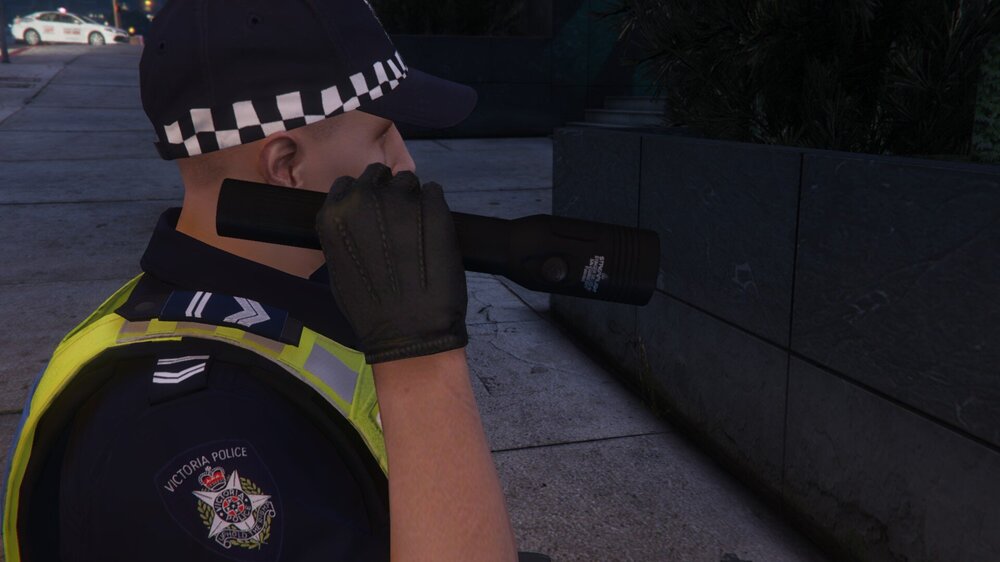
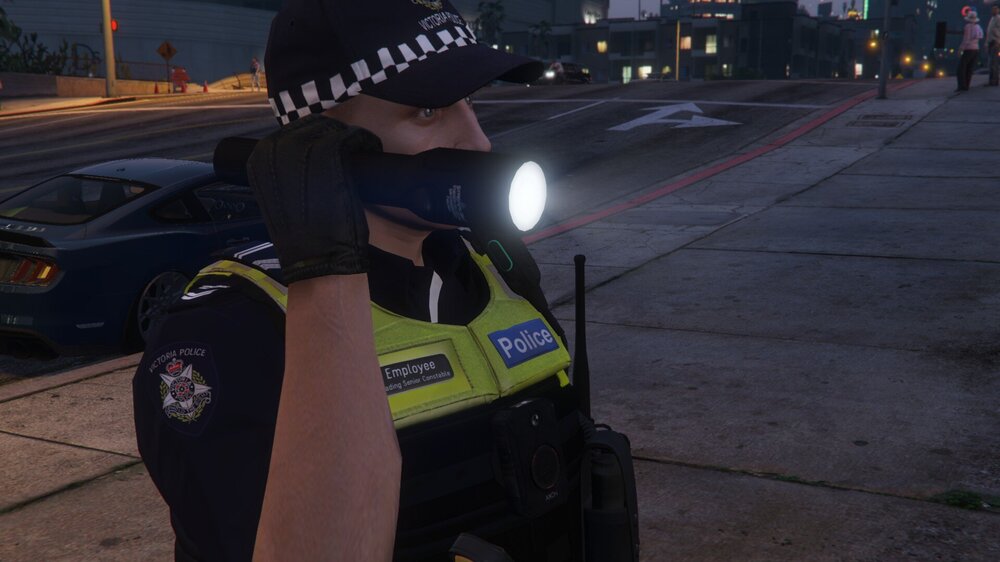
I worked it out. Once you install the files via OpenIV, you have to set "Ambient.DisablePlayerFlashlightOverride = false" in lspdfr.ini and "EnableAdvancedFlashlight=no" in StopThePed.ini The files that you replace are for the vanilla flashlight in GTA V, so you have to tell the game to use the vanilla flashlight.
-
I reinstalled everything that I normally have in my game, except for Prowler Radar And Fire Callouts. The result was the same. The spawned units would spawn about 100m away then due a u turn whilst code 3 and run into stuff repeatedly, then respawn continuously until the game worked out where the units needed to be. The vehicle would continue to ram whatever was in front of it until the driver got out. The NPC's performed their functions until the game dismissed them (i.e medics finished working, coroner took body bag away), then they got back into their vehicles and drove away normally. Log it attached. All of this was normal until the latest update. RagePluginHook.log
-
I reinstalled LSPDFR manually and temp removed Medic System, Fire Callouts, STP and UB, then ran the game. I called for an Ambulance and Firetruck. The Ambulance stopped a block away and the Medic ran in. The Firetruck arrived doing about 100km/h and the Firemen came over to me. I suppose it's marginally better, but nothing like before the latest update. When it was working properly, the units would arrive and stop (not running into things). Log is attached. RagePluginHook.log
-
I'll rename my mods folder and just run vanilla LSPDFR and try it out.
-
Any chance of a dev having a look? atm the mod is largely unplayable as the wierd backup affects all my callouts that I have installed.
-
Yeah, I reckon it is due to some sort of tweaking with the code for the current update. Bit annoying.. hopefully a solution is found...
-
I have the same issue as Tee https://www.lcpdfr.com/forums/topic/157139-backup-units/. Initially I thought it was a problem with Policing Redefined, so I switched my game to Stop the Ped / Ultimate Backup. The problem still persists, so I'm thinking that it's a problem with either the latest version of LSPDFR or RPH. This didn't happen at all prior to the latest update. My log is attached. RagePluginHook.log
-
-
-
Anyone got an idea?
-
 I use some other scripts, but nothing to do with traffic. I can take some screenshots of my files if you like.
- 189 comments
- 9 reviews
-
Hey! Unfortunately the traffic is still stuck in the accelerate / brake loop, although it's a lot smoother than it was.
- 189 comments
- 9 reviews
-
-
-
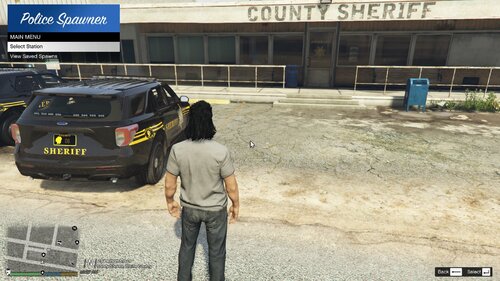 Here's some screenshots of wha I found when I went around the map. It seems to effect only the firetruk model. (I have a add-on vehicle named firetruk, this replaces the in-game engine/pumper). The Firetruk is fine at my Vespucci station, but both are effected at Paleto. The other vehicles are add-on vehicles as well. All the stations shown are add-on stations. The video shows me trying to tweak the ped's stance before I save the spawn point. His final movement every time is a real minor step to the right, which makes it hard to try and get the vehicles parallel. It would be awesome if you could manipulate the vehicle and fine-tune the placement before the spawn point saves, sort of like in Menyoo.
 -
-
Hey there! I'm finding with traffic on roads other than highways, all the vehicles seem to be constantly driving then applying brakes, like bunny-hopping. The traffic only seems to be smooth on the highways. I haven't done anything to the .ini, all of the parameters are vanilla. Would you be able to suggest some tweaks to the .ini to smooth it out?
- 189 comments
- 9 reviews
-
Hey! Love the script, it's a great idea. I use this to populate add-on fire stations. Would it be possible to manipulate vehicles to fine tune their placement before confirming the save point? I'm finding it hard to keep the vehicles parallel with parking bays, as the ped doesn't stand at 0.0 in relation to the bay. The truck is usually 4 or 5 degrees in relation to the bay, reqiring many placements and deletions before it's right. Also, after placing the trucks and driving away, then coming back later, I'm finding most of the trucks have moved about a metre or so forward, so they're sticking through the bay doors. I've created maybe 10 or so spawn points across the map, maybe there's too many causing them to glitch? If I place a vehicle outside a building, those points are fine, they don't move. Only seems to be affecting maybe half of the vehicles inside internal truck bays.
-
 Hey! Thanks for fixing the textures, the stretcher looks correct now. Unfortunately, the other props are still showing as per the pictures above, namely the case and box instead of the med bag and defib.
 -
So, got some feedback. Generally, it worked as intended. I had some weird texture issues with the stretcher, it seems it mirrors textures of nearby objects, it doesn't use the texture that it was installed with. Additionally, the med bag and defib are represented by some random objects, not the models and textures that were in the .oiv. Other than that, the callout ran as expected. Nice job so far, keep up the good work!! 👍
-
Hey! I can't get the plugin working. I've dragged and dropped the GTA files into the game's root directory, with the MedicSystem folder, as well as the DLL and pdb sitting in plugins. The oiv was installed into OpenIV. However, whether I'm on duty or off duty, when I hit F6, nothing happens. Figured it out. My RPH settings load all my plugins except MedicSystem. It's working now...
-
Hi all. I'm looking for some help wrt NPC uniforms. I'd like my police, fire and ambulance NPC's to have the same uniform setup as my mp freemode setups for these three services. I've gone to lspdfr/data/custom and changed the setups in outfits_fire_eup.xml, as well as lssd_eup, bsco_eup, medics_eup and lspd_eup If I go to an LSPD station such as Rockford Hills or Mission Row, the NPC's look correct. If I go to Sandy Shores or Paleto Bay, the NPC's look like vanilla Sheriffs. If I go to a Fire Station, such as Rockford Hills or Paleto Bay, the NPC's look like vanilla firefighters and / or medics. How come it works for LSPD but no other agency?