


marvinblue
Members
-
Joined
-
Last visited
Everything posted by marvinblue
-
Fixed it! Turned out to be the keybindings with native trainer. I simply disabled them, everything works fine again!!
-
Hi there. I need help sorting this out. I have GTA4 modded with 1.0.7.0 patcha nd have ELS 8.51 and LCPDFR1.0d loaded, along with a few cars. Everything works fine, until I hit Alt+E for status update, or call for backup with Alt+B, or use any other control with LCPD. This results in a car being spawned, which is very frustrating. I've read that this is the taxi bug, but every fix for the taxi bug that I've come across doesn't fix the issue. I've even tried replaceing xlive.dll with dsound.dll, but this hasn't helped either. Please help! (Sorry about the log post, wouldn't let me attach my log files).
-
Hi All! I have a problem when trying to advance the native GTA IV game. I have LCPDFR 1.1, ELS IV, as well as a few cars downloaded for the game. I'm up to "Crime and Punishment" within GTA IV, but can't pull over the 3 vans to keep the game progressing. In the ELS.ini, I have reassigned the siren button to TAB, so the game can accept that I'm using the sirens, but the van ignores the cop car behind it and won't stop for the traffic stop, so I'm failing the mission. I tried rolling back LCPDFR last night and also removed ELS and restored the vehimages within OpenIV, but the game goes back to a save game that keeps trying to start LCPDFR and then crashes. If I reinstate everything above, then the van simply doesn't stop for the traffic stop. Any suggestions?
-
I got it working; I didn't realise that the startup was Alt P!! My bad! I did find that I had a very hard time trying to aim a weapon and perform an arrest, I think it might be a memory issue. Also, whenever I exit out of the game, I get this error message "GTA IV FATAL ERROR: Out of memory - Please re-boot your system". I've also got my latest diagnostics file if you're interested. Diagnostics_25.7.2017_13_37_47.log
.png.5405f61e3fd251f457937656b0d15c96.png)
-
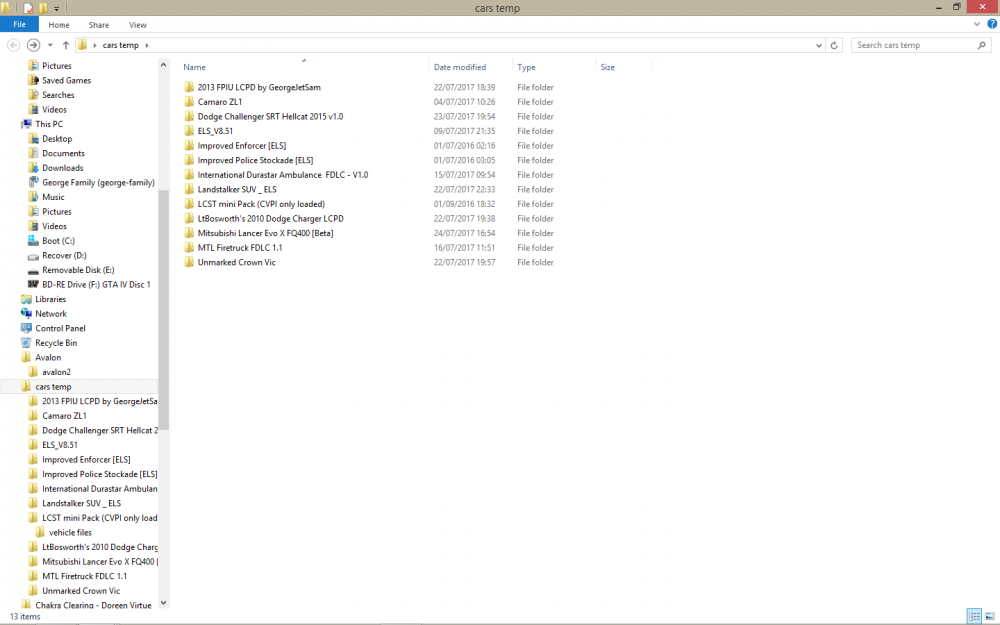
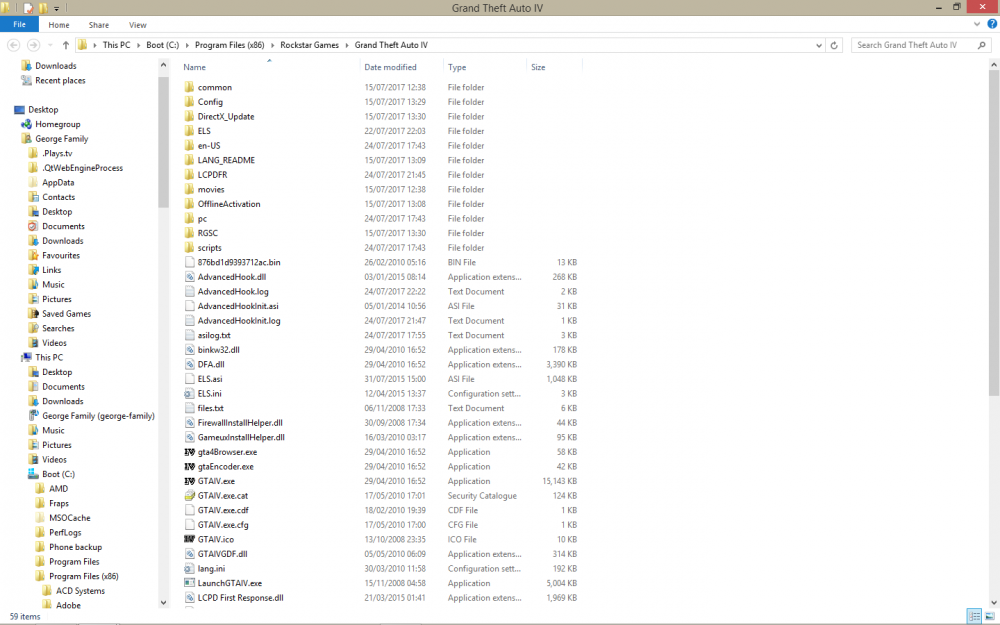
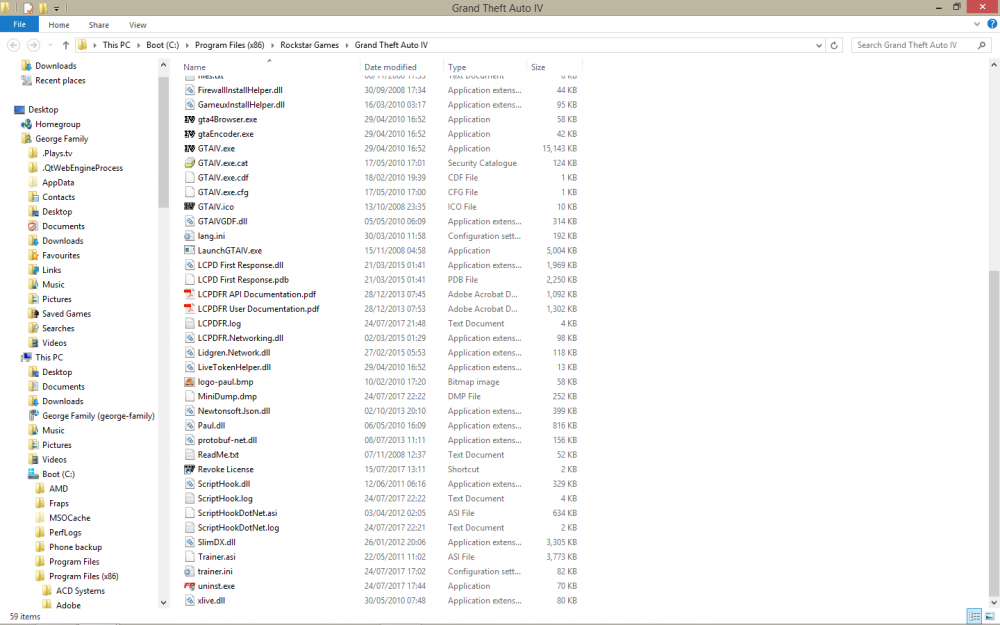
Hi there. I've also got the problem of the asilog.txt lists failed load:0x00000000. I downloaded the latest version of LCPDFR today and used the auto installer. The game runs alright, but I can't get First Response to work. When I hit P, nothing happens. The log for the diagnostic tool, sites the asilog.txt as one of the errors. I have a legit version of GTA4 modded to 1.0.7.0. I'm running a few cars as well as ELS 8.51 and ALM v 2.0. I've followed the instructions listed above, downloaded NET 4.5 and have the latest updates for Visual C++. I'd love to run First Response, don't know what I'm doing wrong or have missed. It's on a n AMD A8-5500 APU with Radeon HD Graphics, 4.0Gb RAM, AMD Radeon HD 7560D, running Windows 8.1 64 bit. ScriptHookDotNet.log AdvancedHook.log AdvancedHookInit.log ScriptHook.log
-
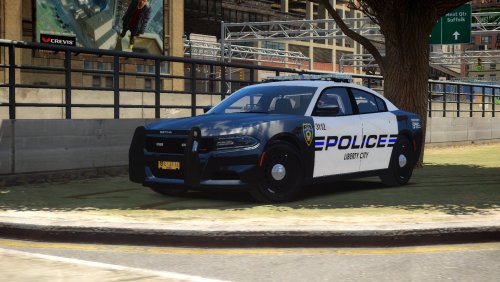 If you have time, would you be able to release a file just with the marked squad in it and a separate one for the unmarked FBI vehicle? Seems a shame not to have them running around my game! Thanks!
- 9 comments
- 4 reviews
-
-
Hi Bozza. I did that, and renamed the car to POLICE and rebuilt the vehicles.img with Spark, but I still had the FBI turn up as the marked squad, while the in-game squad was present, but without it's lightbar. How do I remedy this and how do I get the game to recognise one livery only?
- 9 comments
- 4 reviews
-
Love this download, it looks absolutely awesome!! How do you get it to replace both the normal squad cars as the marked Dodge and have the unmarked car replace the FBI car? I rebuilt the FBI image with SparkIV, but it changed the FBI car into the marked squad car, while the original squad car is still present in the game. TIA!!
- 9 comments
- 4 reviews
.png.5405f61e3fd251f457937656b0d15c96.png)


