
AlphaJr
Members
-
Joined
-
Last visited
Everything posted by AlphaJr
-
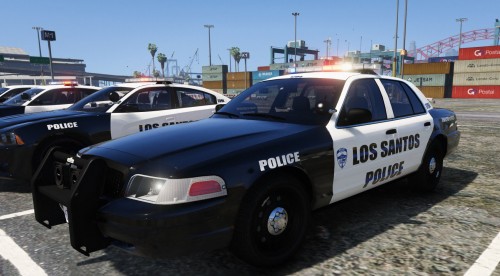 Simple and sleek, just what the LSPD needed. Not to mention, it's on one of my favorite packs, great job. 😁
- 1 review
-
-

- 1
-
-
 Hello, I am sorry to hear that you're having these problems. What I need from you is a crash log (Can be found in the main GTA 5 directory as a simple [.txt] file named "RagePluginHook"). Also, which version were you using, Canadian or American? Thank you, Alpha
- 60 comments
- 13 reviews
-
When this is true, the cars will act strangely when the horn is pushed or blipped, causing cars to continue on a straight path during something like a traffic stop, ultimately crashing into something.
-
-
-
-
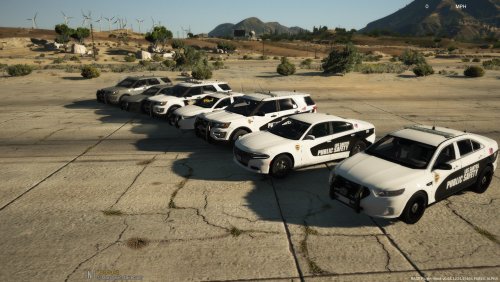 I know we don't have Greenville County Sheriff's. I lived in greenville for 21 years. 😛 I was suggesting the Blaine County on the Montcalm County Sheriff car be changed to Los Santos County.
 -
I would love to see something like this with a Los Santos County Sheriff texture. Other than that, I wish the models you used had a more accurate lighting placement to Montcalm County and Greenville Public Safety.
-
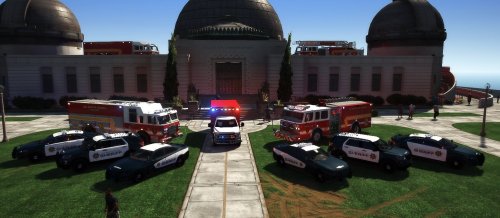 I wonder how they got the ladder on the roof 🤔
 -
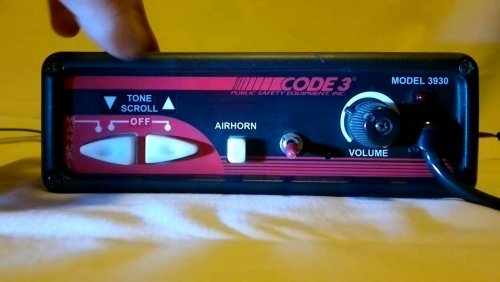 My guess is that you did not drag the .oac file back into your resident.rpf -August
- 10 comments
- 1 review
-
 Really late however I have decided that I am obligated to leave a positive comment. Love it.
- 283 comments
- 95 reviews
-
-
- 1
-
-
Neato, burrito.
-
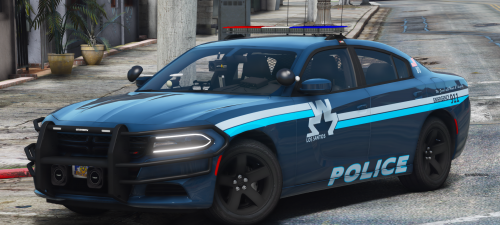 First of all, I loved both of the previous packs to these models of cars. They've been in my game ever since they've been released and I've highly anticipated the release of the 13 Tahoe and the 18 Charger. Thank you Maurice and keep it up!
- 19 comments
- 13 reviews
-
-
- 2
-
-
-
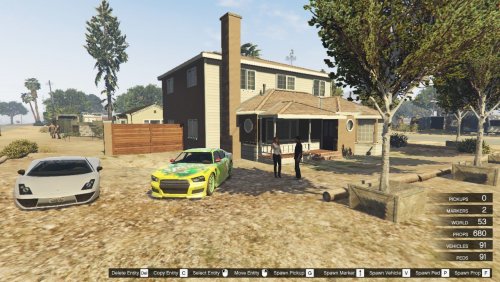 The video attached is taken down. How do I install this?
 -
-
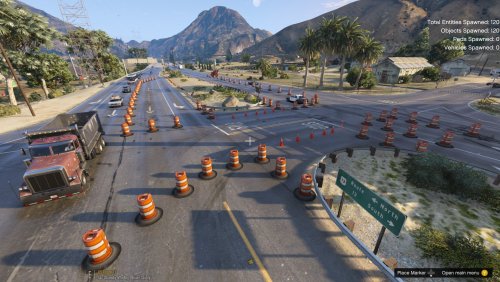 I love this custom map. It's super simple but it's realistic. I really like that you spent the time to actually test to see how it would affect the flow of traffic instead of just placing cones everywhere and releasing. I have one gripe: The .zip file download doesn't have a .txt explaining how to put it in. Sure, I already know how to do it, and sure, you can just look up a tutorial on youtube, it would be even better to have the .txt. Otherwise, a great modification.
- 10 comments
- 1 review
-
-
- 1
-
-
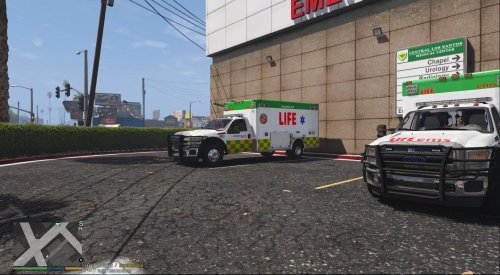 I see these where I live in Michigan every once in a while. I love the way you've made them look.
- 1 comment
- 2 reviews
-
 I want this so badly!
 -
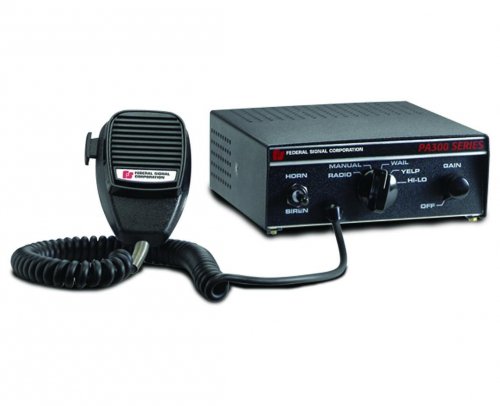 Thank you for the prompt response! I ended up downloading the modification and I think you've improved the yelp a ton, good job on that, however there's something wrong with the yelp and there's no priority tone, and where the priority tone should be, (POLICE_WARNING) the hi-lo is.
 -
I would love to download this siren except the yelp is a little off. Also, what fuel script do you use? Thanks, Alpha
-
I like it except for the font on the "Patrol" and "Sandy Shores". What program do you use to edit the vehicle texture?
-
So, you might need to delete your mods folder from OpenIV and reinstall everything into your mods folder.
-
 My guess is that Albo needs to come out with an update for the latest patch.
- 267 comments
- 36 reviews
-
 Just extract your vehicles.wav from resident.rpf into .oac to your desktop... it'll make a folder named vehicles and a file named vehicles.oac. You put in the siren files into the folder, overwrite if necessary, and then drag & drop the .oac into the resident.rpf.
- 43 comments
- 10 reviews
-
-
- 1
-