pcGAMEZguy
Members
-
Joined
-
Last visited
Everything posted by pcGAMEZguy
-
Everything is working great but i cant get the Boat Question menu to appear when arriving at the scene. Ive tried changing the key binding to I instead of Q but nothing *Edit, stupid me was not initializing a traffic stop first.
-
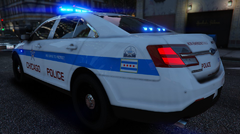
From the album: {WIP} Chicago PD Livery's [Not my Models]
-
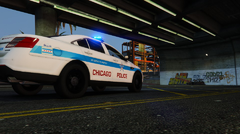
From the album: {WIP} Chicago PD Livery's [Not my Models]
-
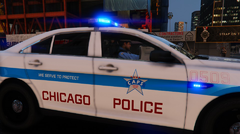
From the album: {WIP} Chicago PD Livery's [Not my Models]
-
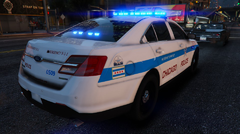
From the album: {WIP} Chicago PD Livery's [Not my Models]
-
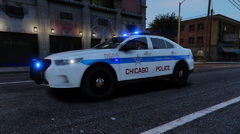
From the album: {WIP} Chicago PD Livery's [Not my Models]
-
-
-
-
Very welcome
-
Just try in game, sometimes its just OpenIV
-
Why comment in the support columns if your not going to help. Go to youtube isnt helping. When you get things up and running or if you have a backup folder of 1737.6 you can copy these files and save them to revert back instead of using Rage backup. GTAV.exe GTAVlauncher.exe Put these back in your directory and launch.
-
Not sure if this will help but im assuming you are adding each carvariation in the modding dlc for each vehicle?
-
LSPDFR+ works fine for me on 0.4.4 but Comouter+ been shady since for a while
-
-
Make sure your downloading EUP outfits made to work with the current version EUP which is 8.1 not the old version 7.5
-
In the trainer put vehicle tint to stock or no tint
-
Both of those still work
-
I would take gang callouts out. 3 years old
-
You can find the setting in els.ini in the main directory of GTA V Look for this line LightFlashDelayMainLts = 10 Mine is 10 but the lower the number the quicker the flashing
-
https://www.lcpdfr.com/legacy/lcpdfr-guide/
-
There is no new version of ScripthookV yet
-
-
Come into my discord we will help you out if you want https://discord.gg/vcN4ysX
-
I believe i have 4TB HDD the 0.4.2 is now 0.4.4 lol