


pcGAMEZguy
Members
-
Joined
-
Last visited
Everything posted by pcGAMEZguy
-
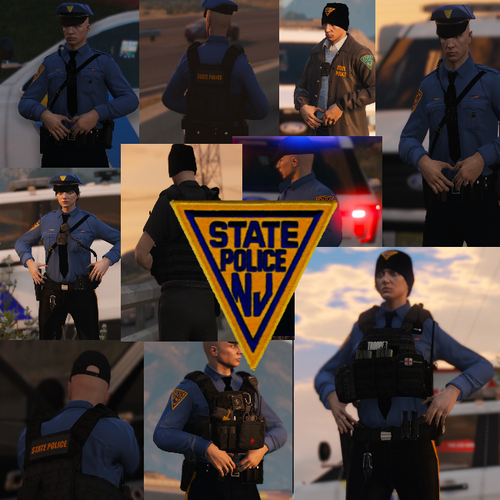 Are these vehicles for the skins stock in lspdfr? Or do I have to download the vehicles? Thanks
- 37 comments
- 6 reviews
-
Is this for the In Game 2015 Chevy Tahoe? Also do you have the CVPI NJSP skin and this Tahoe skin NJSP? That would be Awesome! I tried other packs but yours look amazing and sinple lol. Also include a donate button or something. I'm very very new to LSPDFR and appreciate it!
-
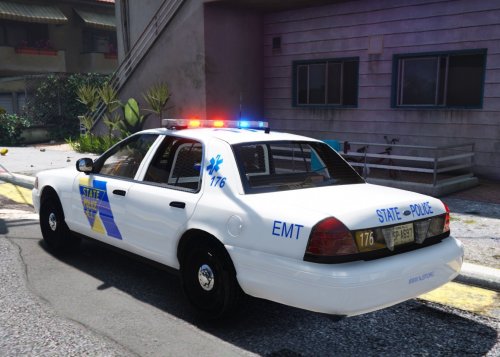 Have you guys had any problems with the Edit Mode in OpenIV disappearing when searching for a particular vehicle? Like in this case Sheriff. I am very new to this community and PC gaming as I am coming from consoles. Do you have a step by step for these textures? I know it may seem simple but could use some help. I was however able to install the Crown Vic pack that was required through OpenIV package installer, it just wont work when I try to put the NJSP textures in the vehicles file to replace the old ones.
- 7 comments
- 2 reviews
-
-
 I believe it goes into the console. Press F4 and see it it unfreezes. If that is the case when starting rage hit the settings wheel and start in windowed mode. That should get your console back at least. I'm still trouble shooting why I can't see the PSR.
- 1,196 comments
- 127 reviews
-
-

- 1
-

