




Kreemerz
-
Joined
-
Last visited
File Comments posted by Kreemerz
-
-
-
-
-
 23 hours ago, zombitt said:
I have never seen this happen before, do you emblem the texture to the .ytf of the car? If so, it might cause the size issue. Also, have you tried to downscale the texture size from 4K to 1K?
Maybe I'm doing something wrong?
So when I finish building of the model, the first thing I do is export the 2 yft files.
Then I export the textures from the screen below or re-save the files.
Maybe that's not the best way to get the textures from all the other parts/groups?

-
-
Edited by Kreemerz
On 9/18/2023 at 10:43 AM, zombitt said:It is weird, can you describe more the problem? It could be the material setup or the error happens when you import the textures into OpenIV only?
Zmodeler handles the import or opens the file with no issues.
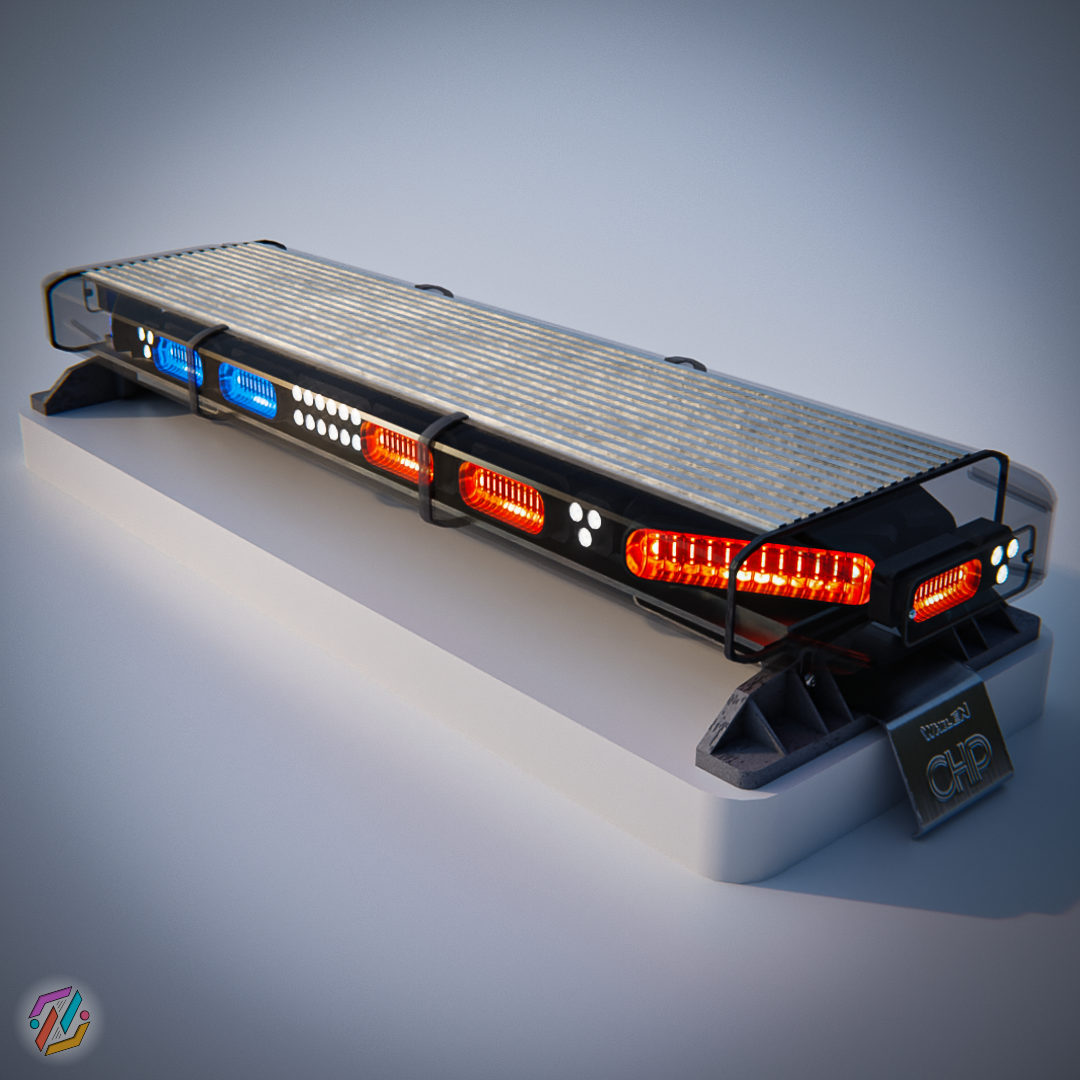
The issue occurs when you import the textures into OpenIV. I tried redoing it today and it could not import the following file: CHP_s_Whelen_Liberty_I_DefaultMaterial_Normal
I just skipped the file and tried spawning the model. the model crashed the game when spawning... still investigating.
-
Edited by Kreemerz
something is wrong with several of the textures.... when exported from Zmodeler, it appears that 5 of the textures corrupt all the other textures. Still researching
Something weird happens with the texture files (.png) in your folder. Not sure if it's because you initially created them in blender or what but it really gets screwy when importing those textures into OpenIV.
-
-
-
-
-
-
-

-
 On 4/14/2022 at 3:58 PM, lujerex said:
Dude why you’re telling me this? I’m not the author 😂😂, I literally do this with my own files… I’m the wrong person to be telling this. And like the other person and like I said the updates notes are coded to be below the description and as authors we are required to fill them out. As this conversation been going for a while now I’m losing interest and you’re just complaining about completely secondary things now. Take care, bye ✌🏾✌🏾
Because you replied. 😂
-
Edited by Kreemerz
9 hours ago, lujerex said:@Kreemerz | The update notes that all authors are required to put something for. Big section below the main download page section. Looks like this:

Just some suggestions on design and layout for instructional purposes.. you may want to include any important details that you really want your viewers to capture toward the top of the page (arrows in green) and not at the bottom (in red). The most recent and vital details are almost always placed toward the section of the webpage that people's eyes will see first.

-
Edited by Kreemerz
14 hours ago, lujerex said:The updates notes literally says: "jsut updating the version umber to display a more accurate one. No need to downloand and reinstall, no new content."
But you already knew that or else you wouldn't have been able to ask your original question.
1. Alex did answer your question in the update notes. You even answered your own question within the question itself.
2. I'm not Alex so I don't know but it's pretty obvious that he wasn't gloating or flexing his numbers. You said that he published an update with no content because he wanted more downloads so he basically said why would he do that if he already have 2 million+ downloads. In case you ain't realize, you can count on your hands the amount of files on this website with download numbers in the millions. LSPDFR itself, LCPDFR itself, Albo's old stuff, ELS, and EUP.
Just a pro tip from a non-pro: If you want to get help for something that's clearly already answered, maybe you shouldn't accuse the author of farming download numbers when he's already one of the community's leading authors. Just saying... 🤷🏾♂️1. Thanks for attempting to answer my question?
2. What notes are you referring to?
3. 👍
-
Edited by Kreemerz
6 hours ago, Alex_Ashfold said:Yeah cuz 2 millions + is not enough
So has the file been updated or not? or do you have a pertinent response?
So you didn't even take the time to answer the question you instead wanted to gloat. (sigh)
-
-
-
-
-
-
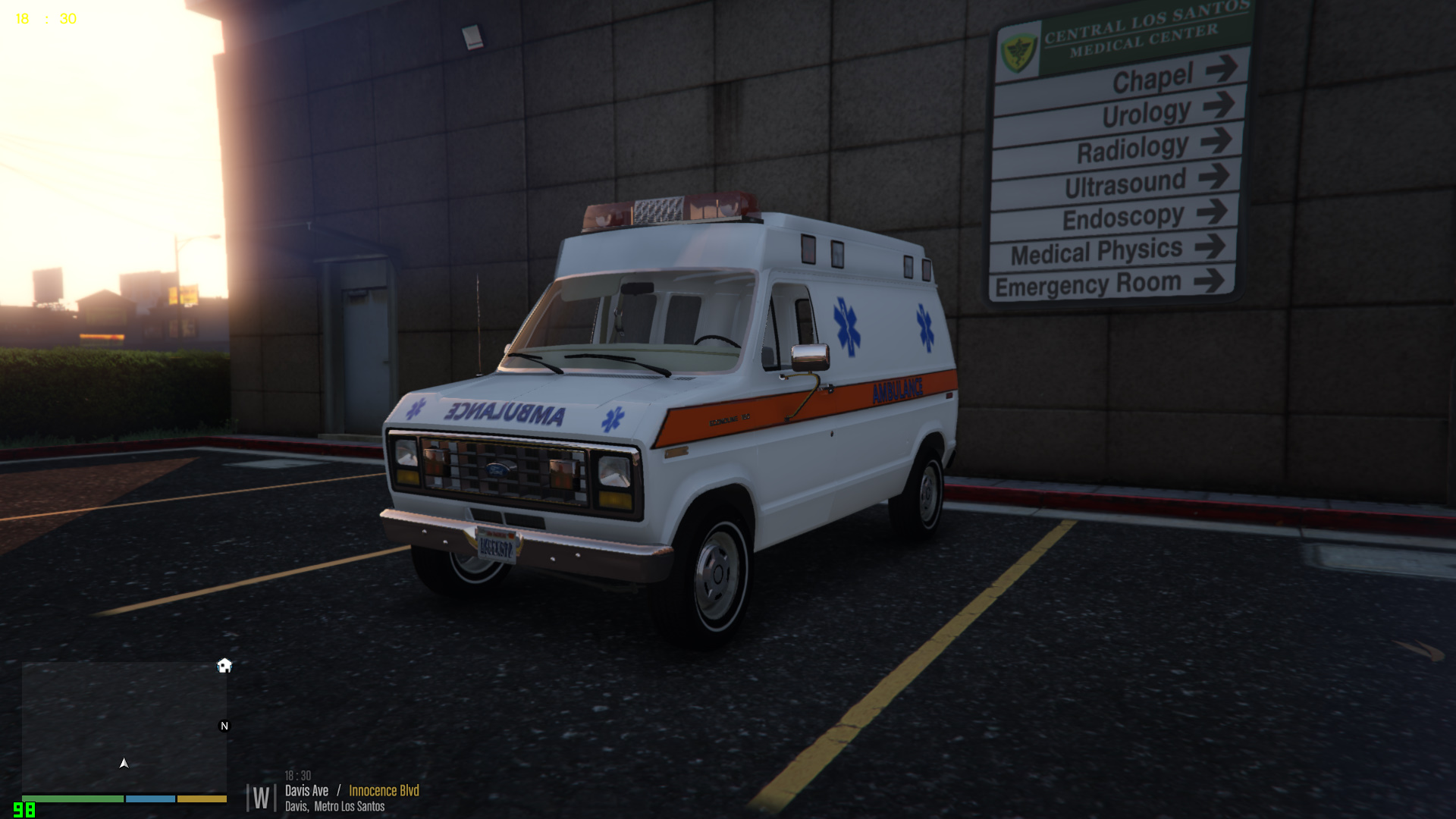




Unmarked Mini Pack [ELS]
in Vehicle Models
Well, not much of a party but well okay. Lol.
Thanks for answering the door anyway.