
WhiskeyBehavior
Members
-
Joined
-
Last visited
Everything posted by WhiskeyBehavior
-
 Could I (we) get an all-blue lighting pattern that works for the ELS vanila harley:
- 380 comments
- 31 reviews
-
-

- 1
-
-
-
 gotcha! Either way that pack looks great... impeccable design!
 -
AWESOME! *IF* I may be so bold to throw out some suggestions: a generic van texture option (not specific to ME/prisoner/etc), a pickup, old generation and new generation tahoe, impala, taurus, explorer, caprice, '16 charger, suburban... I work with a pretty big department so I'm just thinking offhand of our local fleet. I'm sure you're thinking of some of these already, just wanted to think out loud... anyway, really looking forward to its release! From the sounds of it I think it'll be taking over my game.
-
This would be an amazing alternative to the lenco. Awesome teaser. Just my two cents but would love to see this texture as part of a "mega pack" for LSPD... I find a lot of the "mega" packs lack diversity (motorcycle, prisoner transport, swat vehicle, etc...). Been using your LSPD pack 1.0 black and whites for some time now!
-
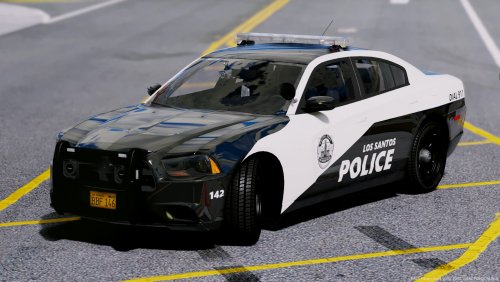 ^would love to see these added too. As well as skin for a "special operations" type pickup... maybe this silverado? Great textures though regardless! https://www.gta5-mods.com/vehicles/chevy-silverado-law-enforcement-templated-multiple-skins
- 46 comments
- 16 reviews
-
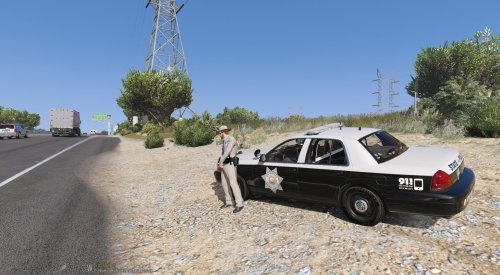 Currently installed as my highway department fleet and love it! Not changing these any time soon
 -
uninstall RDE? I don't get an infinite loading screen but once I'm in game and drive around the game crashes. No ETA apparently on the update so until then I found it easier to take it out. It's unfortunate but as soon as I did the game works fine.
-
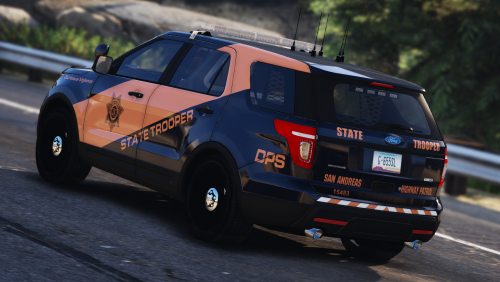 Any plan to release the black on white theme skin for this caprice? Would love to add it to my fleet. https://www.gta5-mods.com/vehicles/los-santos-police-chevrolet-caprice-ppv
- 24 comments
- 19 reviews
You, I owe a drink to. Thanks for this!I'm sure that's not as difficult as it sounds but when I say I'm "still learning" I mean this is like day 3 of modding anything ever for me. I'll get there lolAhh gotcha, thanks for clarifying. I'm still learning this whole modding thing.Hi all, Does anyone know if there is a file out there that converts the lighting of @Thehurk 's CHP expedition to all blue? I did a quick search and found nothing but want to double check. Could anyone help me get an all blue light texture update for this? Thanks in advance!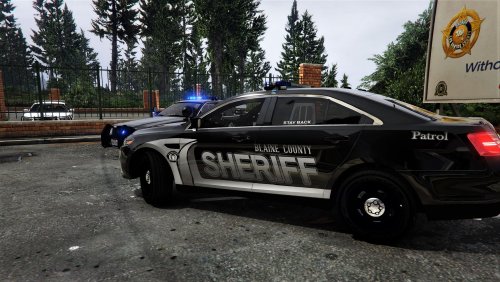 Interesting.. I don't have that on mine. I'll reload and see what happens. Also, just curious if you're up for it, but would you make this skin for theHurk's expedition from his CHP pack? Just thought I'd maybe add that instead of the tahoe... restarted comp and openIV and it appeared! thank you!
- 22 comments
- 4 reviews
-
-
- 1
-
Yes I am using all the vehicles from his pack... I have BOTH cvpi files in game (slick top and regular) and when I go to open both ytd files, I cannot seem to find the "sign 1" texture file. I went line by line - I do, however, have the charger and the taurus installed and dang do they look good!- 22 comments
- 4 reviews
-
-
- 1
-
Awesome skins!!! I have one issue with uploading the CVPI: when I go into the texture dictionary (ytd file)... there is no "CVPI - sign 1" texture like there was in the other files. Is that only on my end or am I missing something? Thanks in advance!- 22 comments
- 4 reviews
-
-
- 1
-
Hey all... so I have the EUP menu installed and it was working fine but just now twice in a row it has crashed. Once when editing an outfit in "wadrobe" and the other when selecting different LSSD outfits. Has this been happening to anyone else? Nice pack! I see this fleet almost everyday irlOk I tried. It's 1min25sec let me know if there is any problem viewing it. I tried to show both day and night with several of the vehicles I have installed... although not all are shown, it's the problem with all of them. Here's what's stumping me.... when I tested the lighting with the basic GTA police vehicles when I first downloaded the game, the red and blues were vibrant as they should be. Could it be ELS? My graphics card? Based on all the forums and youtube videos I'm not the only one who has this problem, but apparently the only one who can't figure out how to fix it. Appreciate the help nonetheless Scotty IMG_9220.MOV So can anyone diagnose it from the attached vid? The lightbars and lighting components just don't have that glowing bloom effect even with the visual enhancements and mods...Thanks Scotty, but I've already tried that as well. Along with changing shader, shadow, whatever else has been suggested in other threads. Like I said, for some reason, it's just the taillights and reverse lights that have a bright and efficient flash pattern. the red/blue/amber lights that are on the cars are lit to their respective color but do not emit that bright glowing effect.
 Very nice work. Replaced police 1-4 for me. Easily some of the best looking cars I've put into the game and they'll remain my city patrol.
- 17 comments
- 12 reviews
I've tried graphic mods too, radiance included. Like I said, the taillights and reverse lights (and a lot of the headlights, although not all) are very bright and have that "glow" effect. It's just the lightbars and deck/dash lights that are dim in comparison. I'll try to post a video/picture of what I see.Hi all, When I say I'm new, I mean ZERO experience modding or even playing PC games. GTA5 is what I'm starting with and just messing around with LSPDFR. I've changed all the emergency vehicles to what I want but I've encountered a common problem: my ELS lights are not bright. Here's the problem: it's the lightbar on top of the vehicles and the deck/dash lights that are within the vehicle just don't glow... they do emit their respective red/blue colors and flash patterns though (just not bright). The taillights and reverse lights (and even a few headlights, but not all) are bright as f*ck. I've followed all instructions with each model I've installed and have tried graphic mods with the help of my brother (who is way more experienced with this than myself) and we cannot get the lightbars or deck/dash lights to glow like the taillights flashing. I've read countless forums and watched many youtube videos that date back to 2012 all the way to as early as last week. It's no help. My red/blue flashers are dull as could be (especially during the daytime hours of the game) and would like to see them glow as bright as the taillights. Thanks in advance!