
WhiskeyBehavior
Members
-
Joined
-
Last visited
Everything posted by WhiskeyBehavior
-
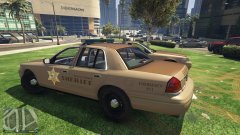
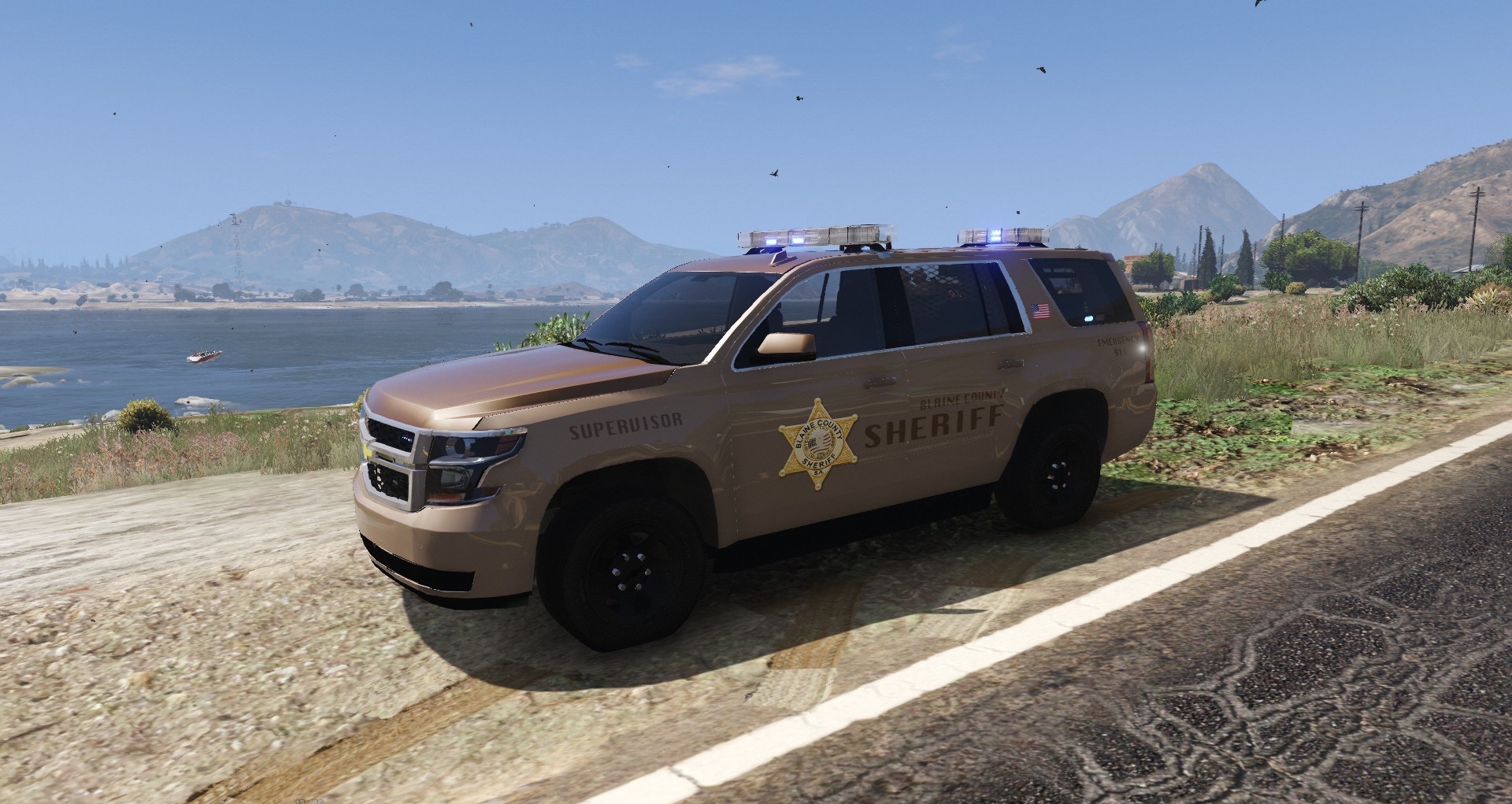
From the album: BCSO pack - WIP
© WHISKEYBEHAVIOR
-
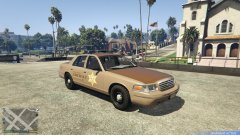
From the album: BCSO pack - WIP
© WHISKEYBEHAVIOR
-
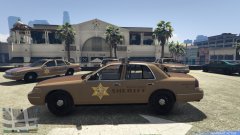
From the album: BCSO pack - WIP
© WHISKEYBEHAVIOR
-
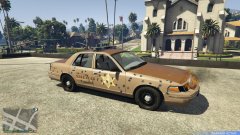
From the album: BCSO pack - WIP
© WHISKEYBEHAVIOR
-
oh nice I like that!
-
Sweet! Thank you!!
-
That would be awesome! Feel free to share here or send directly!
-
That's looking good! I'm basing my BCSO skins off several different midwest SO fleets I've seen... small budget so therefore older cars/outdated and simple liveries. I have my LSCSD as my "well funded" sheriff as they get the caprice/fpiu/fpis/chargers/etc...
-
Thanks... adding the cars/textures I think I have down. It's just the actual creation of decent skins I want to learn, which I think is more of learning to use PS proficiently enough. We'll see. Hoping to work more on them this weekend.
-
No but I will... thanks. I've been into this modding/creating textures thing for a whole 36 hours so when I say I'm just starting out with it I mean it lol
-
Ha! I'll add that to my "to learn" list considering I wouldn't even know where to start with that just yet
-
Thanks! It needs work but getting it installed showed me exactly where I need to improve on this first go round. Thanks for the resource too, I'll check that out next time I'm working on it all
-
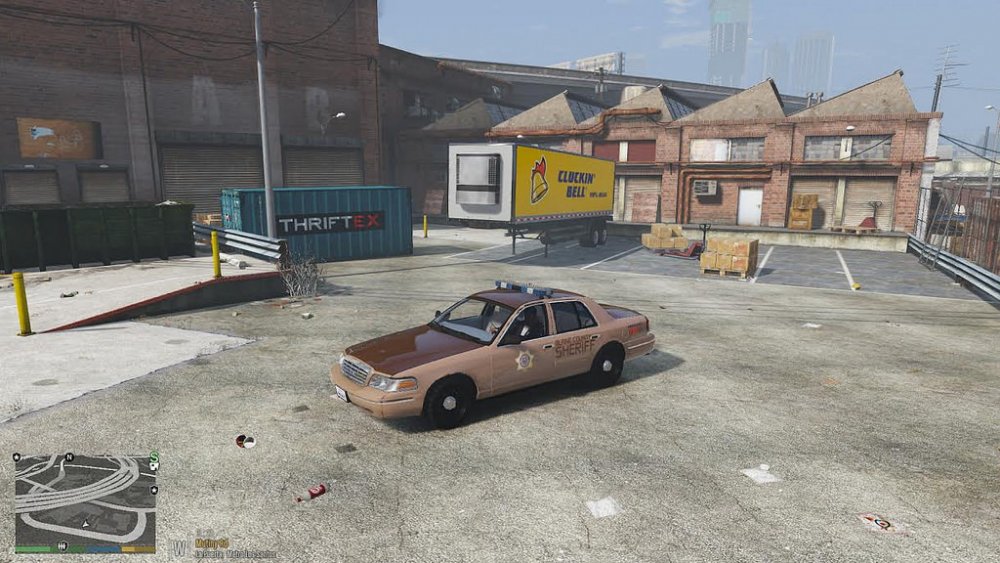
@LegionGL that looks great for your first go. This is my first attempt, a BCSO sheriff livery. It needs a lot of work but I know what I did wrong with the lettering. Now it's just a matter of time until I learn how to fix the blur of the images as well
-
Hi all.... I have LSPDFR, RDE, and the EMF downloaded and I'm looking to change peds. I can't seem to get it to work. I was told I could just drag and drop into the EMF but that doesn't seem to work. Then when I follow the install guides for the peds, that doesn't seem to work either.... What could I be doing wrong? Thanks in advance for any help! PS - I do not have EUP installed... for whatever reason, when I do, it crashes upon startup.
-
lol I'm so green at this I am legitimately going to have to do my research on this. The skin I made last night was SO basic but it gave me a very broad understanding of what needs to be fixed, what I need to do better, and what I need to learn. That being said, I need to also be able to fully understand what you, T0Y, and everyone else on here is telling me (yea, I'm that new to this). So I have work to do. But I appreciate you guys taking the time to help with advice
-
Thank you, I'll attempt changing the canvas size tonight to correct the blur. The logos may need to wait a bit until I can tackle each tool and work on my editing. Thank you, I'll try this canvas size as well.... does it matter that the model(s) I'm beginning to work on don't all have a +ytd file? I'm assuming if they don't then the 2048 size should be sufficient...
-
Looking to get a 24" (or bigger... preferably bigger) monitor but don't want to break the bank. Any suggestions on what I should be looking at? Found some Asus, acer, and some brand called Viotek (?) off Amazon but don't know what I should be avoiding vs. what I need. I am not looking to go dual monitors for running the game, never liked having a break in the screen, hence why I'd rather just go with a bigger monitor. Any helpful advice is appreciated!
-
Hi all, Last night I gave it go at making my first texture. It was crap. But I learned a few things and want to hone the skills on creating something worthy of releasing. Where do you all get your resources such as the logos of each department? I can add texts and whatnot but it's the logos I'm having a hard time sourcing and resizing - specifically the BCSO and LSCSD, but eventually will need all the other departments sourced. Also, when the time it right, I could use help with getting certain sized features to not be blurry (but I really have no clue on where to begin on describing it all) - but almost everything I added turned out blurry in game (though did not appear so on the design canvas or when checked on openiv... Anyway, thanks in advance for any help.
-
-
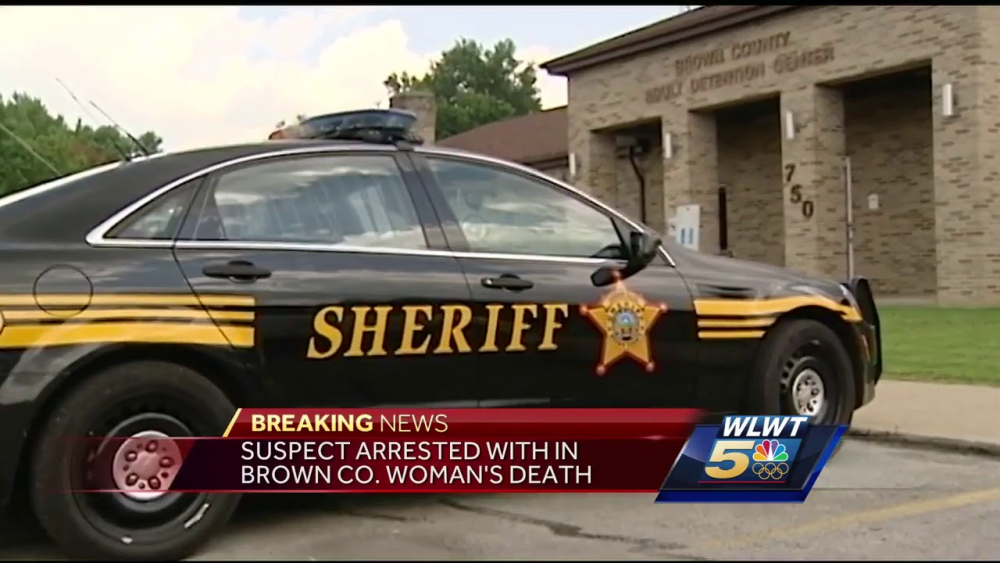
I'm looking for a brown livery pack (see first picture... instead of the black main color, just a solid brown with the gold stripe and LSCSD logo) for Los Santos County Sheriff Department... looking like this: for t0y's paleto bay pack: and: and a "SPECIAL OPERATIONS/SWAT" version of the 2008 ESU truck: also looking for a secondary skin for the slicktop cvpi to have a "SUPERVISOR" livery. Anyway, just a suggestion of a texture pack I've been wanting to see.
-
I'm looking for a brown livery pack (see first picture... instead of the black main color, just a solid brown) for Los Santos County Sheriff Department... looking like this: for your paleto bay pack: and: and a "SPECIAL OPERATIONS/SWAT" version of the 2008 ESU truck: also looking for a secondary skin for the slicktop cvpi to have a "SUPERVISOR" livery. Anyway, just a suggestion of a texture pack I've been wanting to see.
-
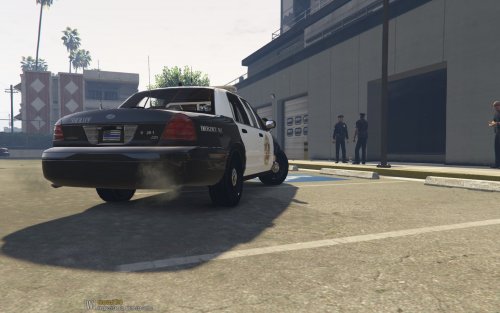 Installed as my "pcar" for RDE... perfect!
 -
Thank you @Kallus Rourke, I will look into this this weekend. Appreciate the help
-
I know of a few major departments in the US that use these for special operations, particularly crowd control or SWAT/SRU. I'm hoping someone might take this one for a small pack of (2) different versions to be made: 1, the pick up version just as below: with a whelen liberty light bar (top front, bottom rear): 2, the boxed out tactical version (with a different light bar, dealers choice, preferably a clear led bar like above though and some lights on the box itself sides and rear):
-
Hi all, Hope I'm posting in the right area. I installed a few vehicles last night and they spawn with tinted lightbars (therefore not showing the color emissives). What's the best way to go about fixing/where can I find the right lines to edit?