




MichaelV
Friends of LSPDFR
-
Joined
-
Last visited
Everything posted by MichaelV
-
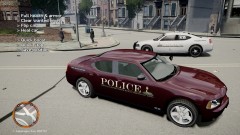 Epic Acronym!
 -
-
Great Car! Just a tip, you may want to use capitals and make the title more detailed so you can get more downloads.
- 8 comments
- 1 review
-
No, I think you can open it in notepad. It works for me in Handling.dat
-
You can try the command line method... 1. Create a notepad file and call it commandline. 2. Paste the following text into the file: -norestrictions -nomemrestrict -percentvidmem 100 -availablevidmem 18.0 -refreshrate 60 3. Put the new file into your GTA IV Directory. 4. See if it works.
-
Go to "Graphics" in the Esc Menu ingame. If the fraction at the bottom is red, that means you have low graphics and might need a new Graphics Card. Or you can use a Command Line (It worked for me, i'm not sure about you).
-
That means you either have a memory leak (if you have too many mods) or your graphics settings are not suitable for the game.
-
Run As Administrator.
-
I think the CVPI is made by this author. I may be wrong. http://gtapolicemods.com/downloads.php?do=cat&id=10
-
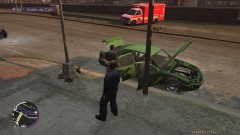 We will need a backup ambulance...
 -
Don't stress yourself. Have fun.
-
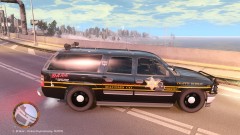 Your skins are awesome!
 -
Google, my friend.
-
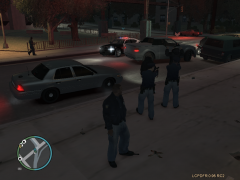 Great Unmarked CVPI, Do you happen to have the link?
 -
I want to be an accountant... is that weird?
-
-
-
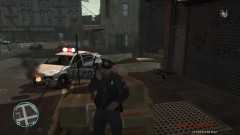 ...Or Both
 -
-
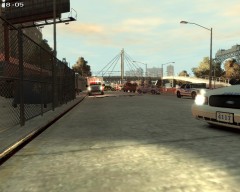 Is that a Land Rover in the back with the European Skin?
 -
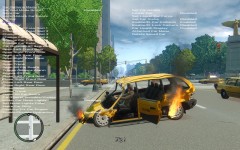 LOL, why are you still in it?!
 -
 Thanks!
 -
It is a F-150.
-
Shouldn't it be in all caps?
-
Nope, I'm not even sure they made one.


