The Beast 105
Members
-
Joined
-
Last visited
Everything posted by The Beast 105
-
-
-
 @Cheep I'm so sorry. Somehow I didn't had the 'CheepCallouts' audio folder at all. I just forgot to install it. 🤦♂️ My bad, sorry!
- 136 comments
- 42 reviews
-
Is it correct that dispatch says 'we have a in X'? It was the vandalism callout but dispatch didn't say 'vandalism'.
- 136 comments
- 42 reviews
-
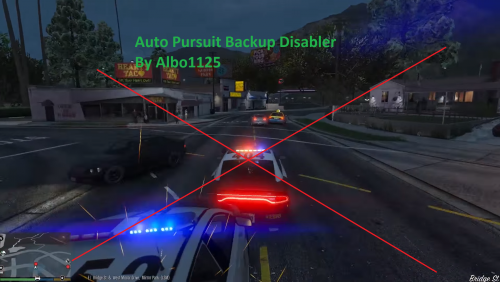 I have an issue with Auto Pursuit Disabler. Every time I go on duty (via 'Force Duty') I get a message from 'Police SmartRadio' that AutoPursuitDisabler.dll is conflicted with SmartRadio. After pressing Enter the message disappears and Auto Pursuit Disabler is not active. I don't know what's going on, because I had both mods in the past and they worked. Together. Thanks
- 57 comments
- 15 reviews
-
 So it's a 'one time thing'? 'cause what do you mean with 'restart your game and it should be gone'? Of course it's gone when I end the game, but why wouldn't this happen again? Anyway, if I get this issue again I'll send you my log. Thanks for your help
- 58 comments
- 12 reviews
-
Did I do anything wrong?! I got the callout 'Abandoned Vehicle On Road' but when I arrive the mini map turns into a 'window of weird red ... things...'. I can't really describe it and I can't upload a pic of it either. (Some problem with the website I guess) The mini map and also the map are not readable anymore. The mini map flickers and you can only see one or two blips. Is it something I did wrong or is it your callout pack?
- 58 comments
- 12 reviews
-
-

- 1
-
-
I have to correct myself. Somehow EUP is working fine now, but after going on duty (via 'Force Duty') I got the same weird texture issues like before. Any ideas? [Solved]
-
Hey guys, after reinstalling EUP and EUP Menu I still have the same issue. Everytime I open the menu (via F11) I'm still Franklin and not the vanilla EUP character as it should be. And even worse, I got weird texture issues with the nearby streets buildings sidewalks and so on. Maybe I'm just too dumb to find the solution. Anyone has a clue what's going on? Thanks
-
This mod solved the problem: https://www.gta5-mods.com/misc/realistic-lighting-v
-
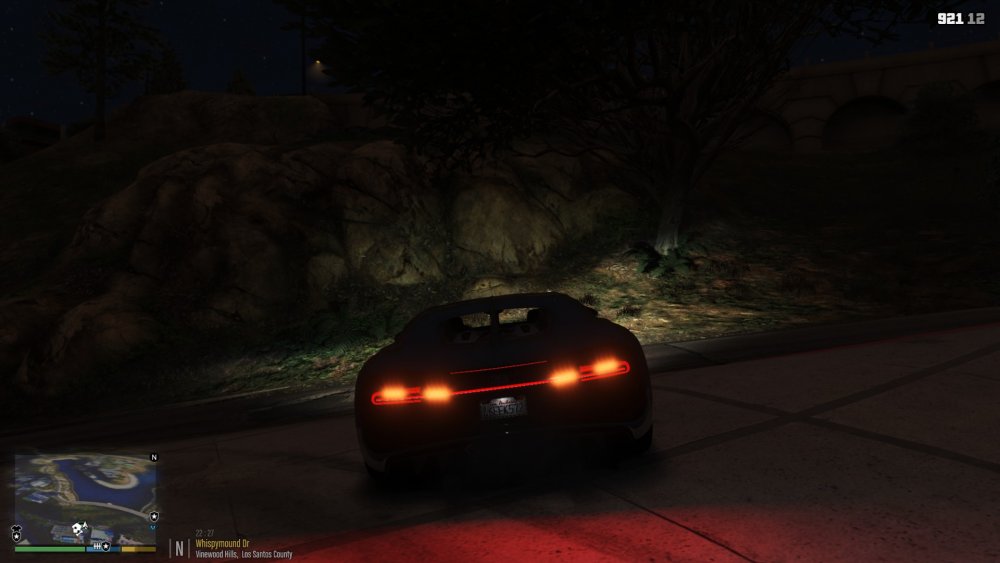
Hey guys, I hope someone can help me. My problem is this: I'm 110% sure that this vehicle mod is not the reason for the red dots (BTW it's an awesome vehicle mod), because this is not the only vehicle with this problem. There are a few more vehicles with the same issue. (But not every vehicle!) I think it's caused by a specific mod. Maybe this one? http://www.lcpdfr.com/files/file/10169-basic-vehicle-actions/ Or is it just the vehicle itself that causes the issue? Thank you
-
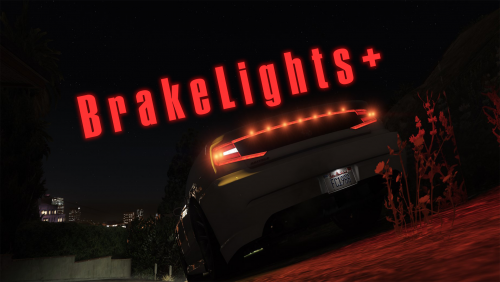 Thanks for the trouble. I'll reinstall ELS and see what happens. Anyway, I hope I didn't cast a poor light on your mod. I like it. It's a must have for lspdfr!
- 43 comments
- 13 reviews
-
-
- 1
-
-
I'm using: These are the mods where I've experienced this weird issue. I do have more police vehicles but I didn't tested them yet.
- 43 comments
- 13 reviews
-
@Alienatedfandoms I‘m not 100% sure, but I think I had the same issue. Do you have a lot of vehicle mods? Maybe you need a ’new‘ gameconfig. Otherwise you have to do what @boxvader said. BTW, next time please post your crashlog in a spoiler!
-
-
@sr7066 Still a great feature as I already said a few months ago. But now I have a small problem. When I turn my lights (ELS) to stage 3, either the left rear or the right rear tail light goes off. But not all the time. And here is the weird thing. After a while both tail lights work again without pressing any key. Is this issue caused by me?
- 43 comments
- 13 reviews
-
-
Hey guys, so currently I've a problem with gta5. The game keeps crashing after 20-40 minutes. I'm using visualV, NaturalVision Remastered, modified gameconfig (https://www.gta5-mods.com/misc/gameconfig-for-1-0944 ) and about 15 vehicles (replace and add-on). Windows event viewer tells me either the faulting module is Microsoft.NET or GTA5.exe. Any ideas?
-
haha best tip ever. Seriously, I'll take a look at the ini file.
-
This key activates the cruise lights.
-
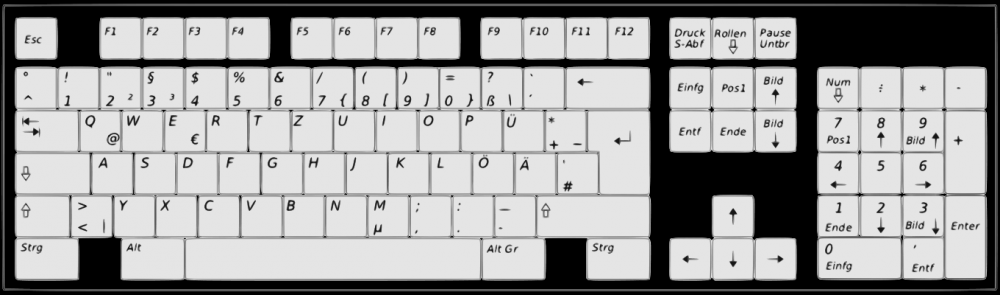
For comparsion: A german keyboard
-
nope With the | key nothing happens. The \ key turns on the cruise lights. I gonna try to change something in the ELS ini.
-
Haha As I read that I had to laugh. Don't get me wrong. I don't want to laugh at you. But the key above the ENTER key is the backspace key. Our keyboards are totally different. As you said before, I don't know the translation between the american and the german keyboard too. What I can activate are the takedown lights, primary, secondary, warning lights, the cruise mode/lights and all the sirens.
-
Yeah, I always asked myself, are there enough keys on a controller. Even if, I don't have a controller. I don't know if I should buy a controller for like 50€ and the only time I would use it is when I play LSPDFR.
-
Hey guys, so I have a problem with ELS. For example, I can't activate the blackout mode. The main things like takedown lights, primary, secondary and warning lights are working fine. I guess the ELS guide is for the english keyboard, not for the german keyboard. So there are some different keys. Any ideas?