Trp. Keaton
Members
-
Joined
-
Last visited
Everything posted by Trp. Keaton
-
 They're only going to get better my friend
 -
-
Hi there, please use the provided google forum on the download to report issues found with the pack. As for making replace files, no replace files will be included with this pack. Due to the complexity of each vehicle, having replace is not a viable option. Add-on files are much better, as you can have access to every car right from the start.
-
-
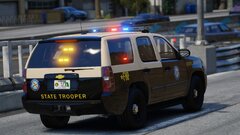
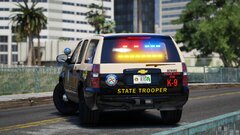
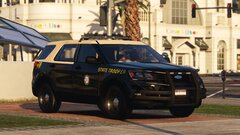
 I am so happy that you are enjoying the pack. A 19/20 Chevy Tahoe K9 variant is planned, and trunk equipment is hopefully going to be coming to the pack as well before full release. If you have any suggestions for trunk equipment, please do send me a DM, or contact me on discord!
- 300 comments
- 22 reviews
-
-

- 1
-
-
Hey, sorry for the late reply. I currently don't have an estimated time until completion, but if you would like to help report any issues with the pack, that would always be appreciated.
-
-
You might be missing some required files for DLC packs to work. Below I have linked somethings you should download, and give it another try. If they don't work, send me a DM, and I can try and help in seeing what the problem might be. Install Gameconfig by going to Mods/Update/Update.rpf/Common/Data and drag + drop gameconfig.xml into it. https://www.gta5-mods.com/misc/gta-5-gameconfig-300-cars Install Heap-Limit-Adjuster by dragging and dropping GTAV.HeapAdjuster.asi into your Main GTA directory. https://www.gta5-mods.com/tools/heapadjuster Install Packfile-Limit-Adjuster by dragging and dropping it into your Main GTA directory. https://www.gta5-mods.com/tools/packfile-limit-adjuster
- 300 comments
- 22 reviews
-
-
Well now it’s just all blue, but yes before it was configured in the R/B style, they only did it like that because certain colors where more visible at certain times.
- 300 comments
- 22 reviews
-
-
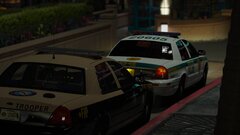
Oh yeah that thing. They do have one, well used too since they don't use vic's anymore, Ill find the picture for you
-
-
The Trello is still not available yet as I am currently working on it. As for the model list, that is also being worked on, once it's done, and the FHP is updated with fixes, it will be included
- 300 comments
- 22 reviews
-
-
- 1
-
-
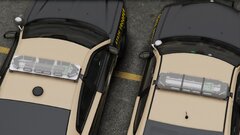
Are you talking about the Whelen Freedom bar? None of the cars have a tomar in them. Unless they do and I’m just slow.
-
-
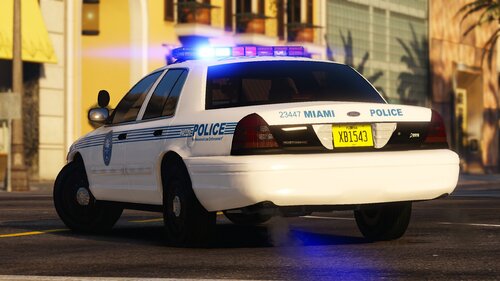 You might be missing some required items such as a custom gameconfig. I recommend downloading and installing all these items, and trying it again. https://github.com/pnwparksfan/gameconfig/releases https://www.gta5-mods.com/tools/heap-limit-adjuster-600-mb-of-heap https://www.gta5-mods.com/tools/packfile-limit-adjuster
 -
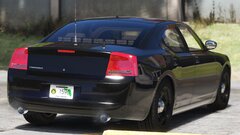 Slow but she's moving
 -
-
-
-
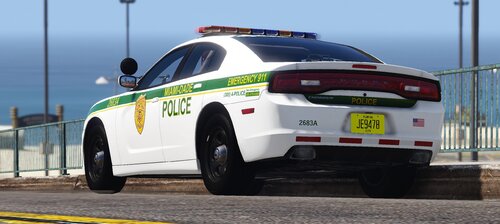 An update is currently being worked on for it as we speak. If you would like updates, you can join my discord at https://www.trooperkeatonproduction.com/
 -
Soon
-
-
-
-
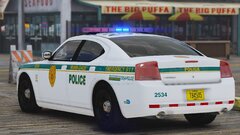
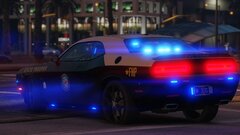
Yes the pack will be including a slicktop Dodge Charger, and With also have a Dodge Charger with the FS Valor
-
-
-
-