jsutton
Members
-
Joined
-
Last visited
Everything posted by jsutton
-
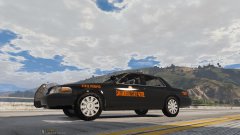
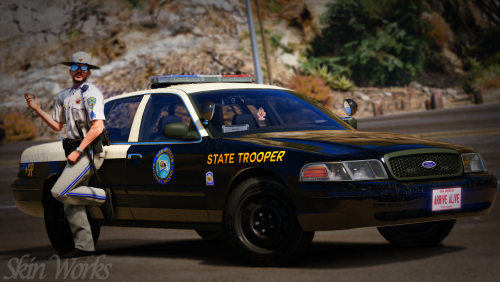
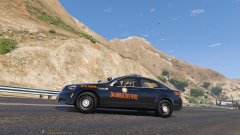
From the album: W.I.P San Andreas State Patrol (Georgia Based)
© Trooper Sutton
-
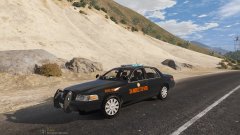
From the album: W.I.P San Andreas State Patrol (Georgia Based)
© Trooper Sutton
-
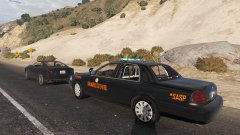
From the album: W.I.P San Andreas State Patrol (Georgia Based)
May come with blue and silver© Trooper Sutton
-
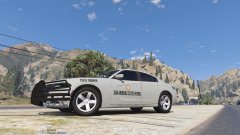
From the album: W.I.P San Andreas State Patrol (Georgia Based)
© Trooper Sutton
-
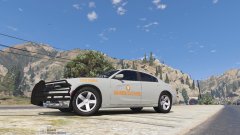
-
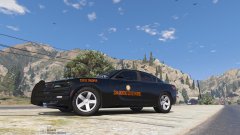
-
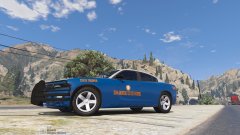
-
-
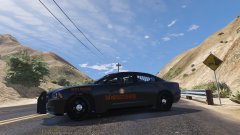
From the album: W.I.P San Andreas State Patrol (Georgia Based)
This car will come with more colors and a Nighthawk texture© Trooper Sutton
-
-
-
-
Some states do respond to domestic's North Carolina may respond depending on how far away and how busy our county is. But overall safety, I think it's more dangerous to be a Trooper considering how far backup response time for a Trooper is and if shit hits the fan in the rural areas like mine backup could be at least 20 minutes away.
-
As someone doing an internship with the North Carolina State Highway Patrol I cannot speak with 100% accuracy but I can tell you what I know. It's gonna be different in each state to a certain extent, but i'll speak on North Carolina HP. So basically here our Trooper's focus on 4 things. Speed, DUI, Wrecks, and seatbelts. Then you take Alaska State Troopers which has a lot more things they do. From what i've seen and heard, State Troopers have a lot more freedom and it's generally a lot less stressful then city or county.
-
V
-
So recently I just put in some new scripts and callouts and I noticed that I have these red dots appear on my mini map and there either someone that has a money bag and a gun. Someone who is drunk or someone who is trying to steal my car on a traffic stop. Is there anyone who knows how to fix this? I think it may be coming from "Stop the PED" but i'm not for sure.
-
 What model is that?
 -
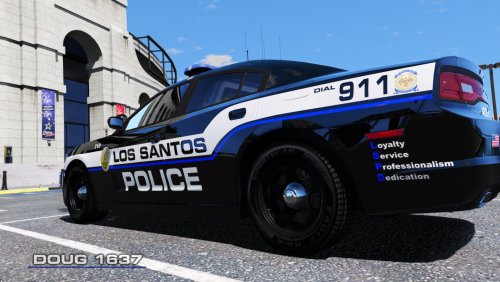 I know i'm late on this review but I love the design, and I love the fact that you based it off a NC department. Great work sir. And if you plan on doing any NC departments again, may I suggest looking into New Bern NC PD
- 5 comments
- 7 reviews
-
I was wondering if anyone would be able to make a North Carolina Highway Patrol based vehicle pack? I know someone already did, and they did a terrific job on it, but it wasn't enough vehicles. Georgia State Patrol may have won the best patrol car, but I can assure you the NCSHP cars look ten times better. We use the 14 Chargers, the 15's and the 16's with the AWD hubcaps. Although many people dislike the hubcaps, they really go great on our cars. Now if anyone would be willing to take up the task, please contact me.
-
 That's awesome man, I plan on doing a New Bern based pack soon. Actually it's just the skin, I used the Charger from this pack man
- 6 comments
- 3 reviews
-
I could attempt to make the skins
-
Yeah not many people like the red lol. If you ever need any skins made let me know man.
- 6 comments
- 3 reviews
-
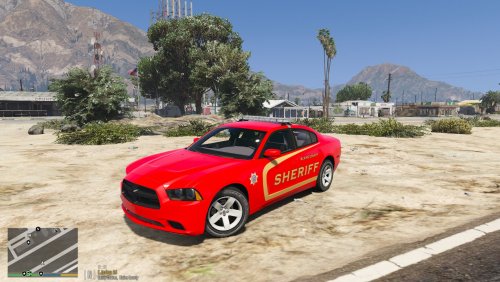
Well I decided to make my home county's sheriff skins. I made one marked skin and two unmarked skins. You don't see many red police cars around so here ya go. I plan to add on to this pack. If you have any request for it please PM me. Enjoy!!!!
- 6 comments
- 3 reviews
-
 When giving a citation, the citation says it's invalid due to the birth date not being valid, but it actually has a birth date on the citation.
- 1,743 comments
- 172 reviews
-
 Man I love all your work and I use it all the time. But can you do one ELS charger for me man.
- 380 comments
- 31 reviews
-
-

- 1
-