


jsutton
Members
-
Joined
-
Last visited
Everything posted by jsutton
-
 Gotta have Zmod bro it's a dev part
 -
-
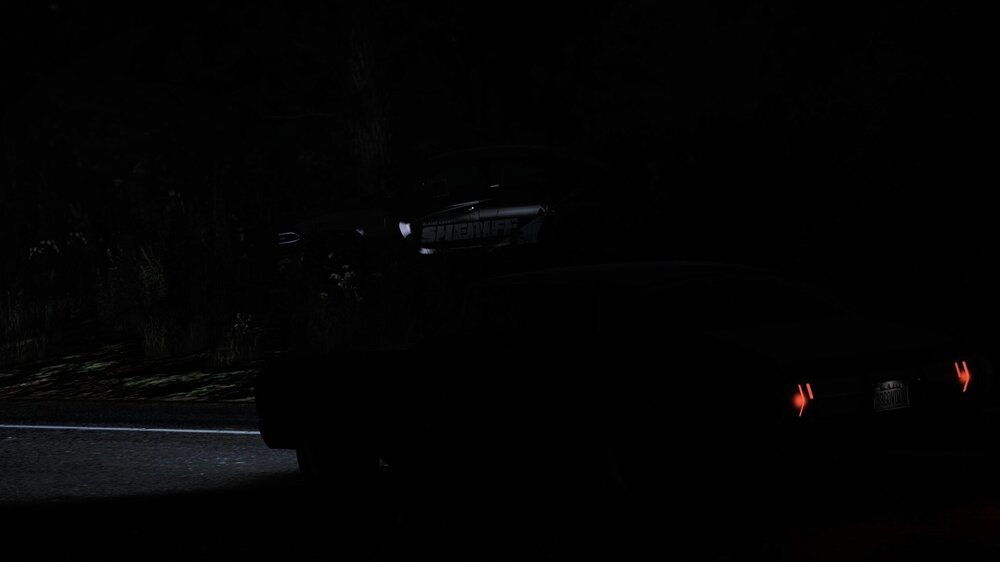
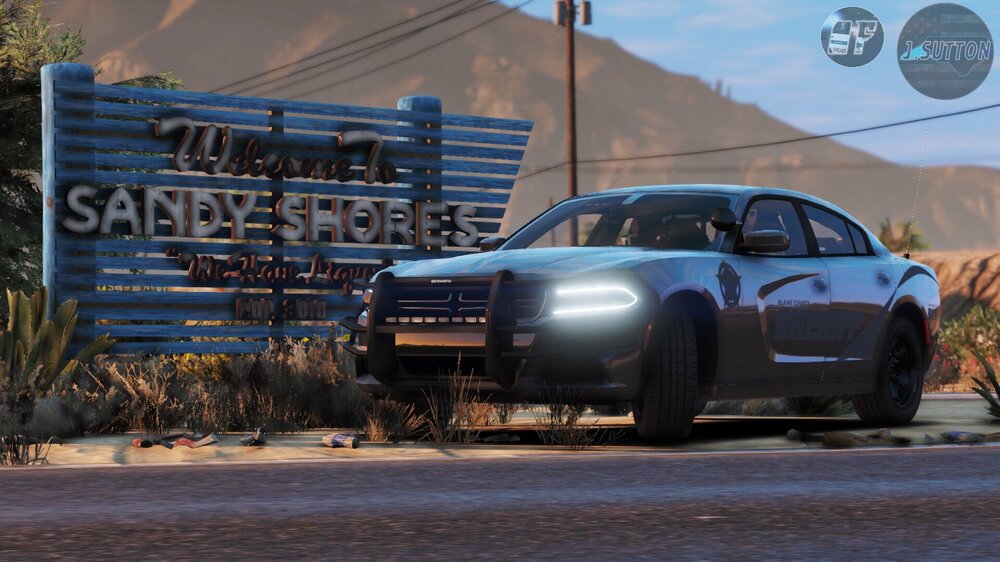
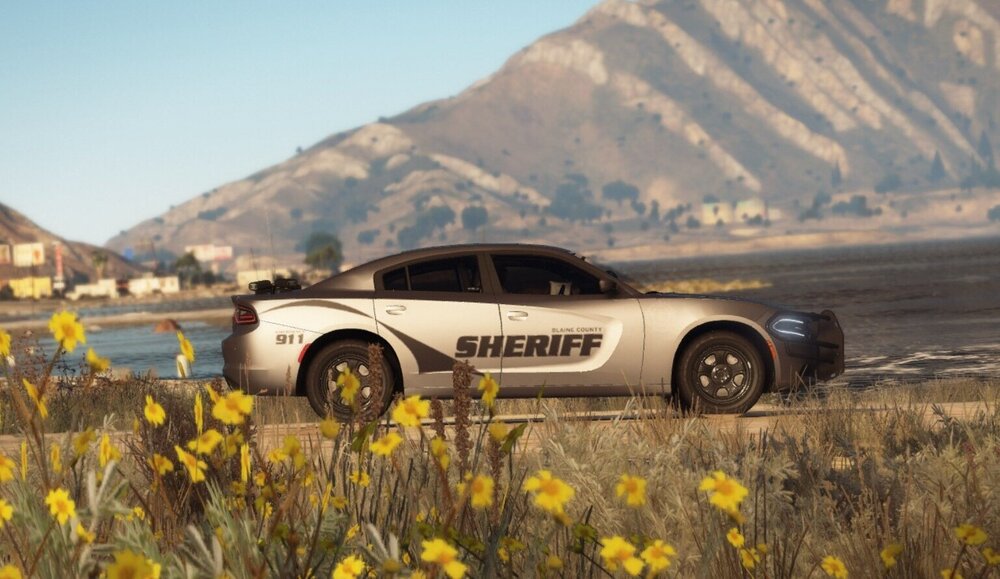
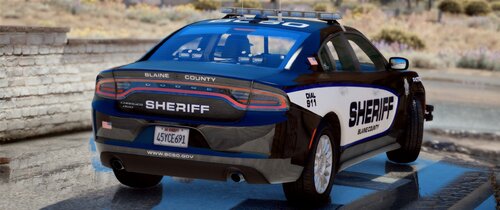
Interdiction Unit for the BCSO.
-
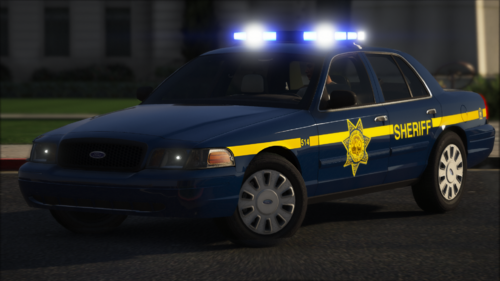 Let me begin by saying this is intended to be constructive criticism. I understand you have college, and your life doesn't revolve around making models for GTA5. When I saw the screenshots I noticed a few minor things. And then after putting them in game I noticed more. To begin with I saw multiple clipping issues. The YTDs are huge (12-18MB). When the boot on some vehicles open you have floating antennas. And you also have some purple and green textures. Overall this pack has potential but it looks rushed and kind of sloppy. I would highly recommend updating it and putting more time into it when/if you get the chance. If you need any help with fixing some issues you can always ask around and people will be glad to help. Feel free to message me if you need assistance with something. I'll be more than happy to change my review when you fix somethings. Thanks for releasing.
- 16 comments
- 1 review
-
-

- 1
-
-
-
.png.70f4982b4cf5d15ca8463e3e64eb405a.png) Wow man that looks great!
Wow man that looks great! -
-
I went to test a car in game and the els lights wouldnt flash. I reinstalled els and checked over my model and els vcf and everything looked good. The taillights flash and you can hear the els click when you change lighting. Can someone please help? Also my takedowns and cruise lights work fine.
-
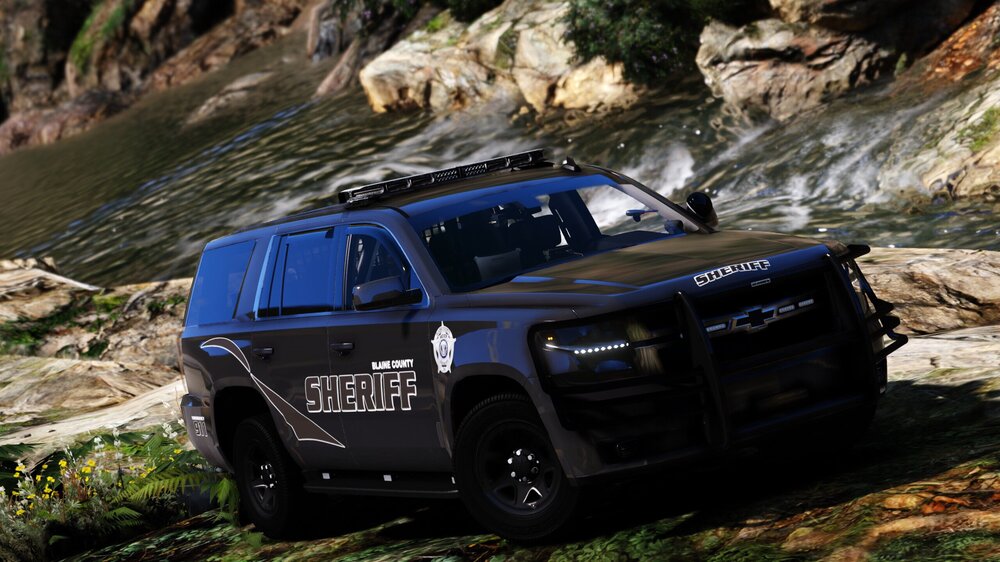
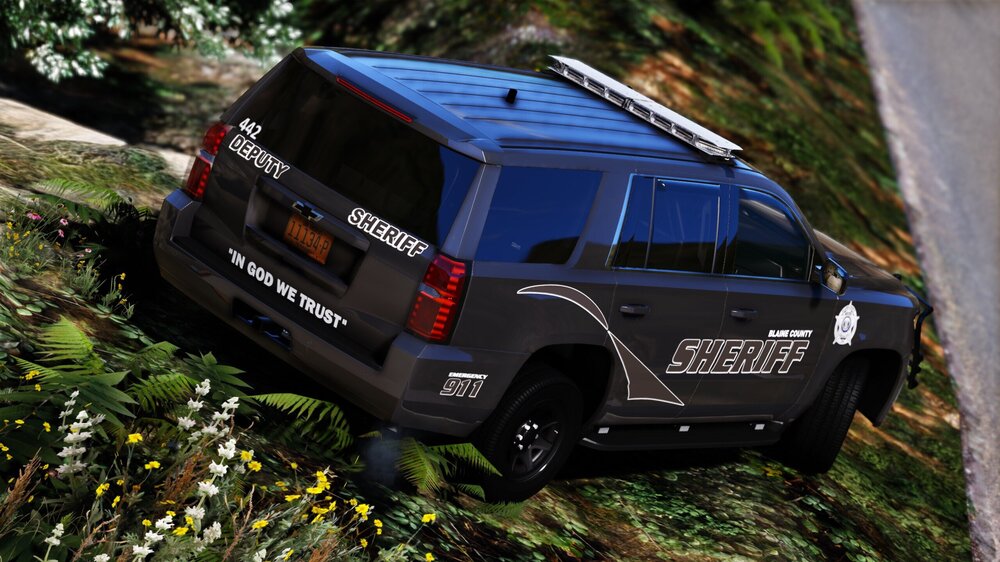
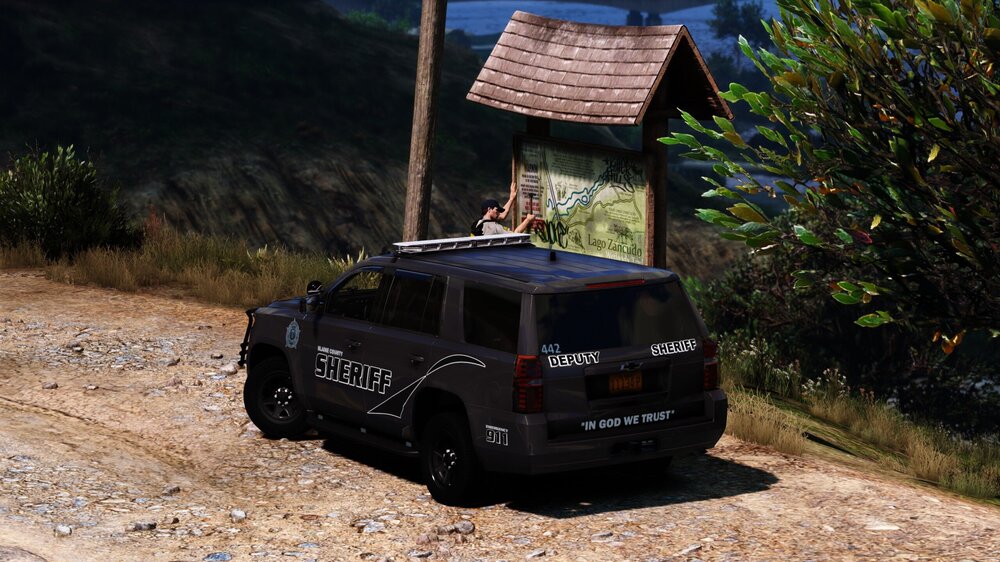
Well it’s been a minute since I posted on here. To keep things short I plan to release my pack on the 21st of October if everything goes as planned. 10+ vehicles on initial release and then more will be added with updates. Enjoy these screenshots (By @John Campbell) of the 2018 Tahoe.
-
No.
-
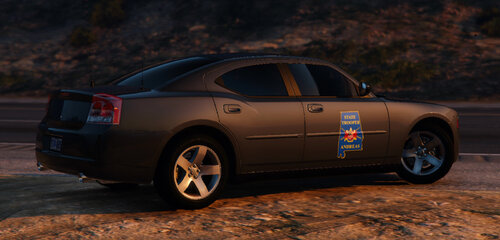 Nice job with this one. I really dig the lights. Can't wait to get on 13 and write some tickets with this and then head home and flirt with my sister.
- 7 comments
- 1 review
-
-
-
Slicktop and Marked
 So after looking at these cars I can say you did a really nice job. The issues about the scaling and wires going no where and all those issues that have been mentioned are the reason I did a 4 instead of a 5 star review. I'm not going to knock you because I can tell you put a lot of time into these models. This a very solid pack in my eyes. Almost worthy of 5 stars in my eyes. But this pack is absolutely too good for a 2 star review like some people have gave you in my opinion. You probably should listen to them and at least try to fix the issues on your next project just to make them happy. But anyways congrats on a solid release.
- 127 comments
- 24 reviews
-
-
- 1
-
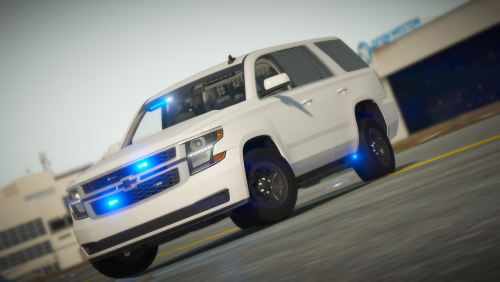 I appreciate it! But being that I’m from the southern part of the US you’ll be lucky to ever see me make a model that has red in the lighting lol. But eventually someone will make a CHP Tahoe with this base I promise.
- 7 comments
- 3 reviews
-
-

- 1
-
Red and blue just isn't my thing lol. And as far as civilian I doubt I will have the time but maybe one day!- 7 comments
- 3 reviews
-
-
- 1
-
Hey everyone so it's been a little while since I released something so I figured today I'd go ahead a release a Tahoe. I would consider this a early piece of my upcoming Sheriff Mega pack that's hopefully gonna be finished by the beginning of next month but who knows. Anyways here is a little piece of it. Enjoy. As always big thank you to everyone who has helped me out in any kind of way. Hopefully you guys will check out some of my other work and check out my Sheriff pack next month it's gonna be hugeeee (TRUMP VOICE). If you notice a bug with the model please let me know ASAP. Thanks guys enjoy. AND WHOEVER THOUGHT I WAS RELEASING THIS UNLOCKED hahahaha dumbass. READ THIS!!!!!!!!!!!!!!!!!!!!!!!!!!!!!!!!!!!!!!! OR THE CAR WONT WORK AND IF YOU DONT READ IT IM NOT HELPING YOU READ THIS BELOW I CANNOT STRESS THIS ENOUGH YOU MUST DO THIS IN ORDER FOR THIS MODEL TO WORK GO INTO OPENIV GTAV>MODS>UPDATE>UPDATE.RPF>COMMON>DATA THEN FIND "DLCLIST.XML" AND ADD THIS BETWEEEN THE MOST RECENT ONE AND PATHS <Item>dlcpacks:/Tahoe/</Item> AFTER THATS DONE GO TO GTA V>MODS>UPDATE>X64>DLCPACKS AND DROP THE FOLDER NAMED TAHOE INSIDE OF IT THEN TAKE THE XML NAMED TAHOE AND ADD IT TO WHERE ALL THE OTHER ELS XMLS ARE USE THE COMMENTS IF YOU NEED SUPPORT AFTER READING THIS THE SPAWN NAME IS TAHOE- 7 comments
- 3 reviews
-
-
- 4
-
Unmarked 2018 Tahoe, might be included in the packThanks to the department budget we were able to go out and grab some new Tahoes. Should have the paintjob soon.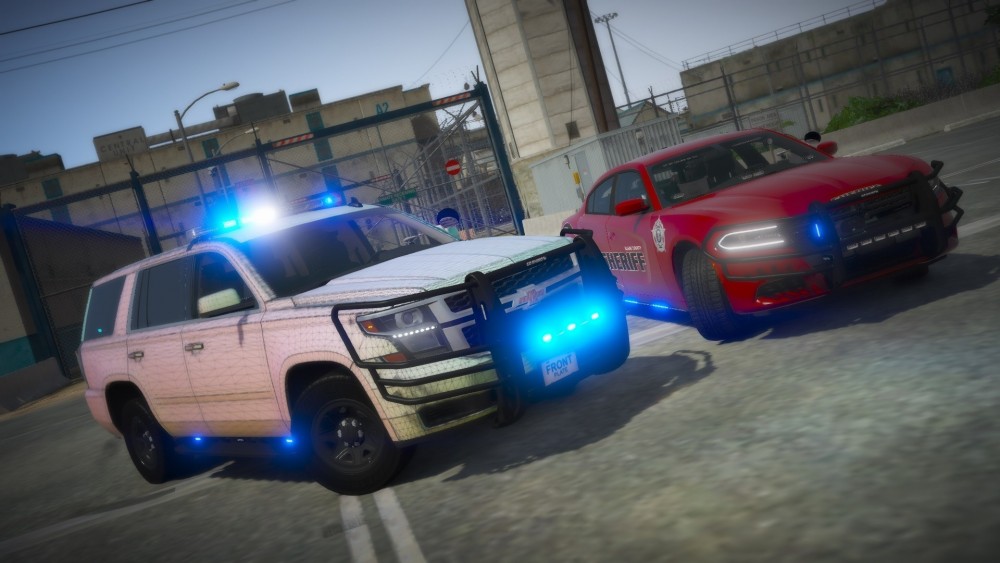
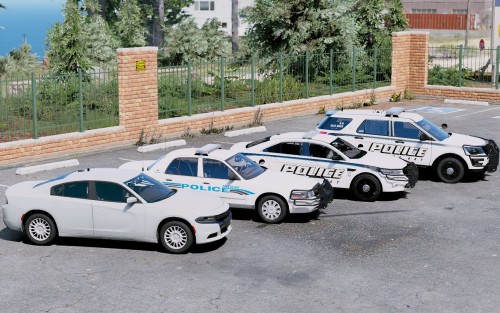 Let me give it a look. Can't believe I didn't notice it. Sorry for the issue man.
- 14 comments
- 4 reviews


.png.70f4982b4cf5d15ca8463e3e64eb405a.png)






Account
Navigation
Search
Configure browser push notifications
Chrome (Android)
- Tap the lock icon next to the address bar.
- Tap Permissions → Notifications.
- Adjust your preference.
Chrome (Desktop)
- Click the padlock icon in the address bar.
- Select Site settings.
- Find Notifications and adjust your preference.
Safari (iOS 16.4+)
- Ensure the site is installed via Add to Home Screen.
- Open Settings App → Notifications.
- Find your app name and adjust your preference.
Safari (macOS)
- Go to Safari → Preferences.
- Click the Websites tab.
- Select Notifications in the sidebar.
- Find this website and adjust your preference.
Edge (Android)
- Tap the lock icon next to the address bar.
- Tap Permissions.
- Find Notifications and adjust your preference.
Edge (Desktop)
- Click the padlock icon in the address bar.
- Click Permissions for this site.
- Find Notifications and adjust your preference.
Firefox (Android)
- Go to Settings → Site permissions.
- Tap Notifications.
- Find this site in the list and adjust your preference.
Firefox (Desktop)
- Open Firefox Settings.
- Search for Notifications.
- Find this site in the list and adjust your preference.