BlueGhost
Members
-
Joined
-
Last visited
Everything posted by BlueGhost
-
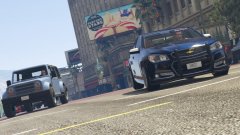
From the album: WIP Album
© Blank Ghost, 2018
-
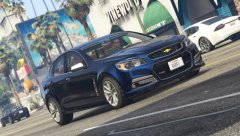
From the album: WIP Album
© Blank Ghost, 2018
-
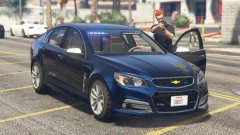
From the album: WIP Album
© Blank Ghost, 2018
-
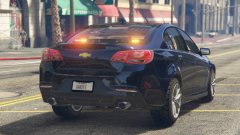
From the album: WIP Album
© Blank Ghost, 2018
-
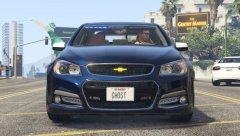
From the album: WIP Album
© Blank Ghost, 2018
-
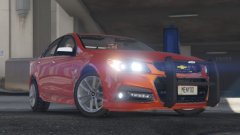
From the album: WIP Album
© Blank Ghost, 2018
-
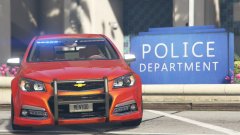
From the album: WIP Album
© Blank Ghost, 2018
-
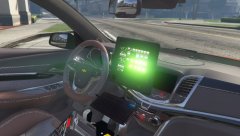
From the album: WIP Album
© Blank Ghost, 2018
-
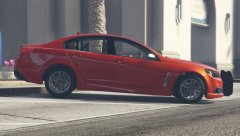
From the album: WIP Album
© Blank Ghost, 2018
-
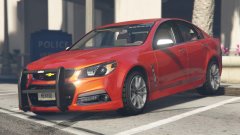
From the album: WIP Album
© Blank Ghost, 2018
-
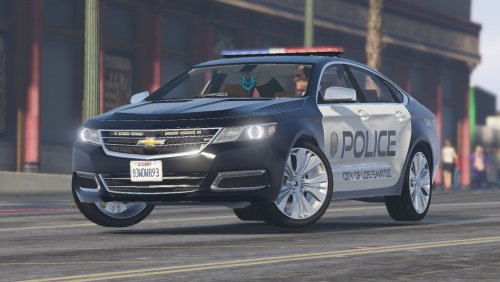 I have no other reports of texture loss. I don’t know what the solution could be 😕
- 52 comments
- 7 reviews
-
-
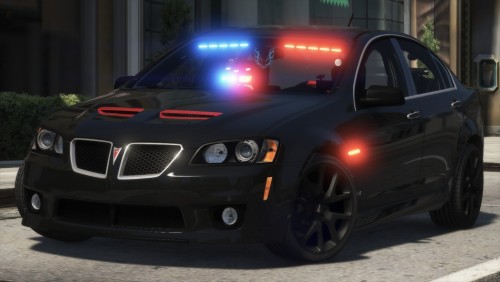 Me too! Another great model with a great template opens a world of possibilities!
- 64 comments
- 11 reviews
-
I don't know if they can be dimmed, unfortunately! I can't find the texture either 😕
- 52 comments
- 7 reviews
-
You're not editing the correct file. You're editing the VCF. You need to edit the Vehicles.meta. mods/update/update.rpf/common/data/levels/gta5/vehicles.meta
- 52 comments
- 7 reviews
-
I think I have the same issue with camera angles and the emissives only showing at certain angles. Anyone have a solution?
-
Click search, type FBI, scroll down just a little bit. It'll say <handlingID>. Click search, type FBI, scroll down just a little bit. It'll say <handlingID>.
- 52 comments
- 7 reviews
-
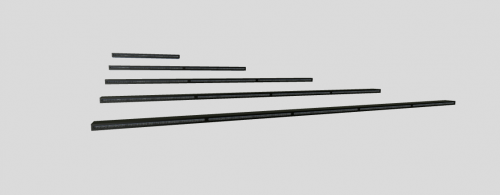 I put the quintuple on a car that I'm making, and the emissives only work from a certain camera angle. Ideas?
 -
I believe it is. It'll just take a little bit of searching. I don't know the name right off the top of my head, but you'll know it when you see it!
- 52 comments
- 7 reviews
-
You can use a photo editing software to lower the brightness of the emissive textures. I used to do that for some of the vehicles I have in my game.
- 52 comments
- 7 reviews
-
Hey Thero, I'm working on a livery for my G8, but I don't see a DETAIL2 in my material browser. How can I get it?
-
That's because there's an error in the meta. The game crashes when there are errors such as misspellings or letters aren't capitalized. OPTIONAL: <audioNameHash>WINDSOR</audioNameHash> YOU MUST FIX THIS: <diffuseTint value="0x00FFFFFF" /> I have heard no other issues out of crashes due to meta errors.
- 64 comments
- 11 reviews
-
-
Open OpenIV Enable edit mode Navigate to: mods/update/x64/dlcpacks/patchday18ng/x64/levels/gta5/vehicles.rpf Drag and drop the four files in the OpenIV window Navigate to: mods/update/update.rpf/common/data/levels/gta5/vehicles.meta Right click, edit Click search and type Police4 Find audioNameHash Copy the following line: <audioNameHash>WINDSOR</audioNameHash> Scroll down till you see diffuseTint Change the entry to: <diffuseTint value=“0x00FFFFFF” /> You’re done!
- 64 comments
- 11 reviews
-
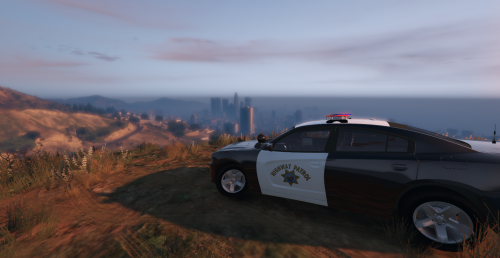 I love what you tried to do here, I really do. From one modder to another, I recommend taking the time to put effort in to making a livery. It may be time consuming, but it's always worth it for the finished product. Research is key in designing liveries. Take some time to get to know your inspiration! It's okay that it's not spot-on, but when you go the extra mile, it makes a world of difference! Ghost
- 3 comments
- 1 review
-
-

- 2
-