BlueGhost
Members
-
Joined
-
Last visited
Everything posted by BlueGhost
-
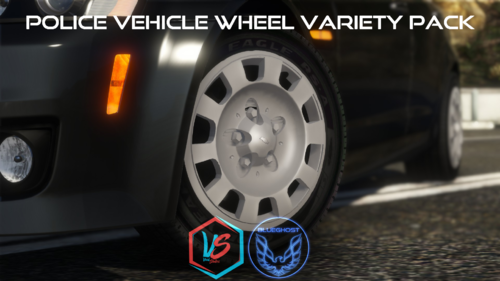 This pack is a collection of wheel types for various police vehicles. The purpose is to allow players to further customize their rides to fit their taste. SO HELP ME GOD, IF I SEE ANY ONE OF YOU HEATHENS USING A WHEEL THAT DOESN'T FIT THE VEHICLE YOU PUT IT ON, I'LL SLAP YOU ON THE TIT. After much consideration, I’ve had a change of heart. FiveM usage is allowed FOR THIS WHEEL PACK ONLY. -----Installation----- 1. Navigate to your dlpacks folder, located at mods\update\x64\dlcpacks 2. Enable Edit Mode 3. Drag and drop the "wheelvarietypack" folder inside the dlcpacks folder 4. Navigate to your data folder, located at mods\update\update.rpf\common\data 5. Locate your dlclist.xml, then right click and click "Edit" 6. Directly after the latest entry in the XML, you must put the following line: <Item>dlcpacks:/wheelvarietypack/</Item> 7. Click Save 8. Start GTA V. -----Expansion----- Nah lol -----Contents----- There are 18 wheel choices that will fit most common police vehicles in modern model years. Ford CVPI: 3 Ford Police Interceptor: 2 Dodge Charger: 7 Chevrolet Caprice: 1 Chevrolet Tahoe: 4 Chevrolet Impala: 1 USE THE CORRECT WHEEL FOR THE CORRECT VEHICLE AND TRIM LEVEL NO ALL-WHEEL-DRIVE WHEELS ON A REAR-WHEEL-DRIVE CHARGER, GOD DAMN IT. -----Applying your wheels----- Simply open your trainer menu, and navigate to the wheel customization section. You will find them under the "Sport" category Enjoy!
- 88 comments
- 18 reviews
-
-

-

- 33
-
-
 Have you updated your dlclist.xml? And have you tried using the provided scripts to help the game load the pack? Try it without the other pack
- 214 comments
- 38 reviews
-
-
- 1
-
-
Hey guys, thank you so much for your continued support and patience. I have been on hiatus due to work and life events. I am slowly starting to get back in the groove after a month of going quiet. The next update will come soon, featuring minor changes to a few cars. Namely, the LMPD Taurus and F-150. Stay tuned!
- 214 comments
- 38 reviews
-
-
- 1
-
-
If the real life department does not use a pushbar, it will not be added. Please read the phasing flow chart.
- 214 comments
- 38 reviews
-
-
I'm not sure what causes that to happen. Give me a little bit to look in to it
- 214 comments
- 38 reviews
-
If you're going to make a comment like this, please include the issue you're having.
- 214 comments
- 38 reviews
-
I don’t understand what you’re saying without visual reference to the pattern Run low graphic settings
- 214 comments
- 38 reviews
-
Some are, some aren’t. Easier for me to play with because I don’t like pressing J three times.
- 214 comments
- 38 reviews
-
Do you mean you installed my archive? Or do you mean you ripped the vehicles from the archive and added them separately?
- 214 comments
- 38 reviews
-
-
-
-
-
-
-
-
Go back to page 1 of the comments and find my comment with the links to GTA5-Mods
- 214 comments
- 38 reviews
-
It's intended to use single stage lighting, as per the description of the file. Can you provide more detail regarding your issue? Did you happen to install the UltimateBackup files? Try reverting back to the default UB XML files.
- 214 comments
- 38 reviews
-
-
The blue stripes are true to the real life counterpart https://www.gta5-mods.com/tools/packfile-limit-adjuster https://www.gta5-mods.com/misc/gta-5-gameconfig-300-cars https://www.gta5-mods.com/tools/heap-limit-adjuster-600-mb-of-heap
- 214 comments
- 38 reviews
-
-
- 1
-
-
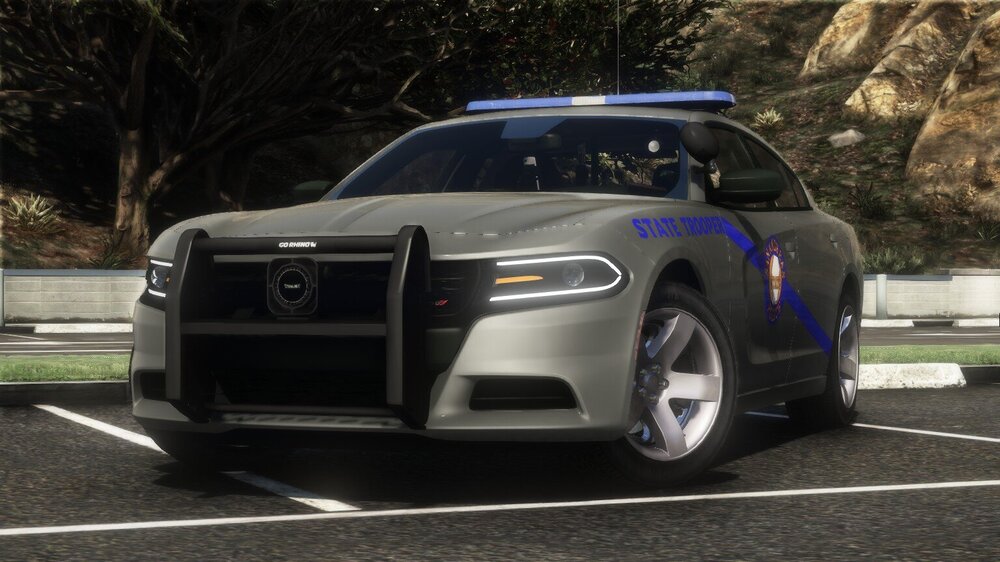
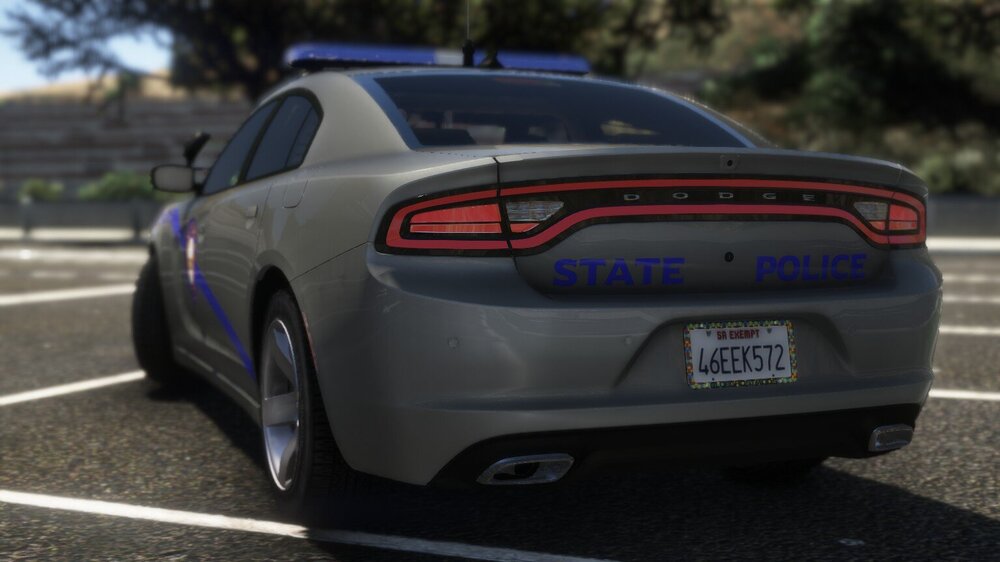
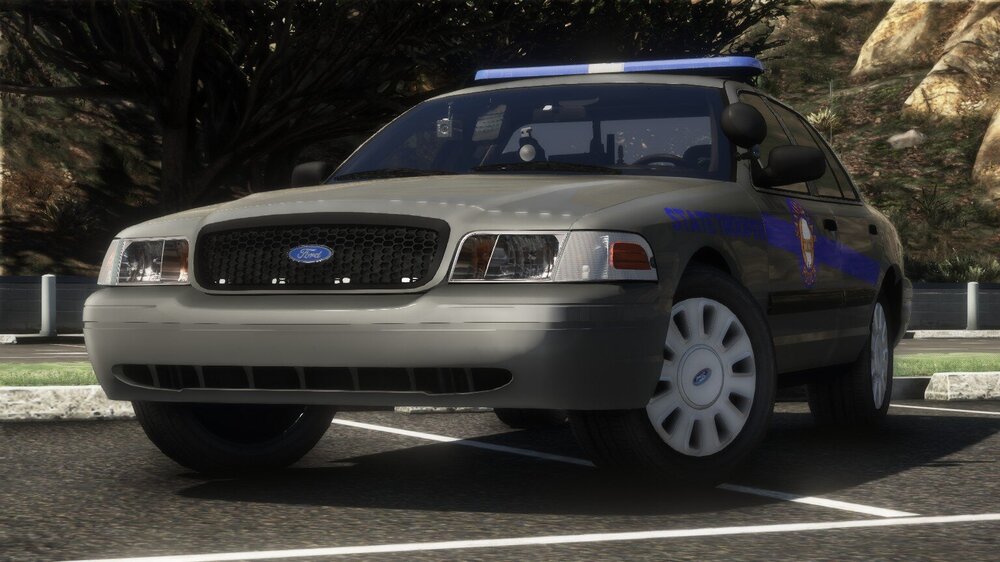
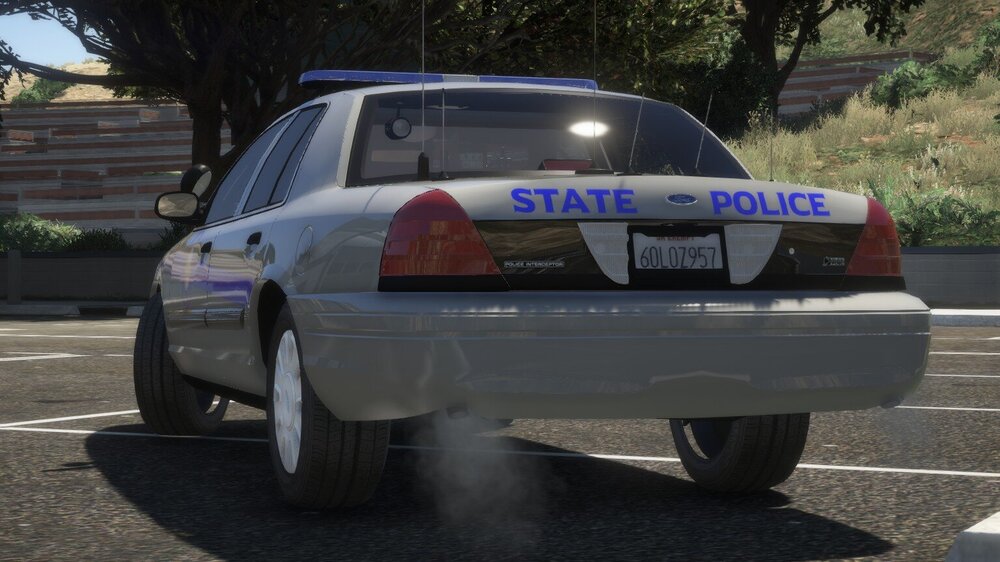
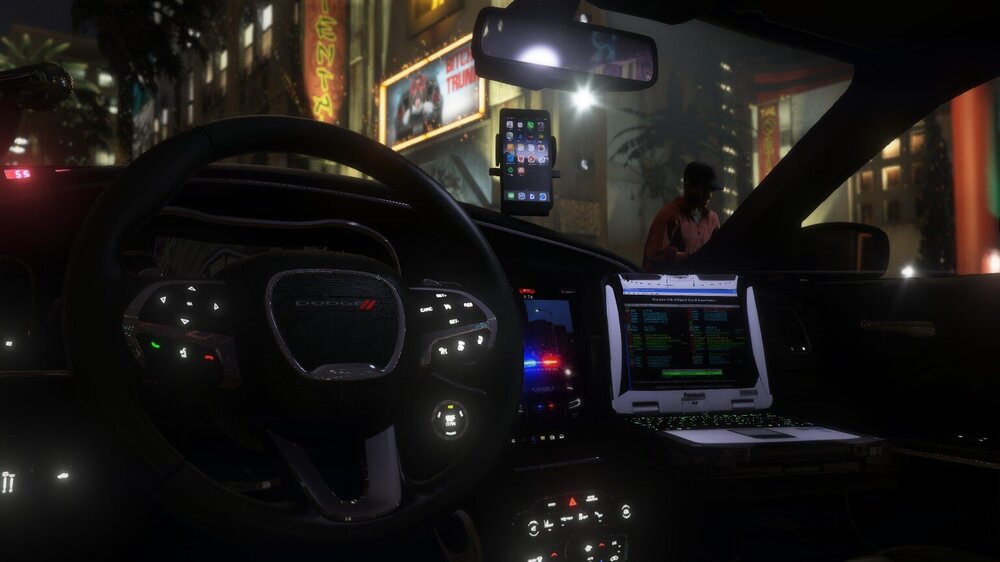
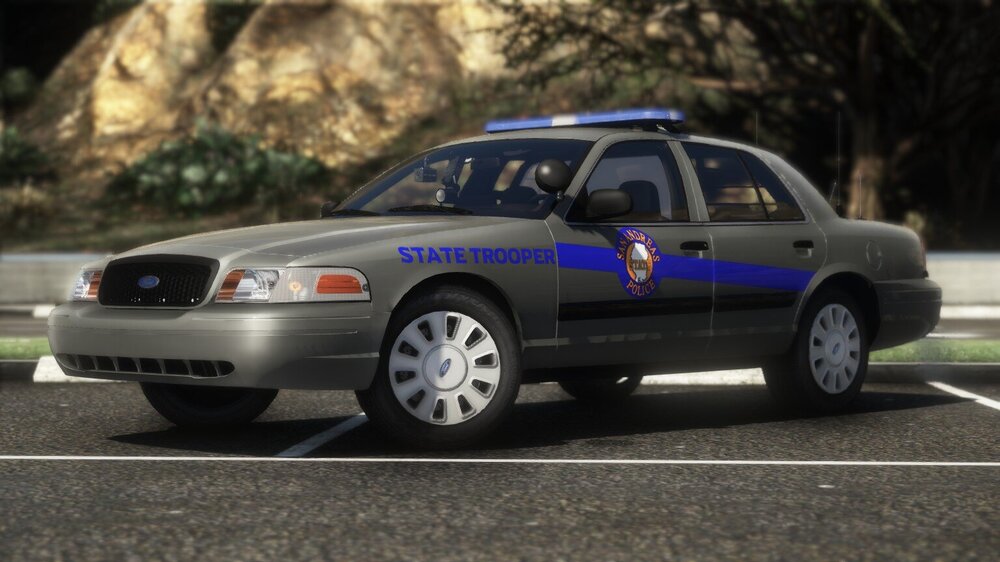
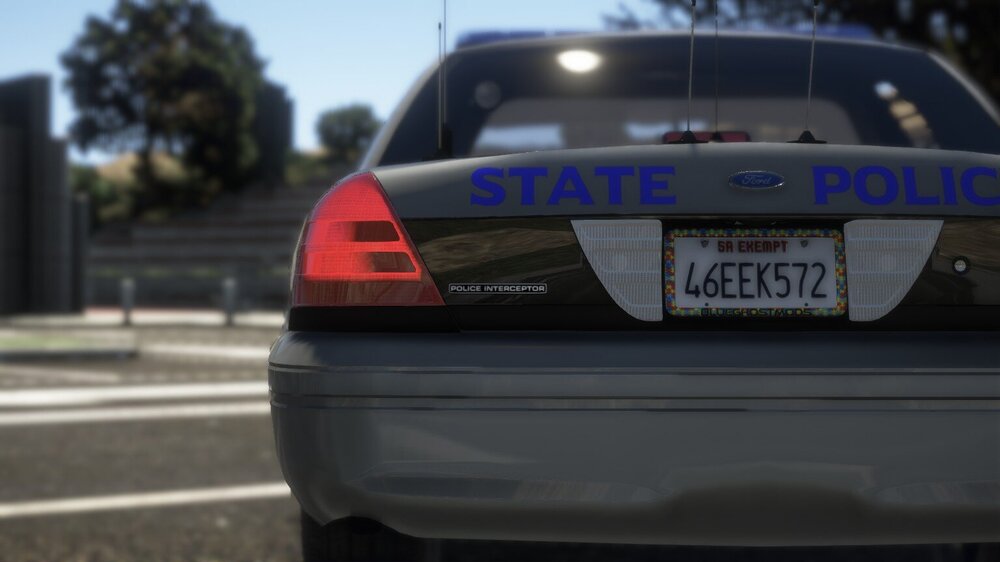
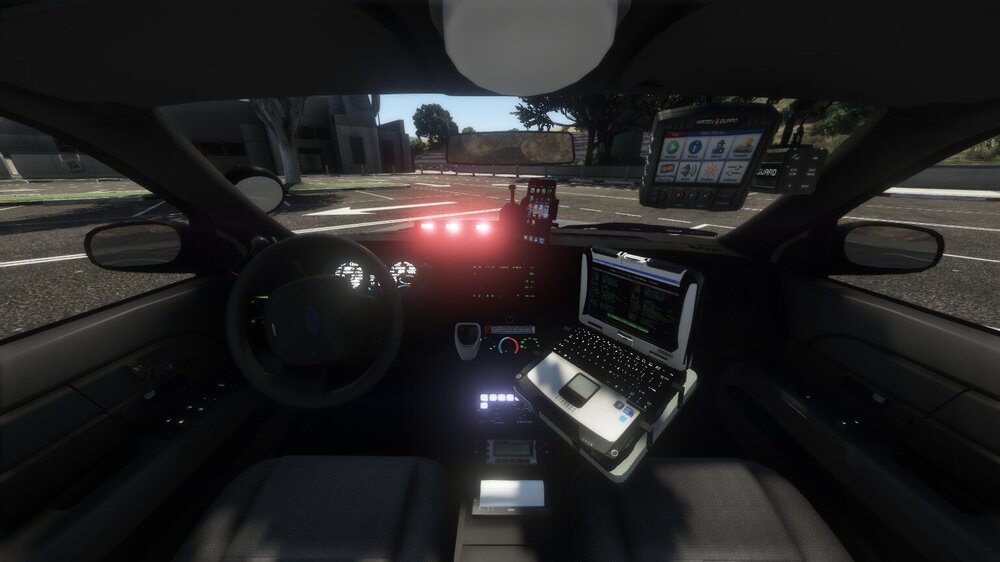
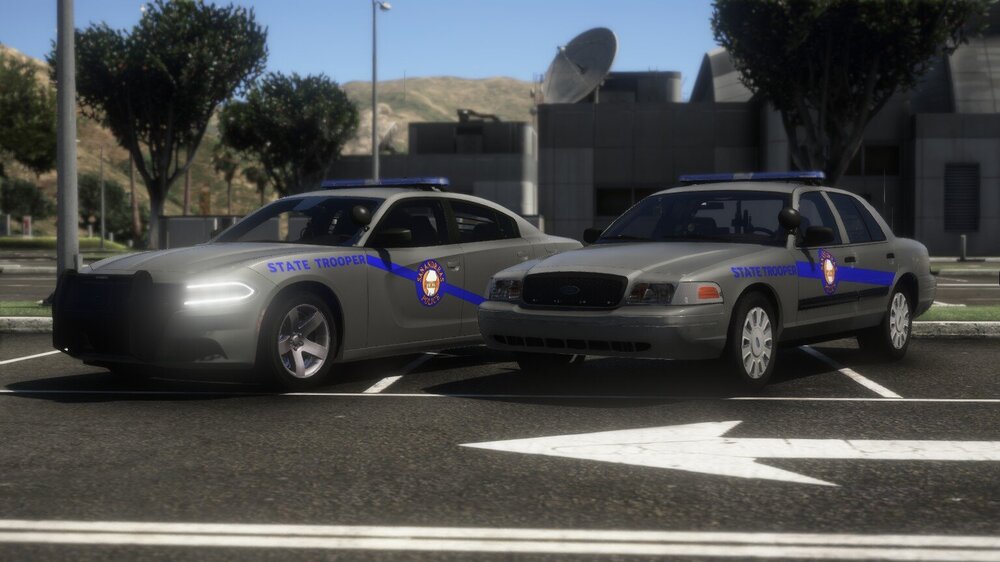
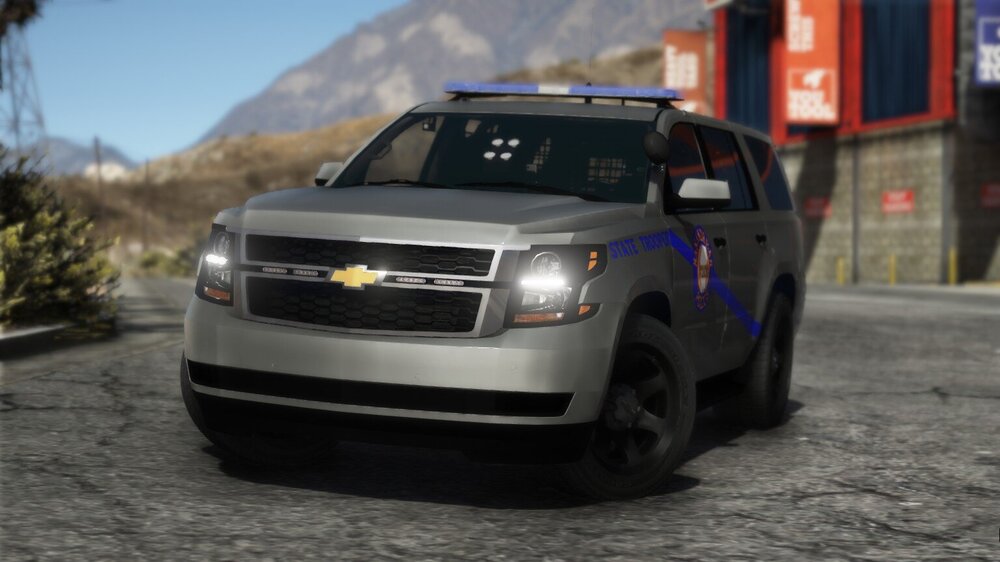
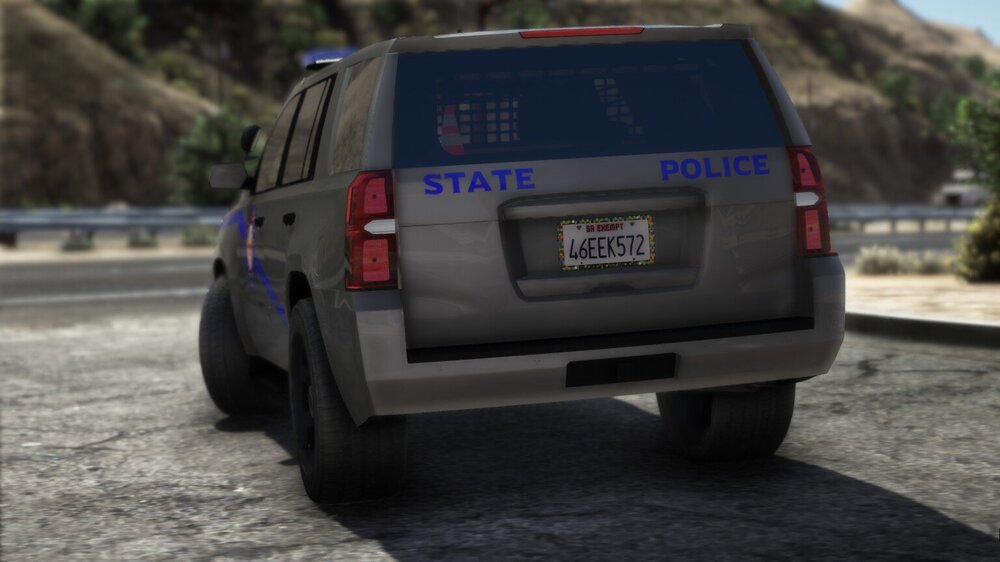
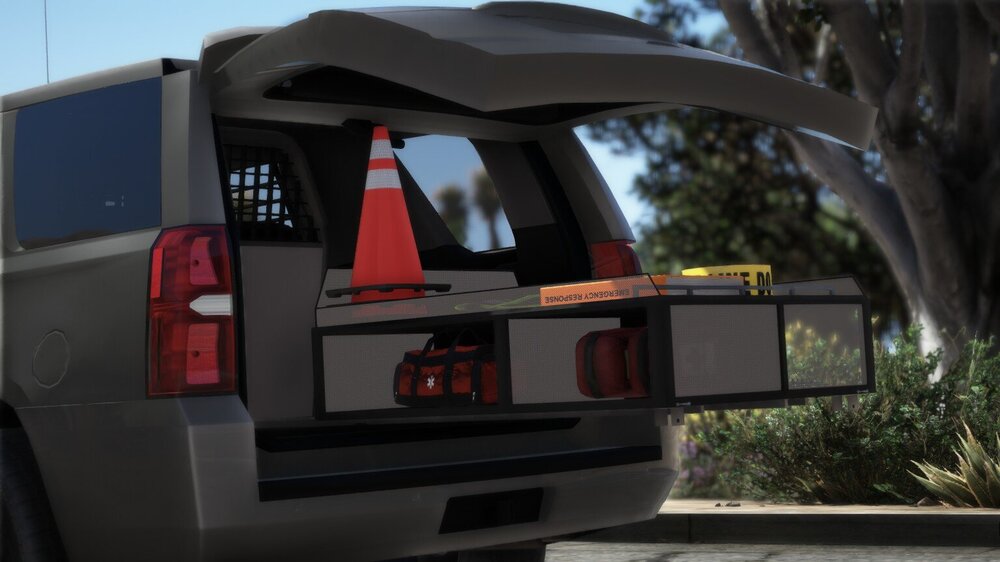
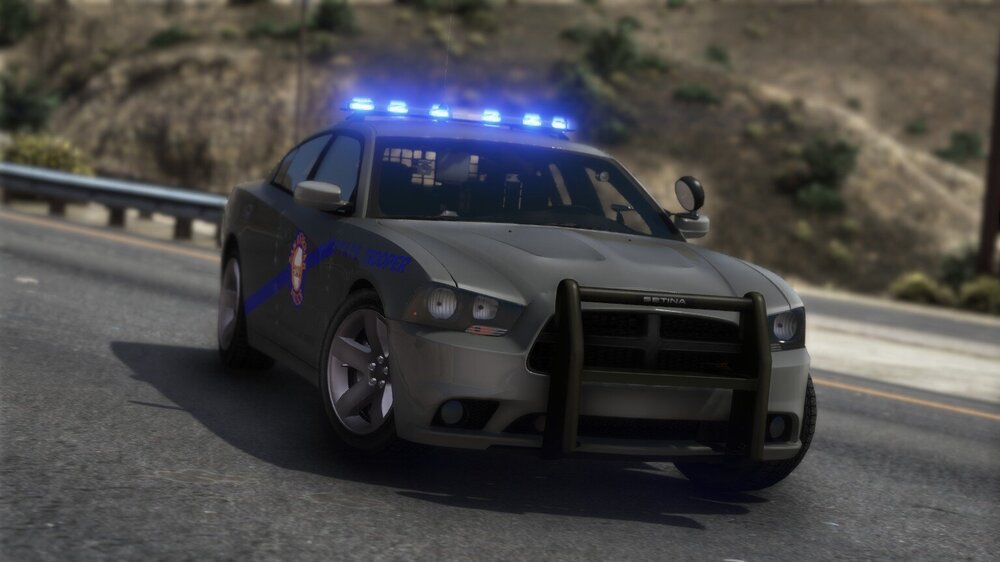
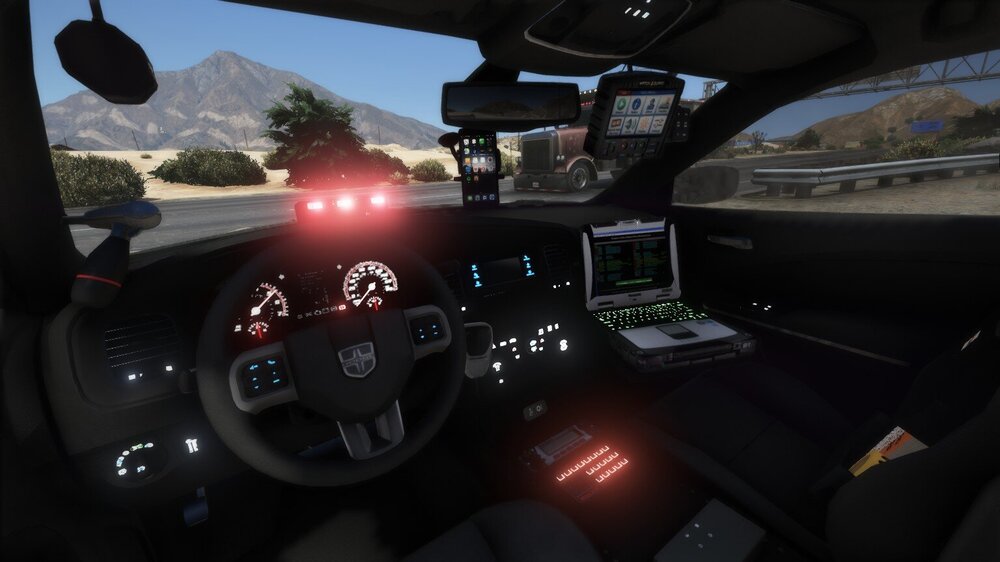
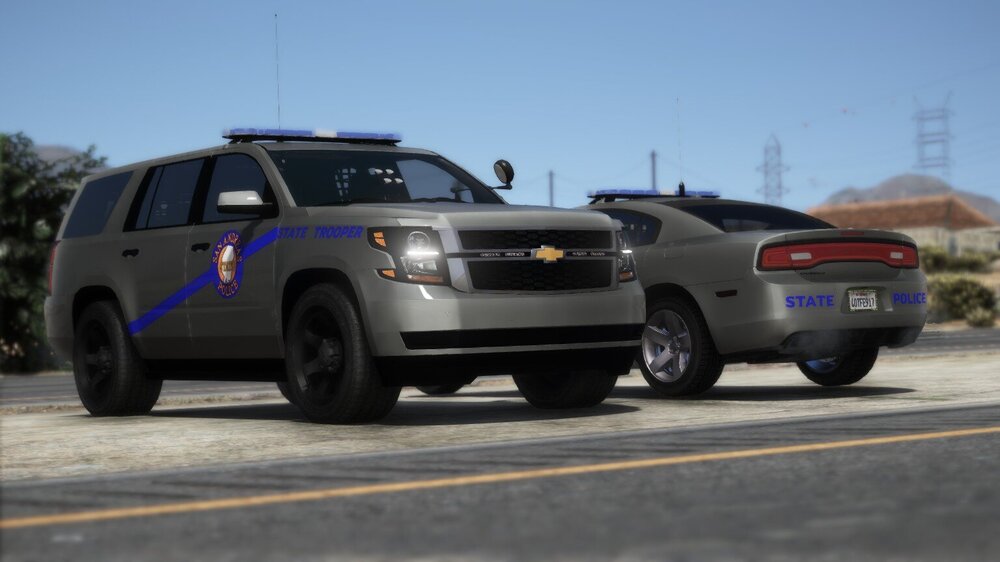
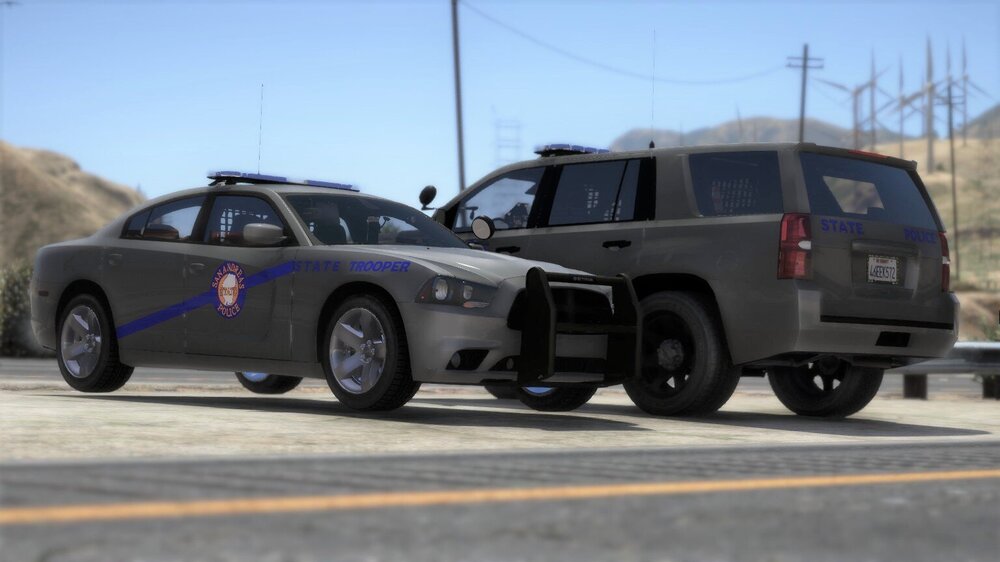
DO NOT PM ME WITH QUESTIONS. LEAVE THEM IN THE COMMENTS. If your game will not load after installing this pack, please install these scripts to allow the game to load up https://www.gta5-mods.com/tools/packfile-limit-adjuster https://www.gta5-mods.com/misc/gta-5-gameconfig-300-cars https://www.gta5-mods.com/tools/heap-limit-adjuster-600-mb-of-heap Texture loss is to be expected if your PC cannot handle a pack of this magnitude. Run lower graphics settings. Please stop asking me for support about this. Run through each of these suggestions before asking for support. PHASE ONE (NOVEMBER 2019): [ELS] San Andreas State Police (Kentucky State Police), 7 vehicles ✅ [ELS] Los Santos Metro Police (Louisville Metro PD), 7 vehicles ✅ [ELS] Blaine County Sheriff’s Office (Jessamine County SO), 3 vehicles ✅ [ELS] Los Santos County Sheriff’s Office (Jefferson County SO), 3 vehicles ✅ [ELS] Paleto Bay Police (Nicholasville PD), 3 vehicles ✅ [ELS] Sandy Shores Police (Wilmore PD), 4 vehicles ✅ [ELS] San Andreas Department of Fish and Wildlife (KY DFW), 3 vehicles ✅ FAQ: No, you may NOT use this on your FiveM server. No, I will NOT make a Non-ELS version. No, I will NOT make a replacement version.
- 214 comments
- 38 reviews
-
-
- 31
-
-
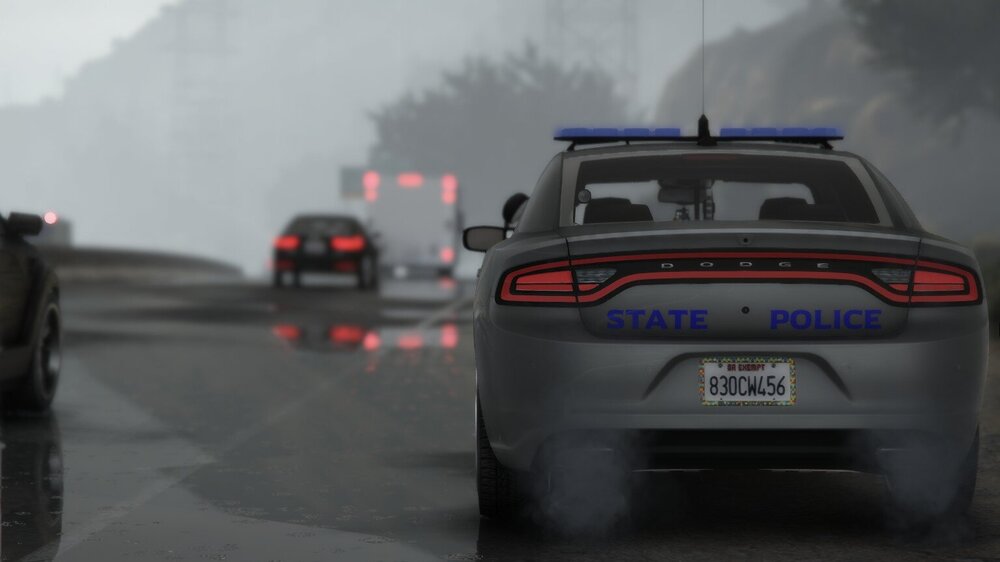
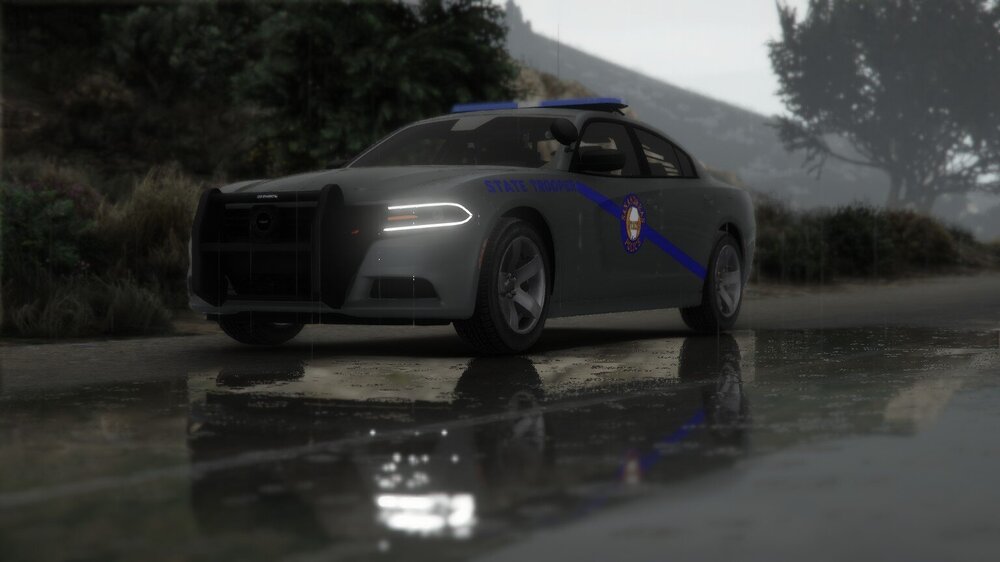
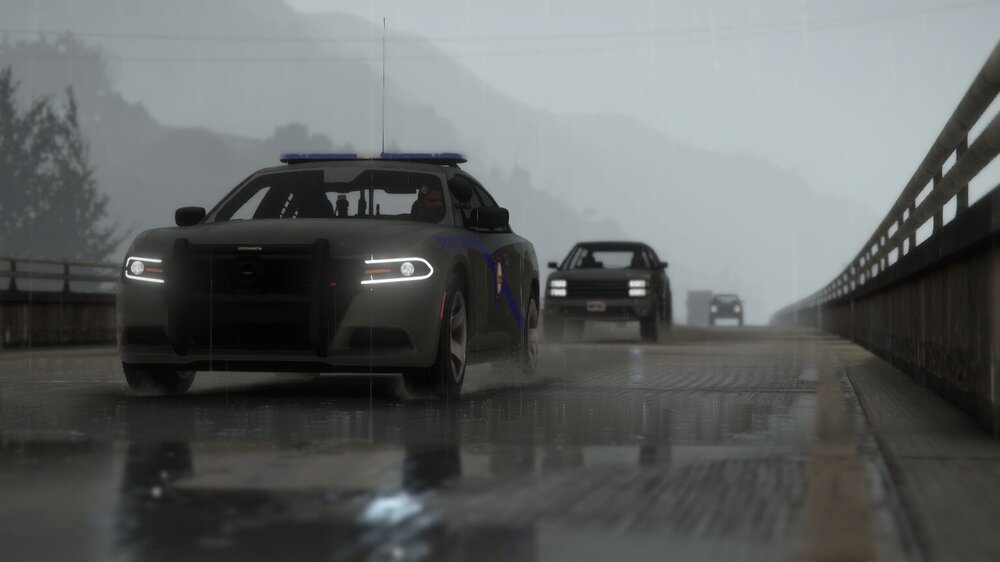
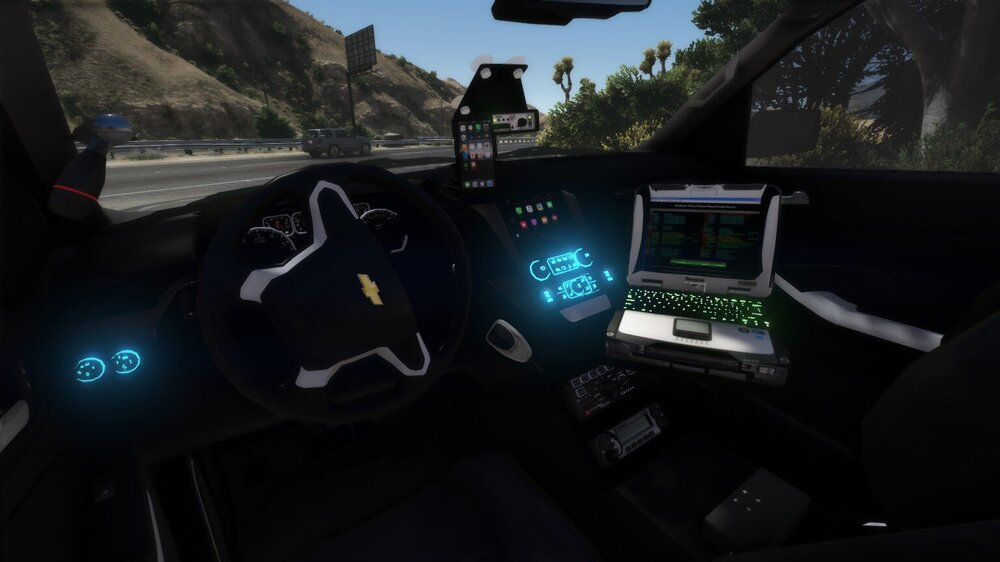
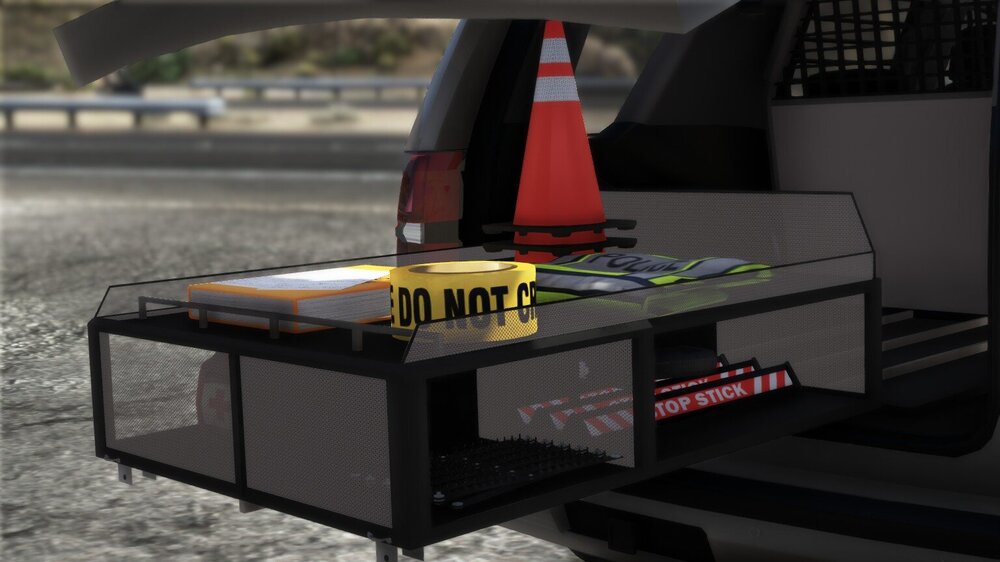
Thanks! I can’t wait to share the entire pack!Here I will be showcasing my latest works as they progress. These State vehicles are part of a 30+ vehicle pack that I'm developing! 8-16-19