BlueGhost
Members
-
Joined
-
Last visited
Everything posted by BlueGhost
-
-
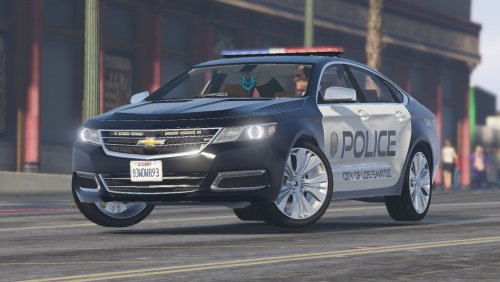 Because it won't accept blank templates. You must use a template with a preset color. This file is obsolete, and I will not provide any further support.
- 52 comments
- 7 reviews
-
 That is not an ELS issue. Those are the vehicles indicators, which aren't affected by ELS. It's your visualsettings.dat. Use one that doesn't have the amber lights set to steady burn. RadienceV has one.
- 485 comments
- 78 reviews
-
-

- 1
-
-
-
-
-
Did you make it a replacement vehicle? Because you're not supposed to do that, kemosabe.
- 485 comments
- 78 reviews
-
It's not missing the VCF files. You didn't download all of the required files. Done with the pack
- 485 comments
- 78 reviews
-
-
- 1
-
-
-
-
-
-
Again, fully aware. Thanks for pointing it out. If I find a solution, I'll update it.
- 485 comments
- 78 reviews
-
-
- 1
-
-
-
-
-
-
-
-
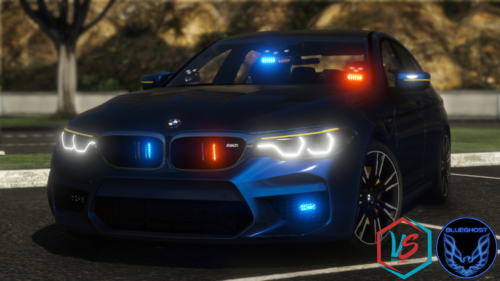 You haven't followed my instructions. You haven't installed the ELS VCF in the correct path.
- 36 comments
- 8 reviews
-
-
-
-
-
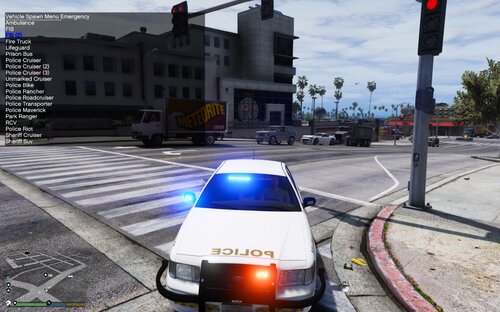 I see. Carry on, then!