



AlexF1
-
Joined
File Reviews posted by AlexF1
-
-
-
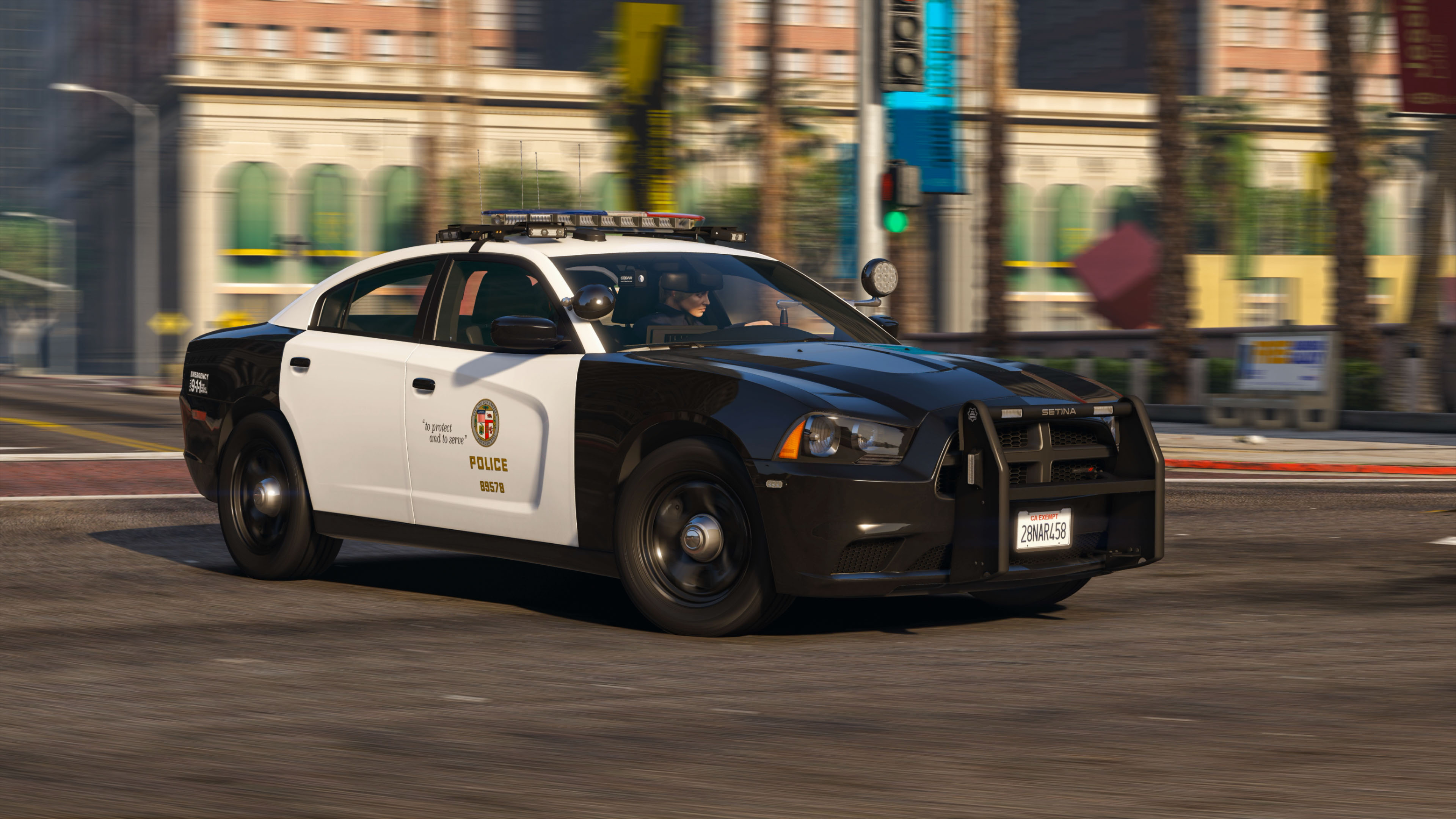
There is still work to be done on the model. Lods are displayed incorrectly, texture resolution is incorrect, because of this the model is not optimized for the LSPDFR mod. And in fact, it's just a model taken from the author of Candice and a new livery was drawn for it.
-
-
-
-

-
-
-
-
@HANAKO Hello! I want to thank you for the great modification! Special thanks for the optimization for LSPDFR! 👍
-
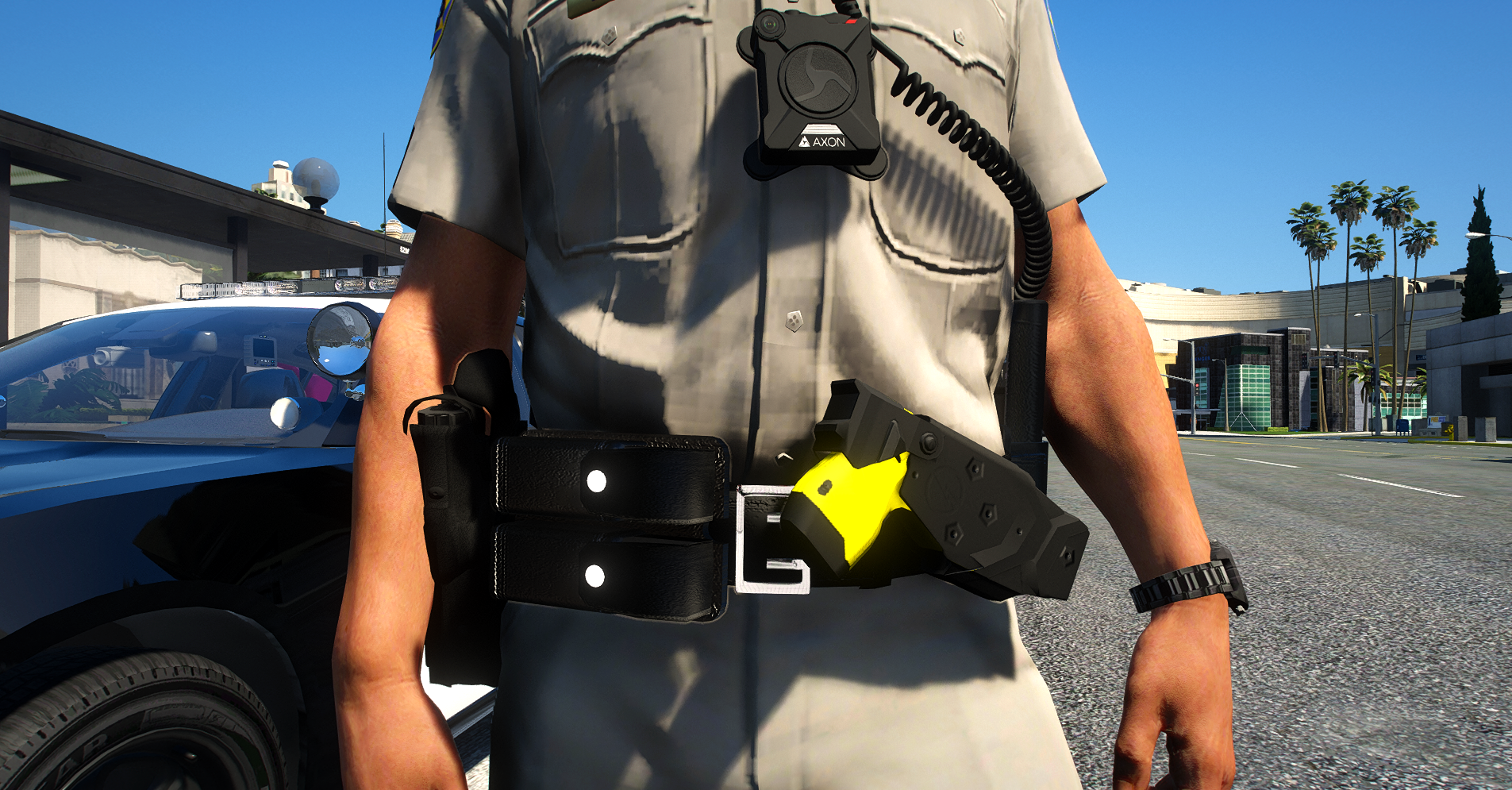
Thank you for your modification! Few make belts for the game, but even fewer make belts for women. It will be good if you make two versions of the belt - male and female.
-
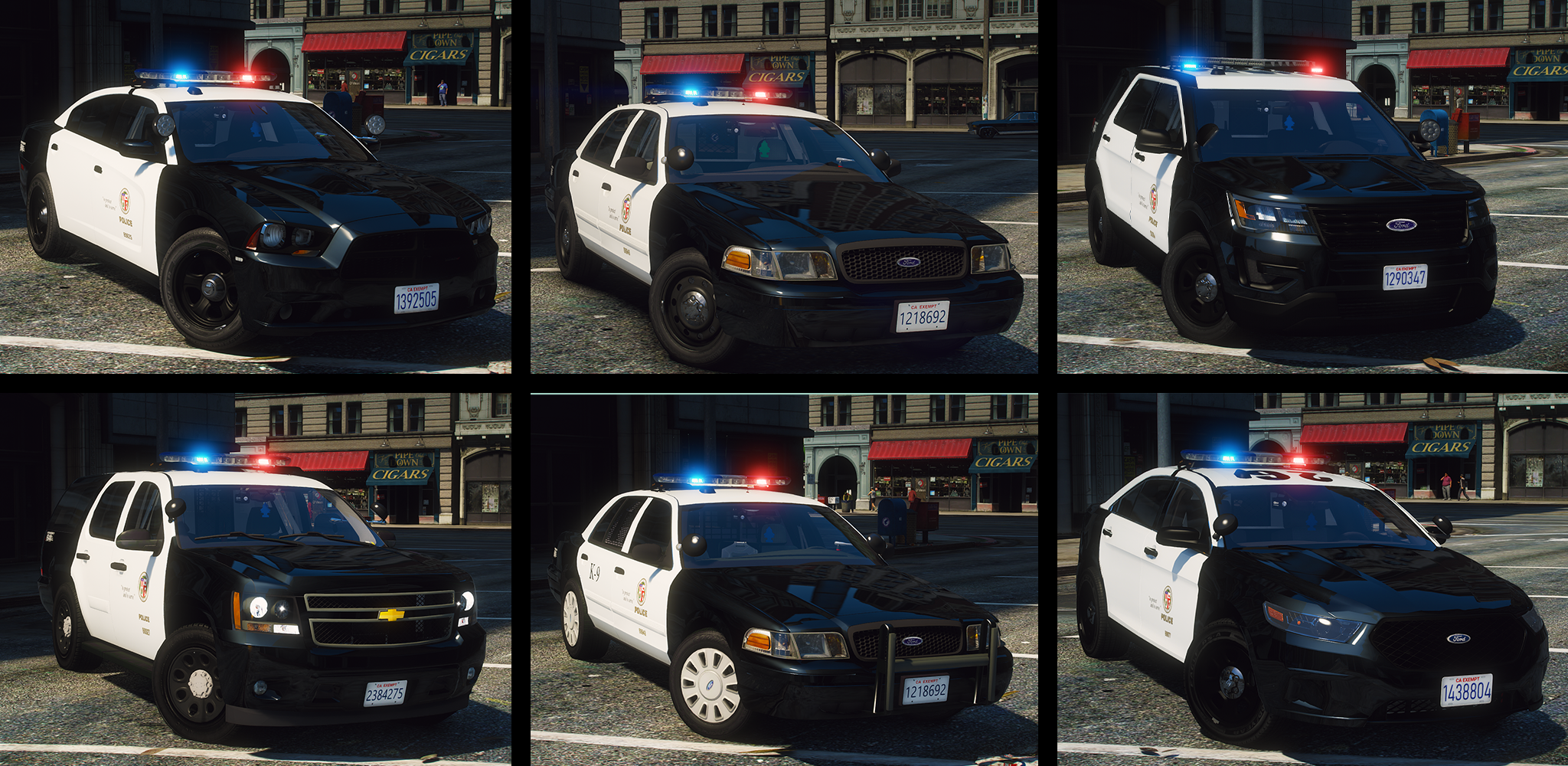
I support the opinions of @Tactical Donut and @KLE0. The pack is well made, but it needs to be optimized for the game and for LSPDFR! Not everyone has the i9900 & RTX 3080 😃
@ALLENjr12 thanks for your free work!
-
-
.png.efa4458e38fb1fd17b1de3b0bb32c78c.png)
Edited by KazaK
I liked this pack of police cars! It is well optimized for the game.
Textures are of normal resolution, not 4k or 2k, as 90% of developers like to do (why make textures for some sticker that no one looks at and this texture weighs about 12-15 MB ?!).
Also in terms of lighting (light bar) there is nothing superfluous here, I like it. It's just that some developers like to make Christmas trees out of cars (many light bars).Thanks to the author!
P.S. I would like to see in this pack also Dodge and Chevrolet Caprice and add the ability to change the texture of the glasses (tint), because I looked and in some car there was no such possibility. Maybe I'm wrong.
-
-
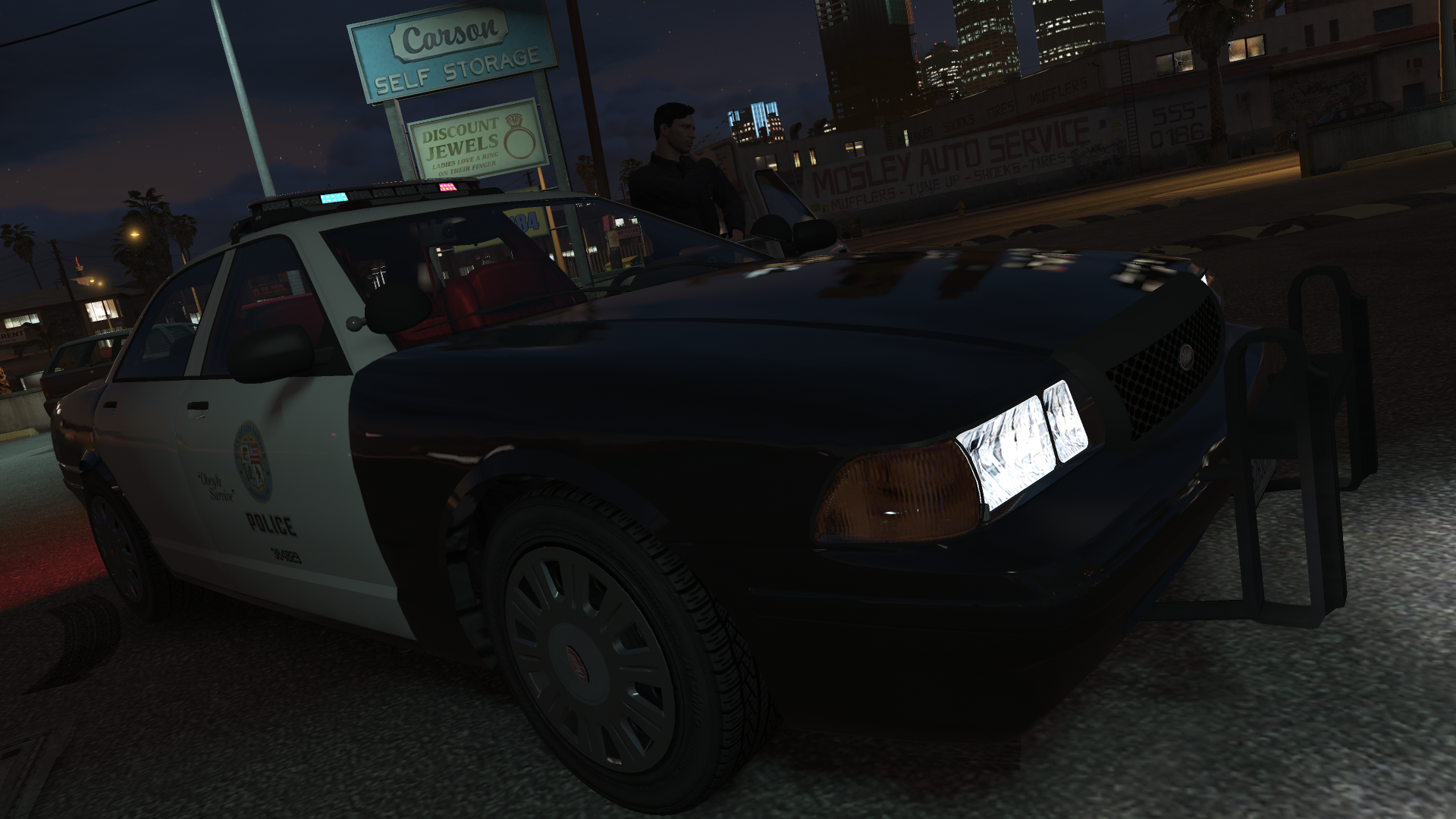
ELS is easier to handle. There are ready-made options for the light bar, but here you need to write them yourself. Those who are poorly versed in computer science will not be able to understand at all what and how to do. The instructions that are in the archive with the modification are written in such a way that an ordinary user will not understand anything.
It's too early to say that this is a replacement for ELS!
- Aiagui and TheMaybeast
-
 2
2
-
Edited by KazaK
Thank you, I liked it! I would like this pack to be made as a DLS and not replace standard cars. 😀
-
-
Thanks for the modification, a very necessary and useful thing! I, too, would be more pleasant if at least sounds were made from a third person.
-
-
-
-
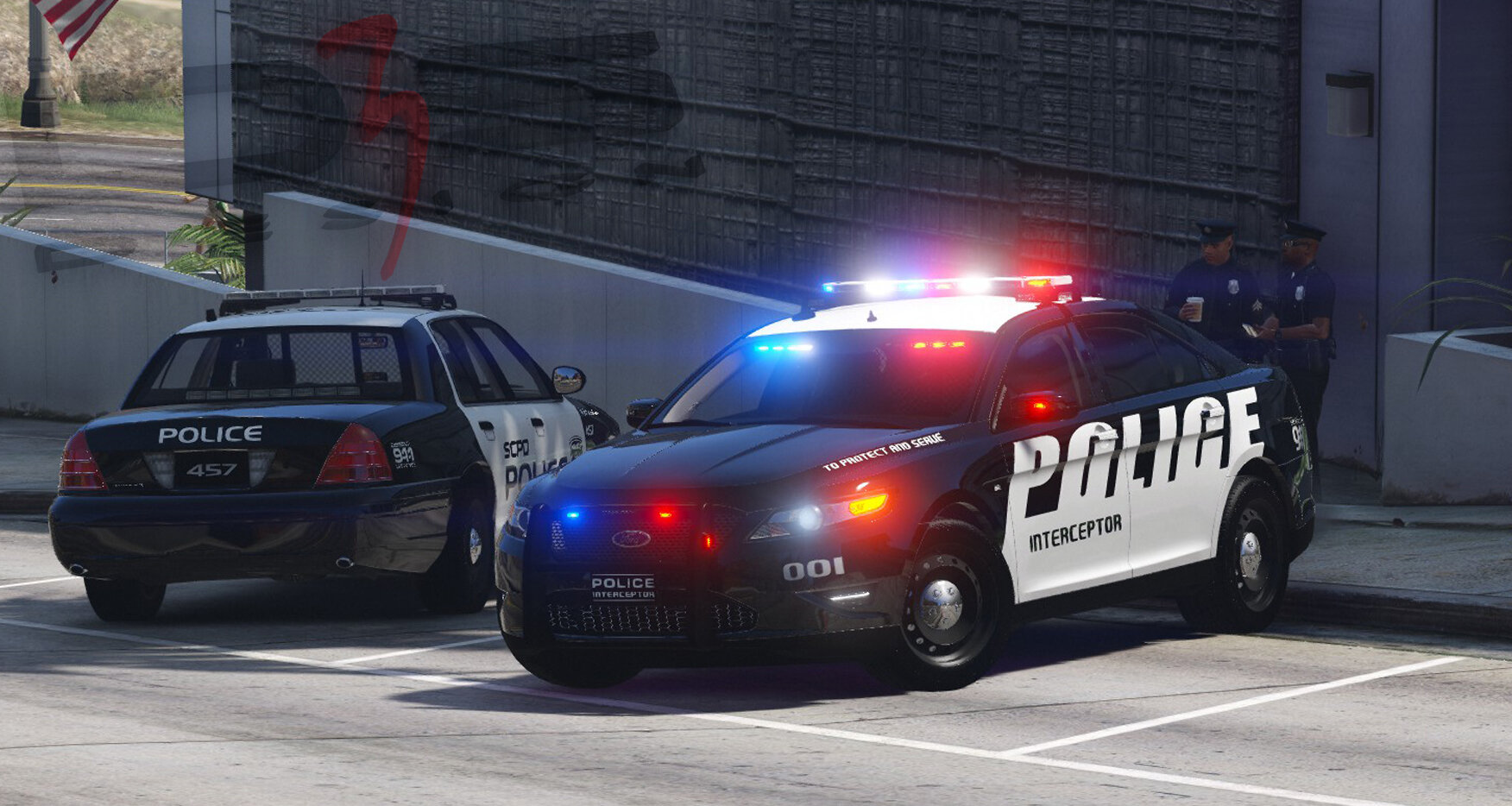
Ну хоть кто-то сделал по настоящему качественную модель Форд Таурус. Спасибо! Конечно хотелось бы видеть в исполнении ELS... но и так сойдет)
-


.png.efa4458e38fb1fd17b1de3b0bb32c78c.png)



Evil Uniforms Pack
in Player & Ped Modifications
Thanks for your work, looks amazing! 👍