


KaneJr
Members
-
Joined
-
Last visited
Everything posted by KaneJr
-
-
-
 I put the .ymt file in Open IV update, update.rpf, x64, data and no coronas/reflections are showing up in the game. Does anyone have any ideas?
- 81 comments
- 16 reviews
-
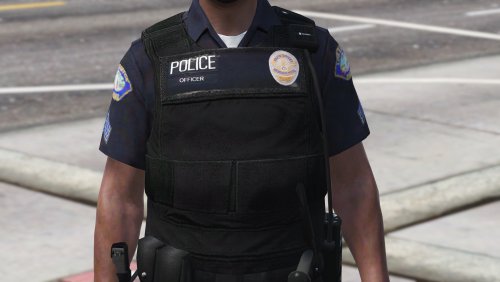 Hello. I have EUP 7.3, but not the EUP folder in the installation path. Where can I find that EUP folder? Thanks! Edit: Nevermind, I missed installing a folder when installing 7.3. Thanks for this!
- 14 comments
- 4 reviews




