


Creators: Due to background reprocessing of files, approvals and file security checks may be delayed. Thanks for your patience.


ASTTrprDillon95
Members
-
Joined
Everything posted by ASTTrprDillon95
-
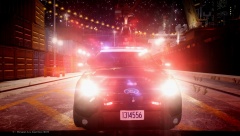
From the album: California Law Enforcement
This vehicle has had it's missing parts and bugs added and fixed after this image was taken. -
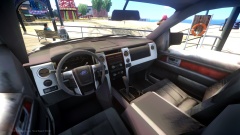 Ah ok...
 -
That's not an F-150. That's an F-250 Super Duty. I believe Chippy did release one before... Correct me if I am wrong.
-
Is this gonna be an SSV or civilian vehicle?
-
 First off, nice job on the vehicles. Next, with me being CHP obsessed and having seen multiple CHP CVPIs in person, I did notice some stuff were missing or it just didn't look right to me. I don't mean to be a dick. But I would give a 3/5 for it. I know it says this pack is trying to be as real as possible. But I feel there are some things that need to be fixed. Like I said. Job well done on the vehicles. Some fixing is needed. Like the rambar. And the FS Vision.
- 15 comments
- 8 reviews
-
-

- 1
-
-
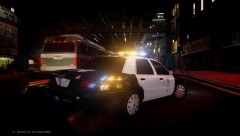 Unfortunately, No.
 -
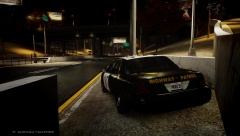
From the album: California Law Enforcement
-
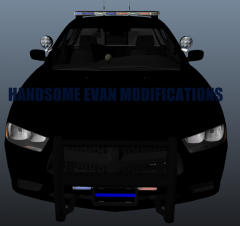 All he was asking was what did you MODEL from scratch. All you did was editing stuff that was released unlocked publicly. You modeled Nothing.
 -
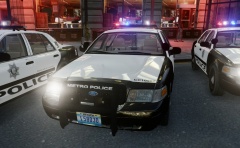 Cj, I don't think I have to say much. Fantastic work yet again.
 -
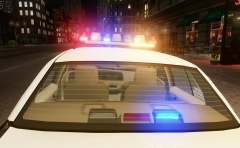 From what I have heard. That Vic Is a one off vehicle being used. LVMPD doesn't use the Vision SLR like the rest said.
 -
I am liking it Cj!!! Fantastic job as usual.
-
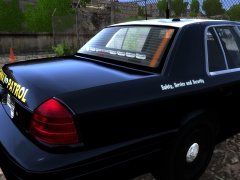 Is that a Whelen inner edge?? If it is, the CHP doesn't use it.
 -
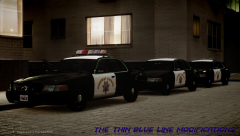
From the album: California Law Enforcement
In case you were wondering about the parts used in these three vehicles: Federal Signal Vision Halogen modeled and converted to GTA IV by KevinDV, edited and configured to CHP setup by ASTTrprDillon95 Whelen Liberty modeled and converted to GTA IV by KevinDV, edited ad configured to CHP setup by ASTTrprDillon95 Whelen Dual Avenger modeled and converted to GTA IV by ASTTrprDillon95 Federal Signal Signal Master SL Deck light modeled and converted to GTA IV by ASTTrprDillon95 Whelen Raiders modeled and converted to GTA IV by Hilth0 Mirror Lights modeled and converted to GTA IV by Traumapak CHP Rambar modeled and converted to GTA IV by ASTTrprDillon95 Federal Signal TS-100N Siren Speaker modeled and converted to GTA IV by Kygo CHP interior console stand modeled and converted to GTA IV by ScrimpyData Rockwell Collins Laptop modeled and converted to GTA IV by BxBugs123, Edited by ScrimpyData Antennas modeled and converted to GTA IV by Priman, edited by ASTTrprDillon95 CHP Livery scratch made by ASTTrprDIllon95. -
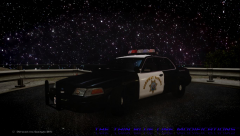
From the album: California Law Enforcement
-
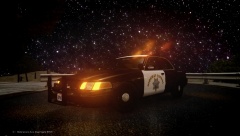
From the album: California Law Enforcement
-
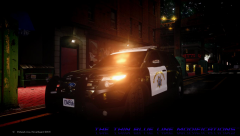 As I said^
 -
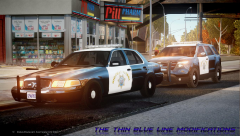
From the album: California Law Enforcement
The bugs in these vehicles has been fixed after the upload of this image. -
From the album: California Law Enforcement
The bugs in the vehicle has been fixed after the upload of this image. Features: Accurate Antenna Setup based on CHP Specification Accurate Setup for Rambar based on CHP Specification Accurate Console Setup based on Actual CHP Console This is NOT the LPR Unit that CHP uses. This is just the basic patrol unit. -
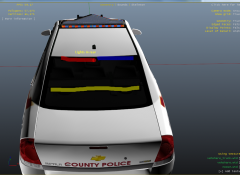 Indeed. I doubt he made the skin though. It looks like the Liberty County Police Skin pack released by Kode103
 -
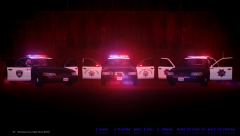
From the album: California Law Enforcement
-
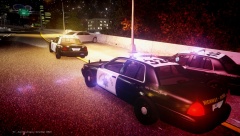
From the album: California Law Enforcement
-
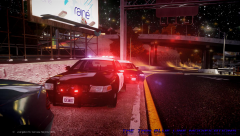
From the album: California Law Enforcement
NOTE: This light mode you see is that of a CHP Configuration. I have personally seen two CHP units on this light mode during a traffic stop. Video footage of actual CHP unit on the traffic stop mode as shown in the images: CLICK ME -
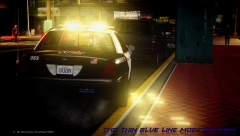
From the album: California Law Enforcement
-
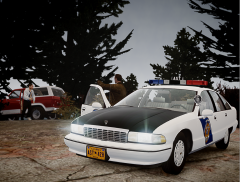 Spot on Mate... Nice shot. But your are missing a rambar lol
 -
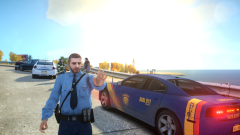 Dat 924kb Impala!!!! Looks sexy!!!

