


California Highway Patrol

- 835 views
- View ASTTrprDillon95's images
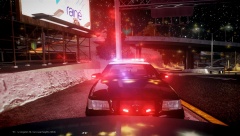
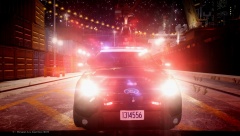
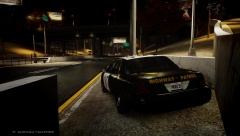
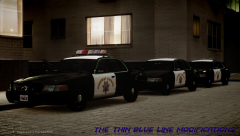
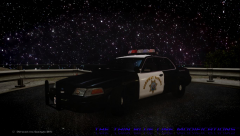
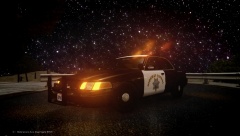
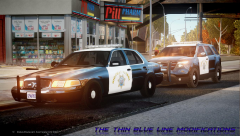
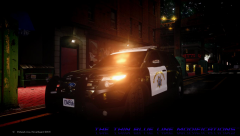
In case you were wondering about the parts used in these three vehicles:
- Federal Signal Vision Halogen modeled and converted to GTA IV by KevinDV, edited and configured to CHP setup by ASTTrprDillon95
- Whelen Liberty modeled and converted to GTA IV by KevinDV, edited ad configured to CHP setup by ASTTrprDillon95
- Whelen Dual Avenger modeled and converted to GTA IV by ASTTrprDillon95
- Federal Signal Signal Master SL Deck light modeled and converted to GTA IV by ASTTrprDillon95
- Whelen Raiders modeled and converted to GTA IV by Hilth0
- Mirror Lights modeled and converted to GTA IV by Traumapak
- CHP Rambar modeled and converted to GTA IV by ASTTrprDillon95
- Federal Signal TS-100N Siren Speaker modeled and converted to GTA IV by Kygo
- CHP interior console stand modeled and converted to GTA IV by ScrimpyData
- Rockwell Collins Laptop modeled and converted to GTA IV by BxBugs123, Edited by ScrimpyData
- Antennas modeled and converted to GTA IV by Priman, edited by ASTTrprDillon95
- CHP Livery scratch made by ASTTrprDIllon95.
Recommended Comments
Join the conversation
You can post now and register later. If you have an account, sign in now to post with your account.