



ASTTrprDillon95
Members
-
Joined
Everything posted by ASTTrprDillon95
-
ELS V6 should work fine. One simple way disable AI ELS. Noose will respond as normal. No crashes. I can play GTA IV for 5 straight hours without crashing. Been there , Done That. :) Just change the settings in ELS.ini. I.E, Ai_ELS_SP = 1 // Toggles ELS on/off for AI in SP Change the 1 to 0 to disable AI ELS.
-
-
Tom do you take requests for mods??
-
 Neolux's N-Rage ENB:http://www.gta4-mods.com/misc/n-rage-enb-f10816
 -
Please don't hijack the thread. Please create your own thread.
-
-
Thks Sorted it out. Neolux's ENB does work on 1.0.7.0. Changed the save date as well. thks again
-
A very quick one. Can LCPDFR 0.95 run on Patch 1.0.4.0?? cause I wanna use Neolux's ENB. I seriously F'ed my game with my saved data.
-
-
-
 New ENB Settings
-
 New ENB Settings
-
 New ENB Settings
-
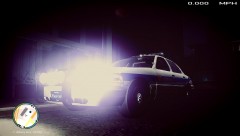 New ENB Settings
-
 New ENB Settings
-
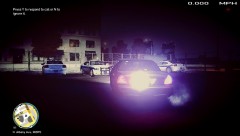 New ENB Settings
-
 New ENB Settings
-
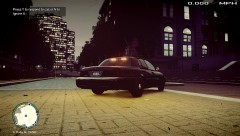 New ENB Settings
-
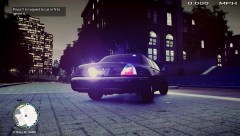 New ENB Settings
-
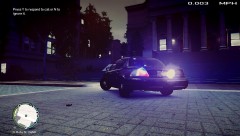 New ENB Settings
-
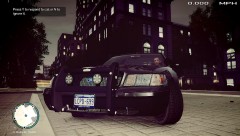 New ENB Settings
-
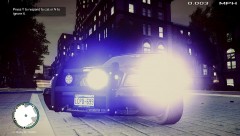 New ENB Settings
-
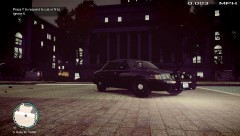 New ENB Settings
-
New ENB Settings
-
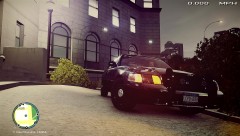 New ENB Settings
-
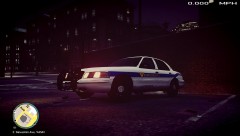 New ENB Settings
-
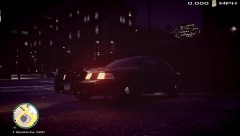 New ENB Settings
-
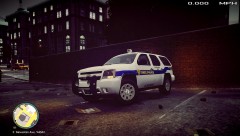 New ENB Settings
-
 New ENB Settings
-
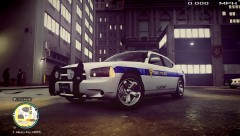 New ENB Settings
-
-
From the album: New ENB Settings
-
From the album: New ENB Settings
-
From the album: New ENB Settings
-
From the album: New ENB Settings
-
From the album: New ENB Settings
-
From the album: New ENB Settings
-
From the album: New ENB Settings
-
From the album: New ENB Settings
-
From the album: New ENB Settings
-
From the album: New ENB Settings
-
From the album: New ENB Settings
-
From the album: New ENB Settings
-
From the album: New ENB Settings
-
From the album: New ENB Settings
-
From the album: New ENB Settings

