t0y
Members
-
Joined
-
Last visited
Everything posted by t0y
-
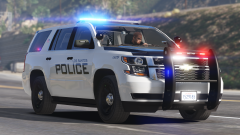
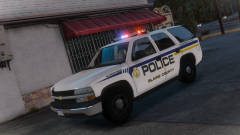 whose tahoe is this?
 -
-
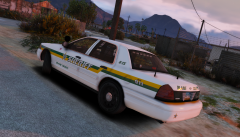
From the album: t0y's GTA V WIPs
© Attractive Studios™
-
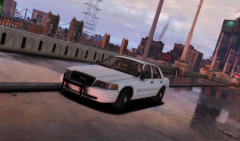
-
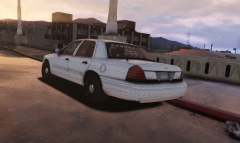
From the album: t0y's GTA V WIPs
#WIP Livery and updated exterior coming tomorrow ;)© Attractive Studios™
-
 No. You may be able to find some on a different DEV model though, I can see if I can find one and throw it in in the next update may be a few days though.
- 132 comments
- 39 reviews
-
 Those aren't really lore friendly, but nice :)
 -
-
-
 oh gotcha
 -
what does ITZ stand for
-
 Fuck yes.
 -
Maybe, once I post a pack I usually dont make edits unless they are bugs, but I do have some nice projects coming up with much more detailed interiors.
- 132 comments
- 39 reviews
-
Wtf edit: wtf in a good way
-
Hi, I didn't edit the handling at all it seems like it is probably an issue with the DEV model, I will try to find a better handling file and put it in the update. The vehicles.meta included just affect two vehicles, they are the same for the Impala and the F350, so either one will do, I included it in both files in case someone wanted one and not the other and didnt bother opening both files.
- 132 comments
- 39 reviews
-
-

- 1
-
-
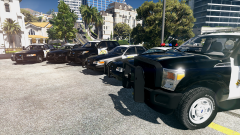 Almost "cumming soon" :O you spelled coming wrong
 -
-
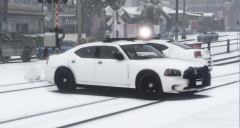 Yessir, thanks to Him1250 :D
 -
 Which key do I use for that? :3
 -
Yea ill look around for now I just use prntscrn
-
ok rip dont have it on steam
-
How do u screenshot? Steam?
-
-
I dont understand those words. But good to know :D
-