




AlconH
Members
-
Joined
-
Last visited
Everything posted by AlconH
-
Your buying your rig from a store, first bad sign. It's a laptop, and isn't even a high-end overpriced Alienware. You may get GTA to run, but it'll be far from smooth. You'll be on minimum graphics, and it'll lag big time. Basically, if you buy that laptop, be prepared to be disappointed.
-
-
9/11 is on Tuesday buddy.
-
-
-
No worries.
-
I used "Main Concept AVC/AAC (*.MP4)" > "Internet HD 720P" Worked perfectly, great quality. Fairly low size.
-
Hey Guys, I've recorded a video using FRAPS and edited it in Vegas Pro 11. What would be the best settings for uploading to youtube when configuring the rendering? I'm looking for good quality, but a not so huge file so that the upload doesn't take weeks. Thanks, -Tom
-
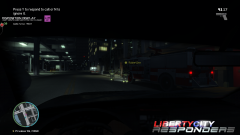
From the album: The LCR's
www.lcresponders.com -
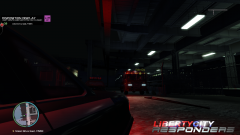
From the album: The LCR's
www.lcresponders.com -
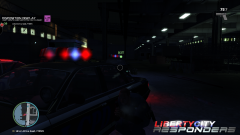
From the album: The LCR's
www.lcresponders.com -
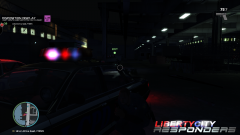
From the album: The LCR's
www.lcresponders.com -
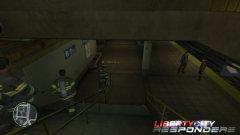
From the album: The LCR's
www.lcresponders.com -
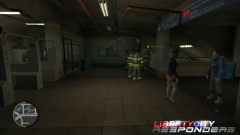
From the album: The LCR's
www.lcresponders.com -
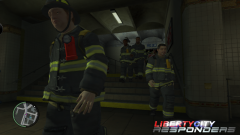
From the album: The LCR's
www.lcresponders.com -
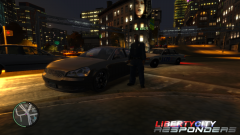
From the album: The LCR's
www.lcresponders.com -
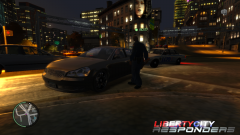
From the album: The LCR's
www.lcresponders.com -

From the album: The LCR's
www.lcresponders.com -
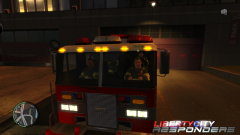
From the album: The LCR's
www.lcresponders.com -

From the album: The LCR's
www.lcresponders.com -
@Avrohom, the patch version is irrelevant to this error message.
-
Knew this already, but I'm sure it will be helpful for those who don't. Thanks
-
Please use the search feature on the site before posting. 1) Make sure your GTA directories are not readonly, especially the COMMON/DATA folder. 2) Also ensure you are running the installer as an administrator.
-
Thanks!
-
Added. Thanks


