Skip to content
View in the app

A better way to browse. Learn more.

LCPDFR.com

A full-screen app on your home screen with push notifications, badges and more.

To install this app on iOS and iPadOS
  1. Tap the Share icon in Safari
  2. Scroll the menu and tap Add to Home Screen.
  3. Tap Add in the top-right corner.
To install this app on Android
  1. Tap the 3-dot menu (⋮) in the top-right corner of the browser.
  2. Tap Add to Home screen or Install app.
  3. Confirm by tapping Install.

JamFan

Members
  • Joined

  • Last visited

Everything posted by JamFan

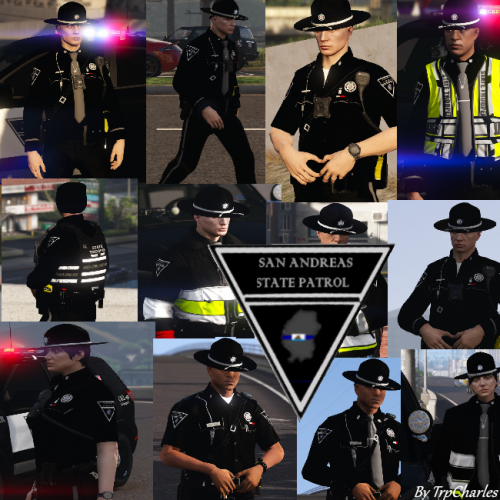
    Best skin I have seen in a while keep up the good work
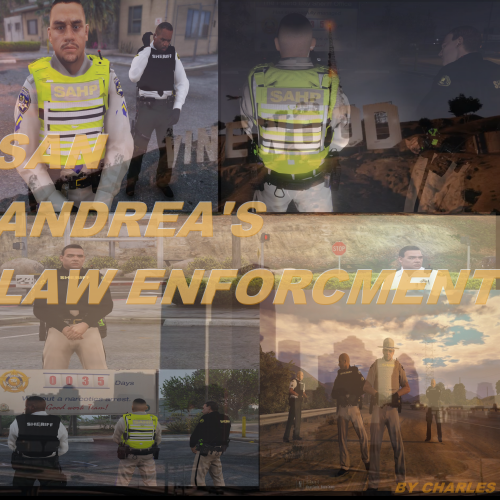
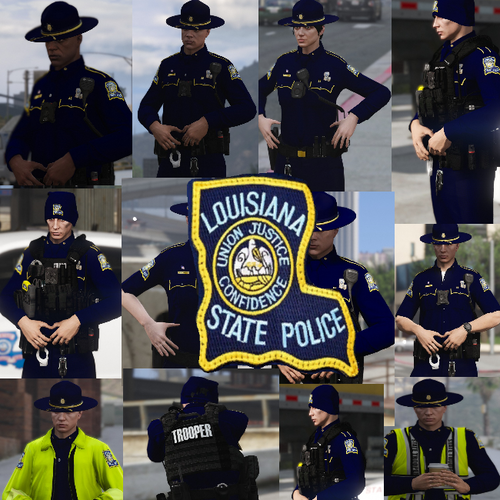
  1. Hey @Troopercharles where are the vehicle textures at for these peds ?
  2. @tichenor My bad I didn't even Know that.
    Better than the last ones put out tho it may not be realistic its good for showing off.
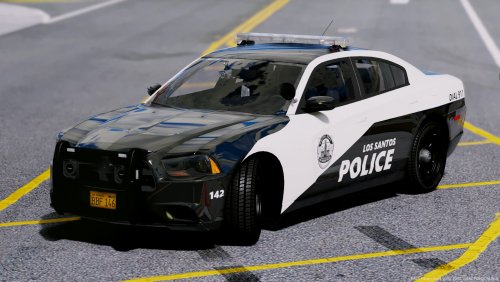
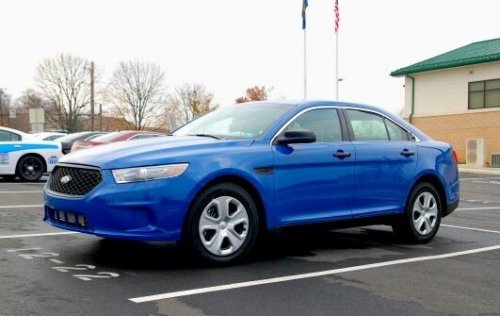
  3. Not Bad just the license plate is a little stretched out but all can be fixed
  4. Ill make it if u delete everthing and not post every second
  5. Its hard to ignore when you take up 2 pages
  6. @JaiTheGamer58 Its hard to ignore when all you do is post these it takes up the whole section
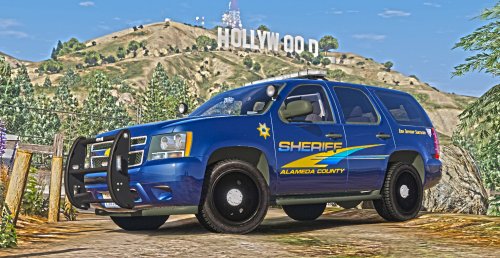
  7. well the yellow is a little too bright and the font is wrong
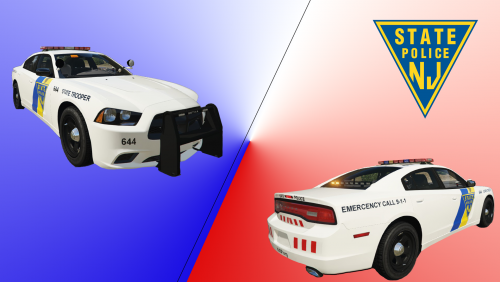
  8. Before you texture it you should look it up looks nothing like our state cars
  9. Could u skin the caprice of POLICESCO

Account

Navigation

Search

Search

Configure browser push notifications

Chrome (Android)
  1. Tap the lock icon next to the address bar.
  2. Tap Permissions → Notifications.
  3. Adjust your preference.
Chrome (Desktop)
  1. Click the padlock icon in the address bar.
  2. Select Site settings.
  3. Find Notifications and adjust your preference.