
JamFan
Members
-
Joined
-
Last visited
Everything posted by JamFan
-
-
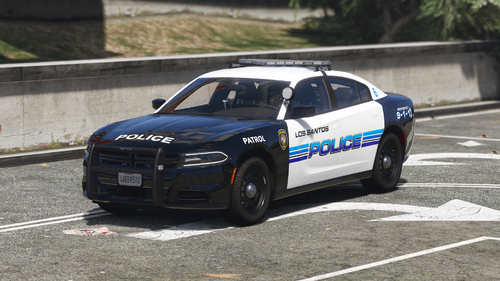
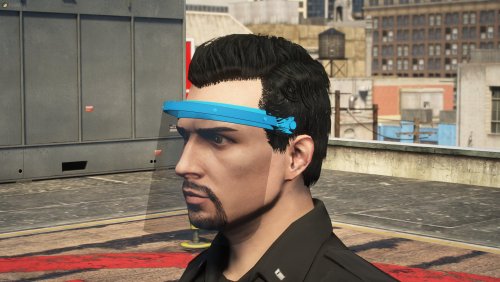
 What made you say "ah yes, this skin is pretty good I think the LSPDFR community might be able to benefit from this." this skin is absolute dog shit.
 -
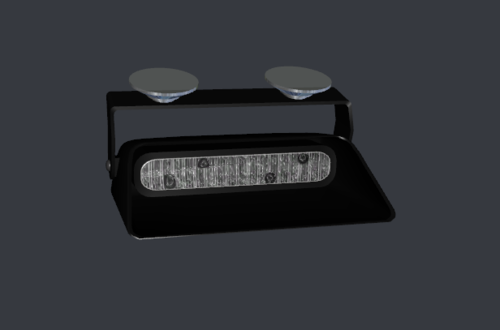 This was converted from IV where are the original credits?
 -
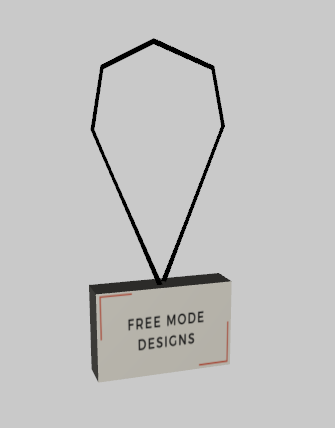 uhhhhhhhhh ok 👌
 -
Can you guys unpin the topic. K thanks.
-
-
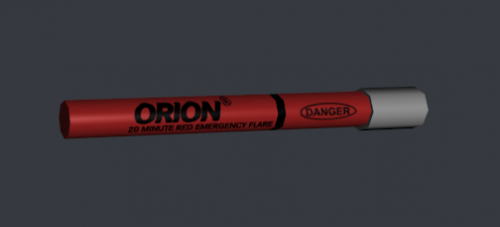 That’s all? Try and add more detail such as writing. Need help let me know.
 -
-
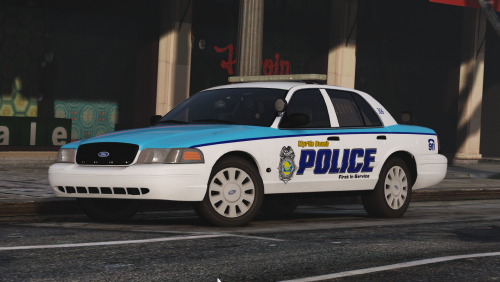
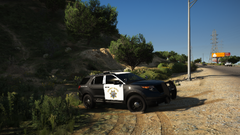 COLOR IN THE PILLARS! THEY ARE NOT SUPPOSE TO BE WHITE!
 -
.png.4205d280a791244a04434563494c37c9.png) Nice black glass.
Nice black glass. -
-
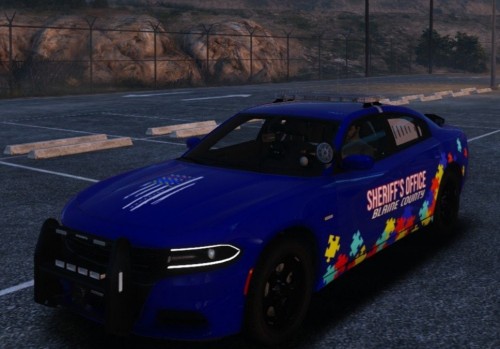 That wasn’t meant to sound offensive. Sorry it was taken that way. I was on my phone and using the speaking thing and hit send instead of proofreading it. Read my last comment.
- 10 comments
- 1 review
-
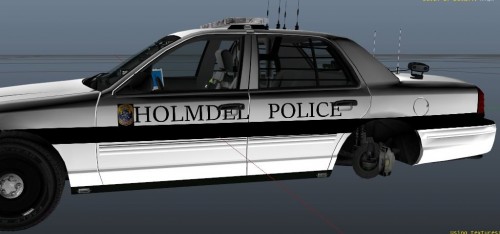 Not even close.
 -
-
-
-
-
-
-
-
-
-
 Well isnt this cute?
 -
-
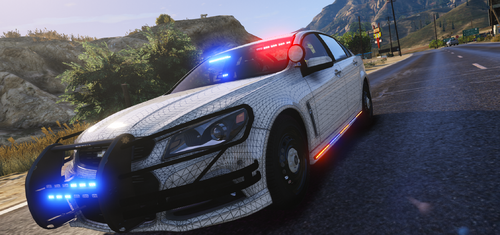
 wow that base needs fixing.


.png.4205d280a791244a04434563494c37c9.png)