



rndNO.png.69316d0c18a1ff2dccccc5bb8b858b0c.png)
medic4523
Members
-
Joined
-
Last visited
Everything posted by medic4523
-
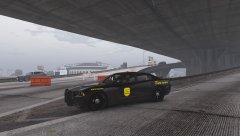
From the album: medic4523 Screenshots
-
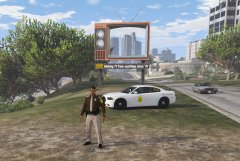
From the album: medic4523 Screenshots
-
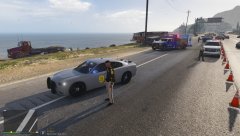
From the album: medic4523 Screenshots
-
-
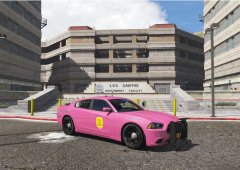
From the album: medic4523 Screenshots
-
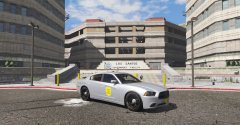
From the album: medic4523 Screenshots
-
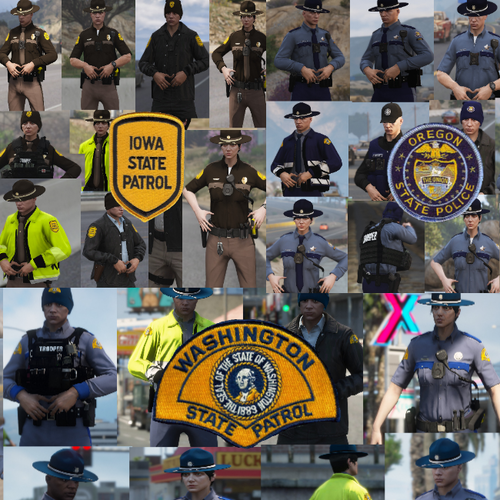 Great to see some lesser known states get recognition. Iowa State Patrol uniform is on point.
- 29 comments
- 6 reviews
-
 It absolutely does. I'll be semi-patiently awaiting the updates that include those callouts. I'm definitely interested in the "routine" types of calls, rather than the big shoot-outs and the like. A few of those I mentioned sound like they'll fit the bill. Keep up the good work, I'll be waiting for more. Thanks!
- 329 comments
- 53 reviews
-
Nice callout pack! Couple quick questions: Using callout manager I see Medical Emergency, Money Truck Escort, TPAC Support, and Criminal Damage on the list, however they "Fail to Load" when selected. I tried to scan the comments already for information on these... Are they future callouts? Is mine broken? I dig the callouts already there, just one of those guys that wants more because the ones I can use, I like! Thanks
- 329 comments
- 53 reviews
-
 +4: Dig it! Lots of features and customize-able options! -1: However, I wish AI vehicles would use set Siren Mastery specs. Perhaps a coming update?
- 851 comments
- 108 reviews
-
 I created some custom offences for traffic citations... fix-it tickets if you will. <Offence> <name>Vehicle Unfit for Roads</name> <points>0</points> <fine>0</fine> <seizeVehicle>true</seizeVehicle> <offenceCategory>Vehicle</offenceCategory> </Offence> However, even though I have the fine set at $0, in game the minimum is $5. I've failed to find that config in any settings. Can anyone direct me to where I can lower the minimum fine amount?
- 1,178 comments
- 137 reviews
-
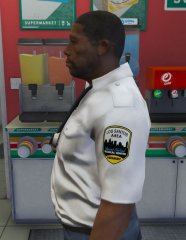
From the album: Mount Chiliad Medical Center EMS
I used the medics provided in GTA, and applied the uniform created by SouthDakota13. It was his AMR uniform, which I altered the patch to reflect this department. -
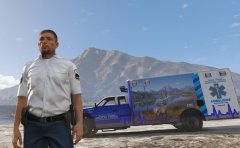
From the album: Mount Chiliad Medical Center EMS
-
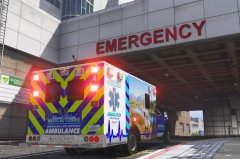
From the album: Mount Chiliad Medical Center EMS
-
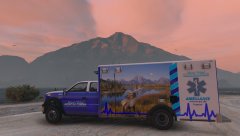
From the album: Mount Chiliad Medical Center EMS
The model is Patrol 31's Vapid Ambulance I created the skin, with ideas from Wyoming Medical Center's ambulances.
rndNO.thumb.png.c29b8238a5f60bc4aa83dc5b27158e8d.png)



