


Joe C Wilson
Members
-
Joined
Everything posted by Joe C Wilson
-
-
-
-
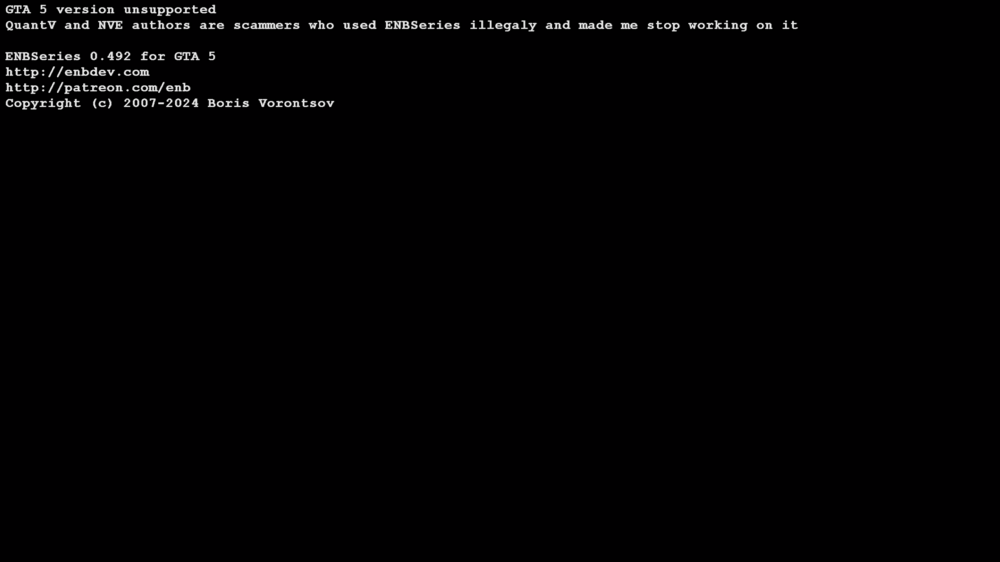
Hey there, everyone. I just uninstalled QuantV and decided to switch back to VisualV. The issue I'm facing is that the warning message that comes with the default ENB is longer than the original loading screen. Does anyone know which file I should replace to eliminate this startup screen? Side note - installing No Rockstar Intros does not help fix this issue. ENB still forces me to wait after the intro video finishes playing before landing on the main screen. Thank you.
-
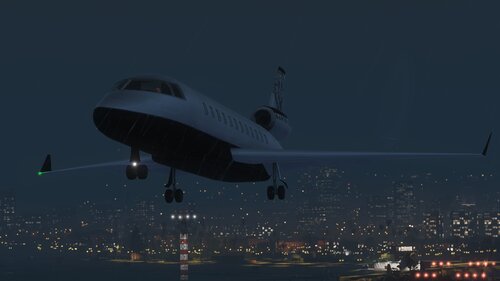 I never used vanilla works before, but it could be something I may consider down the line for a separate modification. This was created in mind for cars that are Liberty City themed. Vanilla works seems to include vehicles that aren't included in GTA 4.
 -
I am confused not frustrated. It seems like you installed a version of EUP that's not compatible with my modification. EUP Backup Configurations is supported for 9.3 version of EUP. If you installed EUP with a different version, that could explain the issue. Ensure you have both of these modifications installed, and your game should work again. Where it says 8.3, don't mind that. 9.3 and 8.3 are the same versions, just mislabeled. Don't forget to install Serve and Rescue also. That should help fix the incorrect uniforms from appearing in-game.
-
Why do you need to fix "every single ped"? Each ped was designed to serve as a backup for EUP Law and Order and Serve and Rescue. There haven't been any bug reports suggesting that any of the hundreds of pre-configured uniforms are malfunctioning. If you need to report a bug, please provide a picture of the ped in question, and I will attempt to resolve it. I recently looked through the EUP Menu download archive that I've had since 2021, and I didn't find any pre-configured uniforms, so I had to create them myself. What is the correct version of a 'preset' supposed to be? I'm a bit confused about this.
-
It looks like you are using custom EUP for GTA 5. I can't give the exact solution to this issue as I do not know what files you changed inside of OpenIV. I suggest using this plugin to get the correct numbers of your uniform you want. I assume you created your uniform using EUP Menu, so all you need to do is install this plugin, and run the console command. It should then print you the numbers which I could help get you started in the right direction. Then you can remove LSPDM (Los Santos PD Metro) inside of Backup.xml and remove all settings for them inside of Custom Regions.xml. I suggest using Notepad++ and use the search function to quickly find LSPD Metro. From there, you can edit outfits_lspd_eup.xml and edit DefaultRegions.xml and SpecialUnits.xml and you can use Notepad++ to replace the line all at once with the new numbers the EUP to UB Convert plugin generated for your outfit. Side note - the numbers for the outfits_lspd_eup.xml file will be one below that number as the custom folder reads 1 as 0 thus 0 being default.
-
Greetings, everyone. I have resolved the issue causing the game to crash and have corrected all the typographical errors I could identify. This will be the 1.2 version. Additionally, I have introduced a greater variety of motorcycles, as there were very few available previously. You will notice an increased presence of cars compared to motorcycles, due to the limited selection of bikes from the IVPack; however, you should begin to encounter them more often this time. I hope this will be the final update for some time, but if you have any suggestions or feedback regarding the mod, please feel free to share. Thank you.
-
An update is on the way. Kindly refrain from downloading until processing is complete.
-
Editing <Component id="11" inside of the outfits_usms_eup.xml file would allow you to change their shirt. Also, changing <Component id="9" would allow you to change their vest. If you use Ultimate Backup, just look for comp_shirtoverlay= to edit their shirt and comp_tasks= to edit their vest inside of the SpecialUnits.xml file.
-
Preview of Liberty City Traffic in GTA 5 via @YouTube This mod was made to bring new traffic to San Andreas using the IVPack. I got tired of seeing the same old vehicle models while playing as a cop in LSPDFR, so I thought I’d try my hand at making traffic spawn with these fresh cars. There’s nothing else like this mod out there, so I figured it was time to turn the idea into something real. This mod introduces cars, boats, and planes to San Andreas, featuring vehicles inspired by Liberty City. The cars from GTA IV that are already in GTA 5 have been included to keep the theme consistent. It doesn’t affect parked vehicles, so you should be good to go with story missions. If you run into any problems, just give me a shout. Thanks! To install this mod, simply drag and drop the popgroups.ymt file into this path in OpenIV. Just a heads up - if you don’t have a mods folder, it’s a good idea to create one since that’s the only way to back up your game files unless you manually save them in a secure spot on your computer. mods/update/update/x64/levels/gta5 First off, you'll need a gameconfig mod to get mods working. I recommend using the gameconfig linked below along with its prerequisites for the Legacy version of GTA 5. https://www.gta5-mods.com/misc/gta-5-gameconfig-300-cars Next up, this is the GTA IV car pack that I used to set up this modification. You have to install it. It comes with an OIV, so it will install automatically for you. Just run the OIV installer in OpenIV. https://www.gta5-mods.com/vehicles/ivpack-gtaiv-vehicles-in-gtav
-
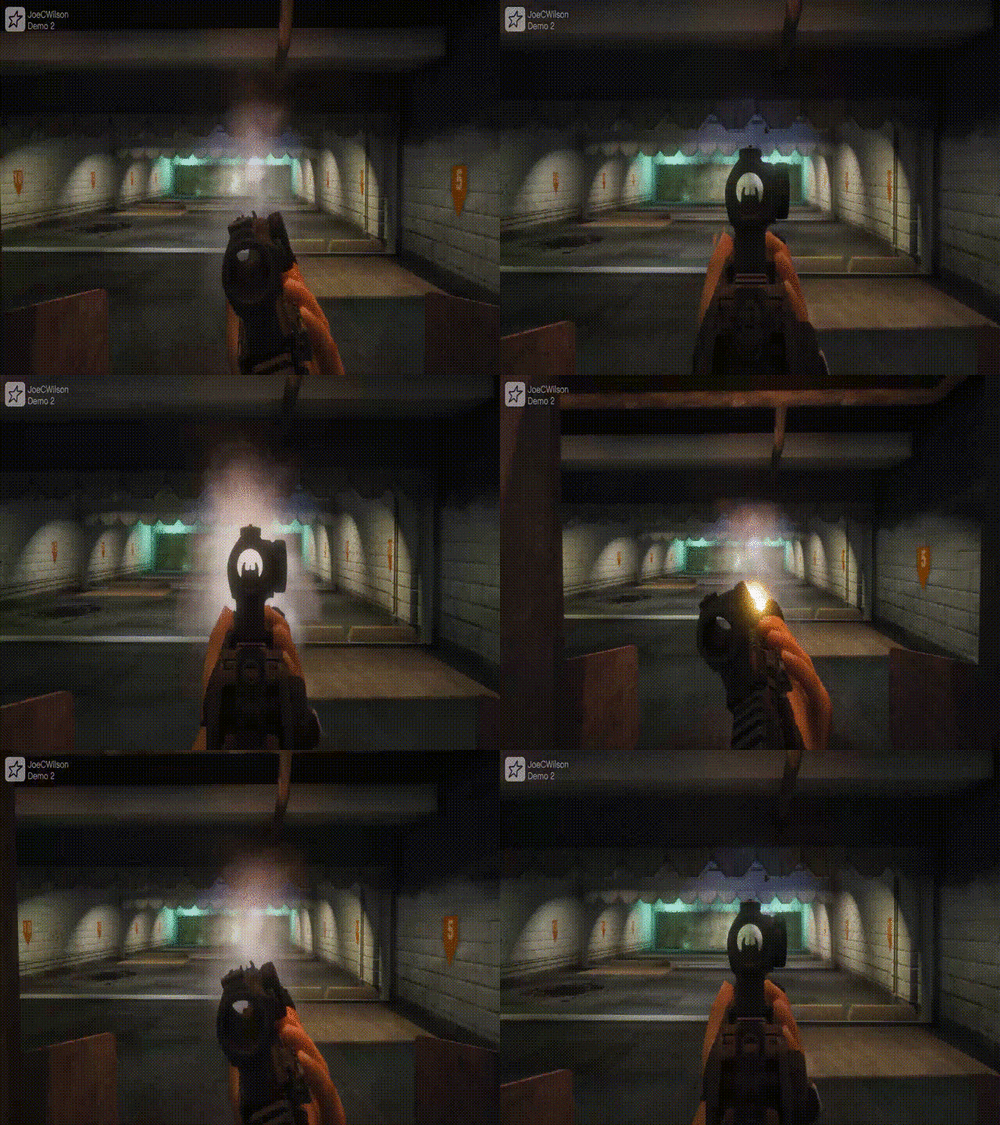 If it uses the same files this does, that could explain why it has issues with the weapons used by the mod.
- 56 comments
- 2 reviews
-
I just went in the game and switched to a female character in the LSPDFR character menu, went on duty and shot around no problem. Maybe you have something installed that conflicts with the mod?
- 56 comments
- 2 reviews
-
You will need to change Ambient.DisablePlayerFlashlightOverride from true to false. If you are still having issues, I can take a look further. I was in a bike accident last night, so I will appreciate extra time looking into this issue. Thanks.
- 56 comments
- 2 reviews
-
I think you may have your modifications mistaken. My mod does not have LSPD SWAT in the custom regions file - only LSSD (Davis Area), Del Perro, and Rockford Hills. FYI; my modification is called EUP Backup Configurations. I do not include the name Ultimate Backup anymore as that leads to constant confusion between Tom's modification and mine. What likely is happening is you possibly installed both and the files are conflicting with one another.
-
What backup config folder are you using? Are you using the regular, snow or rain folder in it? What area of the map are you requesting them? Can I see your recent rage plugin hook log? Not much I can do with limited information.
-
-
 Remove <Flag>SpawnsAmbiently</Flag> from all of the fire departments inside of the agency eup xml file.
- 944 comments
- 23 reviews
-
They spawn naturally in the world -- converging in pursuits without having to be called because they are defined as backup according to LSPDFR metadata. Nothing I can really do about that unless you remove them from spawning ambiently inside of the agency eup xml file. But then you won't see firefighter and paramedics hanging around their stations etc.
- 944 comments
- 23 reviews
-
All of those can be referenced here. This tells you what they mean and what they are also used for. What you specifically need to edit is the task section in order to get the NPCs to wear the vest you want.
-
You can edit the number in the task section to make them wear the vest, and depending on the texture, you can set that number depending on what it also is. I suggest using EUP Menu and going through the task section and see what the number of the vest is, remember to put it one number below as the custom data folder reads 0 is none and 1 as default etc. Same with texture number. This will also make them respond as backup wearing them. You can create a new uniform for them inside the lspd eup xml file and to edit their responding uniforms in the agency eup xml etc, but that's a lot of work just so they won't wear the vest. It's up to you.
-
GTA 4 LCPDFR #28 - Shots Fired In Beechwood City | LCPD '11 CVPI via @YouTube
-
Are you talking about a partner as in ride-along or your backup that responds to you when requested? The custom data folder is for the default backup menu and can be edited to wear what you set them to. You must download and install EUP law and order including serve and rescue then the uniforms should then be fixed. You have to make sure the backup config you download matches the EUP version you installed to OpenIV. Also, a screenshot could help better explain what you mean if this doesn't answer your question. If you don't mind attaching one, so we can give you a better solution. Thanks.
-






.png.ae9277c43ce8db0c6b3c5ecb7f65b151.png)