


Joe C Wilson
Members
-
Joined
Everything posted by Joe C Wilson
-
GTA 5 LSPDFR #87 - Terrorist Attack | LSPD Metro '20 Utility via @YouTube
-
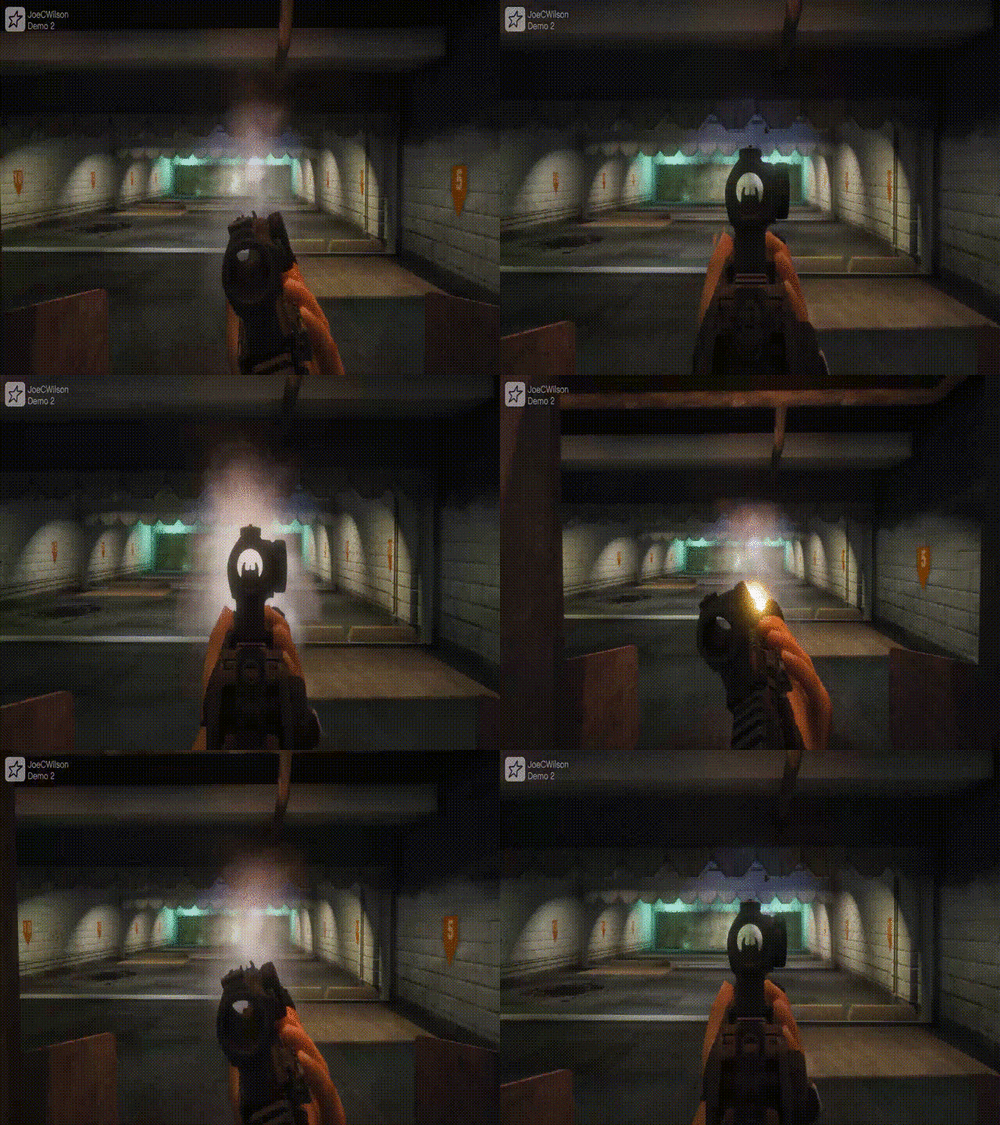 I think I changed first person lt offset, first person lt rotation offset, first person as third person rng offset, and first person as third person lt offset. Each number in all of the offsets I mentioned should be the same. You could copy and paste each offset with the weapon you are trying to edit. I hope this helps.
- 56 comments
- 2 reviews
-
-

- 1
-
-
-
-
GTA 4 LCPDFR #25 - Pursuits In The Triangle | LCPD '14 Charger via @YouTube
-
-
-
-
GTA 5 LSPDFR #85 - High Risk Stop | DPPD '15 Tahoe via @YouTube GTA 5 LSPDFR #86 - Officer Down | LSPD '20 Utility via @YouTube
-
-
-
-
-
-
-
-
-
I’ve put together a mini texture pack for EUP that features the first-ever "Luck of the Irish" themed shamrock textures for the Traditional MSA N6A Helmet by JA Designs. This pack covers roles like CHIEF, CAPTAIN, LIEUTENANT, ENGINEER, FIREFIGHTER, EMS, and APPRENTICE. These textures are FiveM-Ready and LSPDFR compatible. These textures draw inspiration from the traditions of my local fire department and are proudly worn by many firefighters throughout the United States. They celebrate Irish-American heritage and emphasize that the fire service is an inclusive environment for all, regardless of religious beliefs.
-
-
-
-
-
-
-




.png.2510300f5adcb342aee05e8b7d959c70.png)
.png.8b437d051626277ed645e6370248a41a.png)
.png.b442dedc43986bf4c6f0f3445157ceec.png)


