CiscoFan
Members
-
Joined
-
Last visited
Everything posted by CiscoFan
-
I will be studying the police bike... I even got headlights to flash using siren11 and siren12
-
I have done it and it doesn't look wierd... I am using siren1 and siren2
-
I figured out how to not have the tail lights to flash, use the police bike siren settings, it is 6... it does need to be studied however
-
I believe he did make that
-
I am working on the previous generation minimap, I have extracted files from my xbox 360 version of the game. I am now working on the models for the minimap. If anyone wants to help with the exporting process when GIMS Evo V gets updated, PM me and I will send over the files.
-
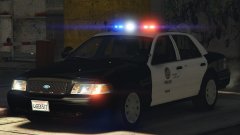 Probably OfficerFive0's
 -
take a look at it... i will provide a screenshot to compare against.
-
the UV mapping got screwed up back when F5544 made the vehicle for GTA IV before KevinDV and Cj24 edited it and then whoever else edited it.
-
@Lundy look at the bottom of the car, it will most likely be fucked up, that is why i am redoing the car.
-
yea... no, he does NOT want his light bar converted
-
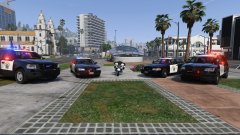 I know how to set that up. @Thehurk use transparent textures for the lights in park mode and have all lights but the back always on.
 -
If there was a CHP skin on the cvpi, the text for highway patrol would curve up. I am seeing the same effect on the numbers and American flag.
-
the back looks screwed up
-
I recommend reuvmapping the car.
-
Of course it will
-
that is where I learned of "OH BILLY"
-
This guy, https://www.youtube.com/user/DOITWITHDAN/featured
-
You watch do it with dan?
-
With the faded headlight texture, it looks like water has gotten inside the headlight assembly creating a moisture problem in the lights because a gasket was worn out.
-
lol
-
you should add it to the download
-
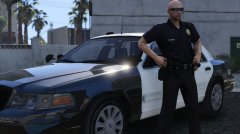 great to see that POS that I have made again. Lol. I am waiting for OfficerFive0's version to come out
 -
Whose CVPI is that? Is that mine?
-
-
The mirror lights need to be two extras because if you think about it, the doors are opening in opposite angles so thus if they were one extra then one light will be going through a door on either side.