


Reddington
Members
-
Joined
Everything posted by Reddington
-
 Hi. Of course, I can get it done in a day or so. Shit, I never did this one, did I? Woops. I'll get both done.
- 269 comments
- 17 reviews
-
-

- 1
-
-
 IIRC you can do it via the agency.xml and agency_eup.xml in the lspdfr-->data folder. Agency_eup is in lspdfr-->data-->custom. If you don't have this file, that's fine.
- 150 comments
- 9 reviews
-
-
IT'S ROLEPLAY! It is not possible to control AI with your voice. It has never been possible. It's so maddening that Youtubers do this but don't have a disclaimer that they are using a sound effect from their mic WHILE pressing the controller/keyboard button for a mod.
-
Chill callouts is very buggy and unfortunately poorly made. It's recommneded not to use it.
-
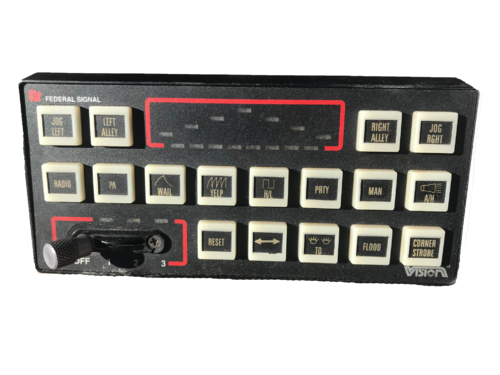 Since the previous demo video was deleted, here's mine. Tactiblox, feel free to add to your description. I love this siren! My only gripes are that the airhorn and hi-lo are a little low volume wise.
- 6 comments
- 2 reviews
-
-

- 1
-
-
From the album: Red's LSPDFR chaos
-
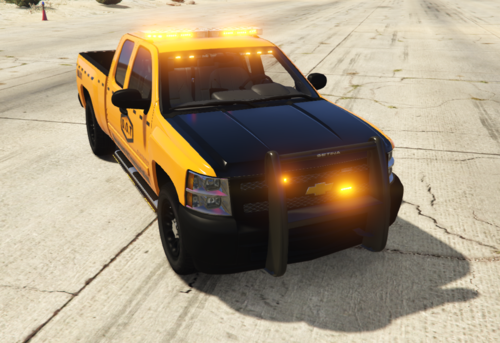 This file feels more like a business ad than anything meant for the fun of the community. You really need to work on the description and exclude all the fake legal garbage and donation perks. This is the LSPDFR community which offers free mods. We don't need people posting mods that are full of ads.
 -
-
Here is when the thread was posted: https://gyazo.com/7c3e7f1c6f2922c7d0de55c6a50e269e Here are the rules, something you have been told about previously and ignore. https://gyazo.com/034e62cda728d47bc00703e8073b9dfc Not how it works. You follow the rules that you agree to when you registered and continue using this site. It's not that hard at all, I don't know why you're incapable of reading and following rules. Going back to this, wig wags are not hard coded. They are something any zmod dev can mess with when they make a car. You bumped a topic from 2018 in order to tell me something you didn't even know for sure.
-
Incorrect. Also, can you for once in your life follow the damn forum rules? This topic is from 2 years ago! STOP BUMPING OLD THREADS! Even when I was a moderator you STILL didn't understand.
-
From the album: Red's LSPDFR chaos
-
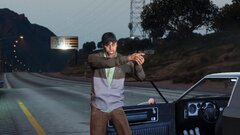
From the album: Red's LSPDFR chaos
-
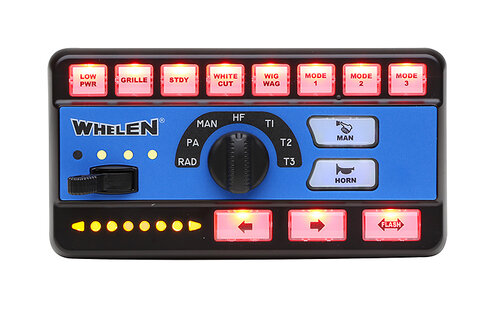 @Emuracer In the future, you can export the siren via openiv. Right click the vehicles.oac-->export to open formats. Some of us have custom sounds in our resident folder and don't want to erase the entire thing.
- 6 comments
- 2 reviews
-
-
- 3
-
-
-
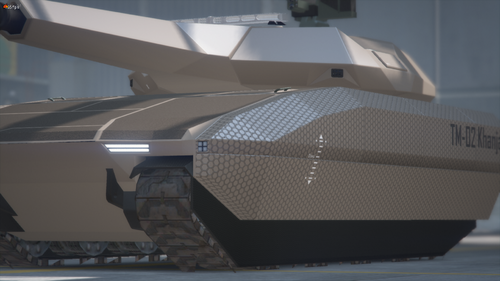 THANK YOU!!! I've been desperately wanting a silly police tank ever since I saw a shitty, selfish fivem server have one that they hoarded to themselves.
 -
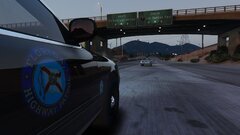
From the album: Red's LSPDFR chaos
-
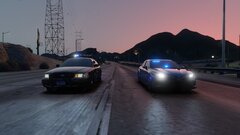
From the album: Red's LSPDFR chaos
-
From the album: Red's LSPDFR chaos
-
 Also, to point out, the beauty of modding is that we get to choose what we use. It doesn't matter your preference of a mod, we will use what we want. In the future, show some respect.
 -
It's not like LSPDFR at all. It's a basic, bare bones co op police expansion for fivem that is limited. Also, this thread is two years old.
-
You can place the carvariation lines in an existing carvations. Go into dlcpacks/mpchristmas2 and navigate to the carvariations. You can extract it, and add your own lines, then put it back in OpenIV.
-
 Without a doubt, this is my favorite pack of yours. (With Miami Dade being a close competitor) IT'S SO GOOD!
- 297 comments
- 21 reviews
-
-
- 1
-
-
Try adding FLAG_EMERGENCY_SERVICE to the flags. Also make sure the carvariations has siren="1"
-
It's a microphone effect coupled with the "mimic me" feature that is a mod. It is not possible to talk to and command AI with your voice.



