Hullian111
Members
-
Joined
-
Last visited
Everything posted by Hullian111
-
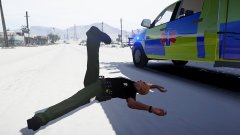 Cramp!
 -
 Just a quick note, too - whatever hosts those EA ads that take up half the screen and breaks the uploader, that source needs banning.
 -
From the album: Hullian111's Gratuitous Misadventures
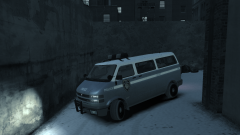
Another Christmas, another few nights of kicking out the rowdy drunks. It's a job every officer hates to do, especially in a precinct where it is almost impossible to reverse in the snow, and with no funding for the LCPD choir, the bells certainly won't be ringing out in Liberty City.© Hullian111
-
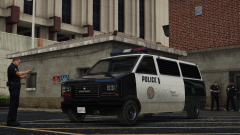 Ah, the riot van aesthetic is gone. Oh well, at least it looks sort of street legal now without the window grilles.
 -
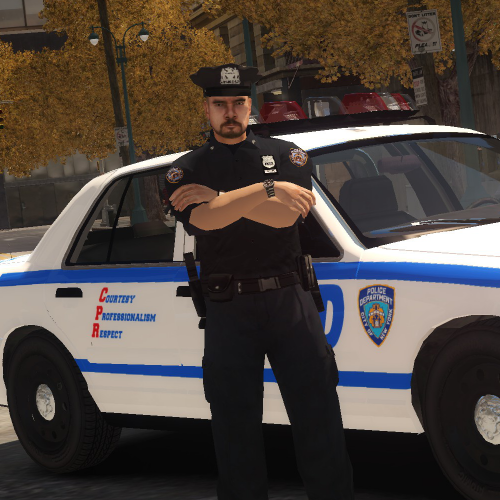 You've just quoted me twice. I really don't get your obsession with cop heads.
- 16 comments
- 2 reviews
-
-

- 1
-
-
speech.rpf ring any bells to you? And from the details, it looks pretty well likely they do. Bloody leakers, though. They're currently tearing the OMSI community apart, now they're moving back to GTA IV. Well, at least you released them, unlike a certain someone who broke promises.
- 16 comments
- 2 reviews
-
-
- 2
-
-
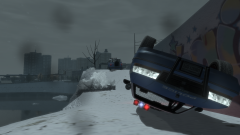
From the album: Hullian111's Gratuitous Misadventures
Even driving a little too fast can cause a serious accident in the snow. Here, two LCPD officers narrowly escaped death when their Premier RMP slipped onto some ice, flipped, and fell over on the Broker-Dukes Expressway. While the car was totalled, the two officers were glad to have escaped with their lives, and got out of CHMC a few weeks later. Following this accident, a road safety awareness campaign was set up in Liberty City. While it may not look like it, it is still going strong today.© Hullian111
-
.thumb.png.0fe8a7ae9a9bd0454bd2adf153e59c1b.png) Guarantee it, we're going to see "put it on your CVPI", and get even more frustrated.
Guarantee it, we're going to see "put it on your CVPI", and get even more frustrated.- 4 comments
- 2 reviews
-
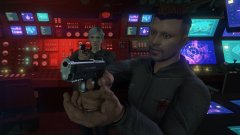 And you're to blame, You give love a bad name!
 -
Drama erupted. Honestly, I feel like maybe it should come back too, as I do have a lot of things to say that don't really need a full-blown topic. Regardless, though, I feel like those were the good old days, too, even though I would have never known LCPD:FR existed then. If only I were able to join in the GTA IV prime time...
-
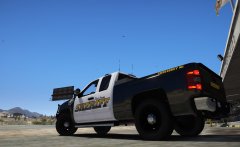 I don't know if I'm using the right word, but your ENB feels way too oversaturated.
 -
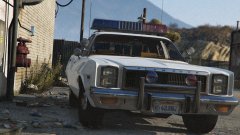 In truth, it would have been.
 -
Title joke.
-
something something Stranger Things reference that I haven't caught up with yet
-
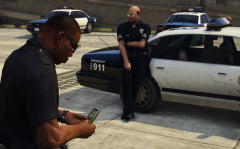 Just call it the Stanier, please...
 -
10/10, now we can play in the 90s. Well, when someone sorts out the player phones, that is.
-
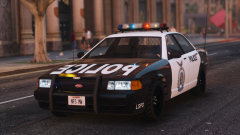 Something seems so satisfying about this livery. Hope there'll be a siren to come with it soon.
 -
 We don't even serve a Number 6 here.
 -
Someone's got gherkins, I see.
-
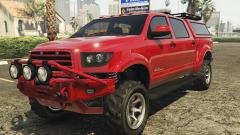 Wrong quote.
 -
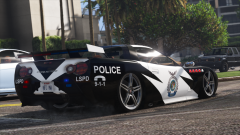 I want every single unit after the guy! Everyone? EVERYONE!
 -
Yeah, 0/10, literally unplayable. Although on saying that, I have seen a fair few emergency vehicles around here with missing badges and trims.
-
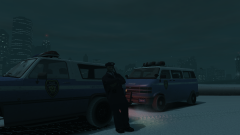
From the album: Hullian111's Gratuitous Misadventures
Every winter, the LCPD ESU team hand out their Ranchers to almost every division in Liberty City, sending out most of their stock to traffic and highway patrol divisions. They prove very useful to tackle the treacherous road conditions, beating the Staniers and Premiers of the standard LCPD fleet. Here, at midnight, an LCPD officer sits around, awaiting activity, by the East Borough Bridge, having been granted the keys to one of the Ranchers. Half an hour later, he gets called to technically the first accident of the day on the bridge.© Hullian111
-
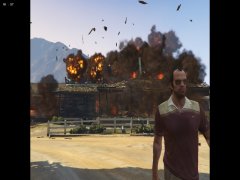 What, are you playing GTA V on a CRT monitor or something? Man, I hope you can get a better PC for that game someday.
 -
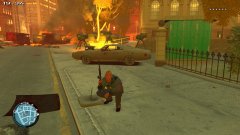 Fiction or not, it doesn't really change my opinion.
 -

.thumb.png.0fe8a7ae9a9bd0454bd2adf153e59c1b.png)