




Brad Philips Townley
-
Joined
-
Last visited
File Comments posted by Brad Philips Townley
-
-
Edited by Brad Philips Townley
On 8/8/2021 at 2:05 PM, barney pompidou said:Hello when I open openiv the mods folder is empty. Is it necessary that I create the path update -> x64 -> dlcpacks or it is already there at the base ?
You have to copy the Update folder into your mods folder. Creating a mods folder does just that, creating a folder. Nothing else.
I'm a little confused... it says "Addon DLC," yet the files are replacements? If that's the case, you should remove the "Addon" from the title. Misleading.
-
Edited by Brad Philips Townley
19 hours ago, Deadpool101078 said:i have downloaded them but i dont know how to spawn them in do i have to change the bcso name to like police 1 or something im kind of confused this pack is different compared to the other ones i have downloaded
YouTube.
Everything seems to be working great with the exception of the Silverado, which appears to have some LOD issues. But I think that might be because I put it in the Sheriff2 slot? Not sure. I put one of the chargers in the Sheriff slot and it doesn't have any LOD issues, so I'm not sure what's going on with that.
-
-
-
-
-

-
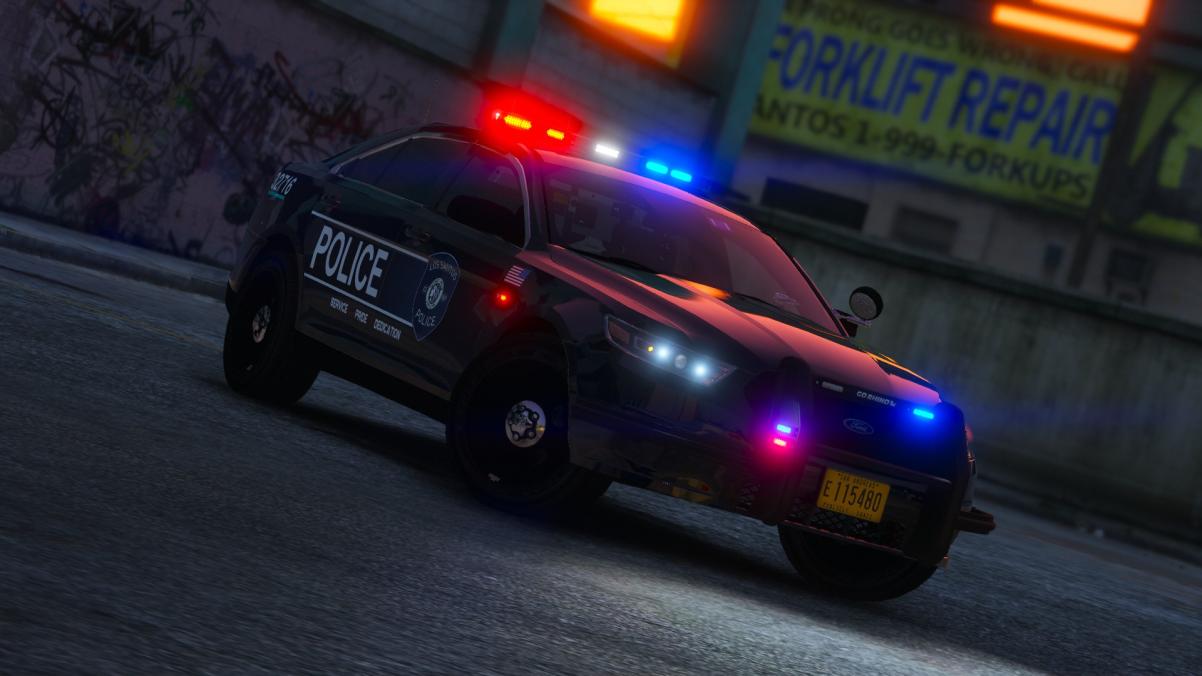 On 9/25/2021 at 1:05 AM, thefreighter said:
Looks good... except on the slicktop, visor lights are supposed to be mounted at the very top of the windshield, regardless if there is a tint strip. Where you have them now is basically eye level for the driver.
I agree... I drive a vehicle with visor lights IRL and where they are in the FPIU would obstruct my view.
-
-
-

-
-
.png.d05de21b48b2a185f26c630d74e12791.png)
-
-
-
-
 On 2/18/2018 at 11:47 PM, Trooper Goetz said:
I dont know why the lights are like that to be honest, Its probably just the texture.
I didnt make one. Use the default xml you get when you install els and rename it to what ever vehicle you want to replace it to or just make a copy of an xml file you already have and do the same.
On 2/19/2018 at 6:09 PM, Trooper Goetz said:Its the hurks model Im not the one who made it.
You sir are an extremely lazy modeler.
-
- t0y and Callum Tait
-
 2
2
-
-
-
-
-
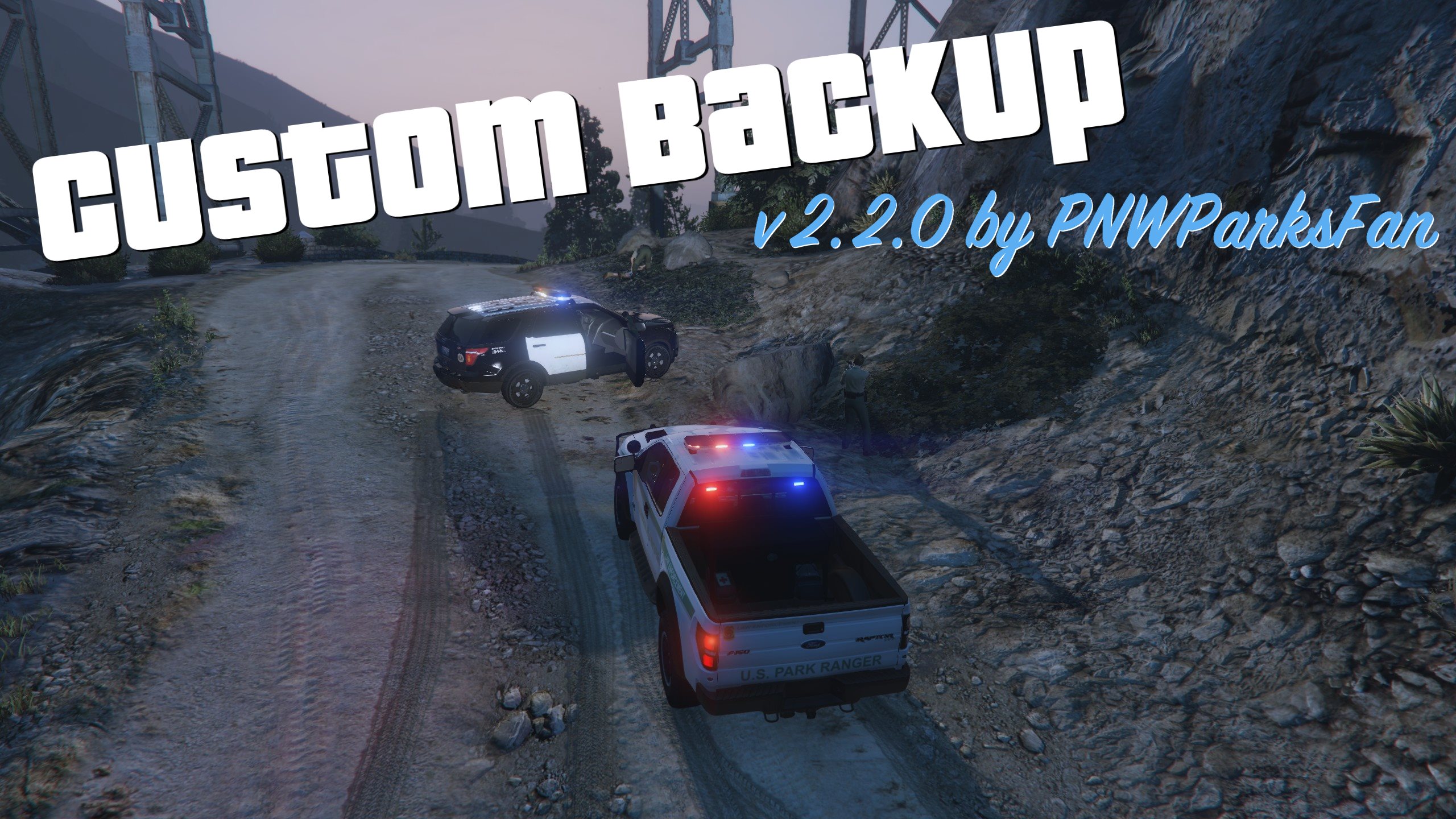 13 hours ago, magiobiwan said:
That's because it's RightStick, not RightThumb.
// If you use a controller, you can choose the button which activates
// the custom backup menu. For a list of valid button names, see
// http://docs.ragepluginhook.net/html/558BC34.htm.

//CustomBackupControllerButton=DPadRight
//CustomBackupControllerModifier=None

CustomBackupControllerButton=RightThumb
CustomBackupControllerModifier=None
I meant Right Stick if ya looked at the screenshot you'd know
-


.png.d05de21b48b2a185f26c630d74e12791.png)


.png.9cd77d025590a5b3f51cfd4ab82ee67e.png)
RADIANCE V
in Visuals & Data File Modifications
I would hope so considering this was released over a year before ELS