
PJR4015
Members
-
Joined
-
Last visited
Everything posted by PJR4015
-
 This will go perfect alongside of your esperanto.
 -
-
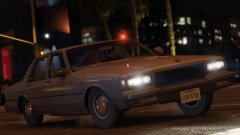 Weren't you also making a marked version of this?
 -
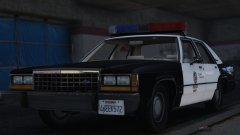 I assume this is an improved version of your released Ford Crown Victoria LTD. The LAPD livery looks much better on this car than the LSPD livery.
 -
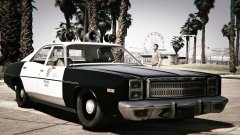 Have you tried using a mods folder?
 -
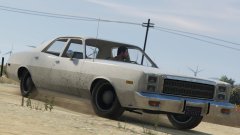 Is this going to be a civilian version or an unmarked version? Or is there going to be a marked version too?
 -
-
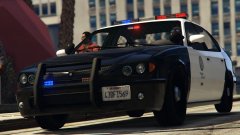 For now I will leave that kind of stuff to professionals like you. Maybe one day when I find the time and motivation to learn how to work with Zmodeler3 I will do these things myself.
 -
That's true but in my opinion the LSPD liveries from RDE look better, because they aren't as simplified as the ones Rockstar came up with. And furthermore that's the beauty of modding: in moddable games like this nothing is objectively already how it's supposed to be. As long as programs like OpenIV allow it everything can be changed.
-
You're right that if you play with the vanilla liveries, there's no reason to fully map it. However mods like RDE use liveries that are closer to the actual LAPD liveries, while still keeping it as vanilla as possible. But because you don't feel like doing it, I'm not going to ask any further about this.
-
Nice! Are you this time going to fully map the car?
-
 Yeah, I knew about that extra in the download. It's just that the skin you included as an extra is different from the one in the screenshots. But I think I found the one you used in those screenshots, so don't bother.
- 95 comments
- 29 reviews
-
What happened to the SAHP skin from the first few screenshots? I liked it better than the one you included in the most recent version because it was closer to the skins featured in RDE. The recent version also has a 2 digit number on the roof while it's supposed to have 3 digits.
- 95 comments
- 29 reviews
-
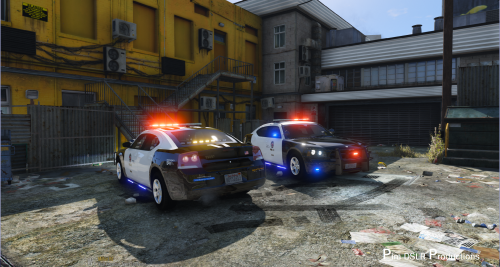 Is it possible to make a version with steel wheels and a more discreet pushbar? Preferably without those siderunners. Something like this:
- 38 comments
- 10 reviews
-
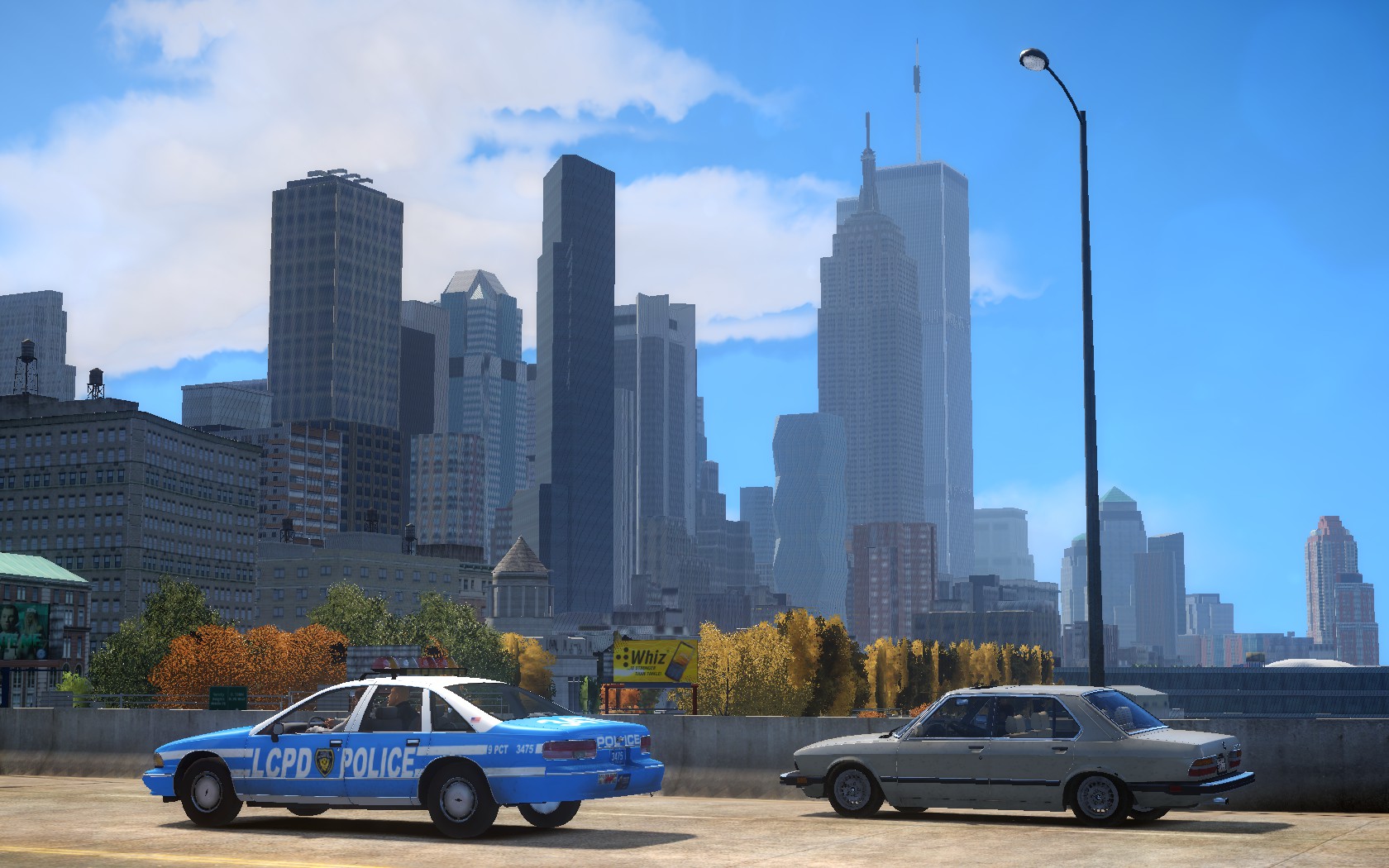
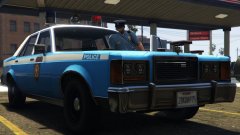 This reminds me of your LCPD marbelle. Even the livery looks like the old school NYPD paintjob.
 -
-
-
This looks amazing. I'm definitely looking forward to it.
-
That's okay, thanks for answering. I'll just have to use the ELS version then.
- 65 comments
- 22 reviews
-
I know I'm probably a bit late with this, but can you make a non-ELS LCPD pinnacle? As far as I know there hasn't been made a proper version of it like in this pack. I would really appreciate this.
- 65 comments
- 22 reviews
-
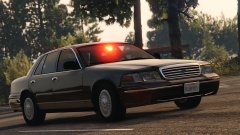 What about the 1st gen stanier, the merit, the regina ambulance, the regina sedan, the gran torino, the police car from Mafia 2, the cadillac ambulance and the plymouth belvedere?