


ayanpati
Members
-
Joined
-
Last visited
Everything posted by ayanpati
-
-
-
-
-
-
-
-
-
-
-
-
-
-
-
-
-
-
-
-
It's been a while. Can you please show us the progress of that mod?
-
YES YES . THAT WOULD BE AWESOME!
-
What is the Specific reason behind this unmoddability do you think?
-
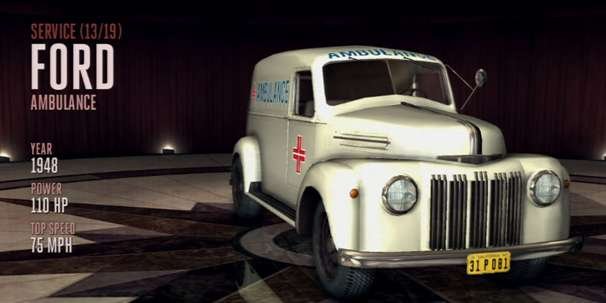
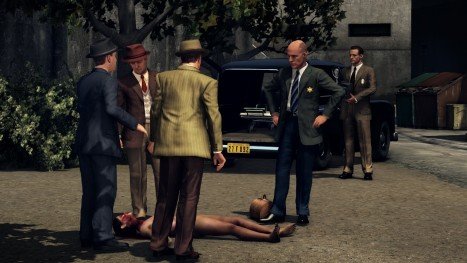
I have searched a lot for any mod in development for LA Noire PC but found none.Some says that it is encrypted in such a way that it can't be modded.Some say they are not encrypted, we just need to get tools to extract the archives (.big files).I dont know.But what i definitely know is - 1. We have such a large no. of talented modders that nothing seems impossible till now. 2. LA Noire set in 1940-50's Los Angeles will be such a unique time period for this police community to go retro and do great police work.It has police station detailed interiors, a large no. of other interiors, coroner, emergency vehicles, police tools & what not.Hell even the games soundtrack is so appropriate! So, a request to all the modders & tool developers out there....please show us some miracles! What do say people? Doesn't it at least deserve a try?

-
great! cant wait!
-
Wow! I drooled while thinking about a bus carrying >10 peds rushing through the freeway towards paleto bay & i am one of the passengers! How cool is that? Please make it happen. I absolutely agree with the idea of bus routes within the city where you can take a bus.


