


RINGISKONG
Members
-
Joined
-
Last visited
Everything posted by RINGISKONG
-
-
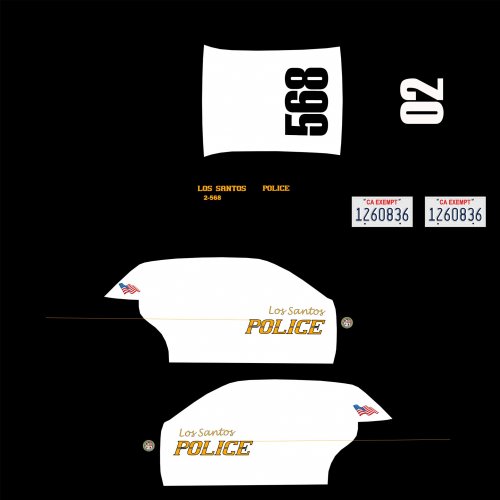
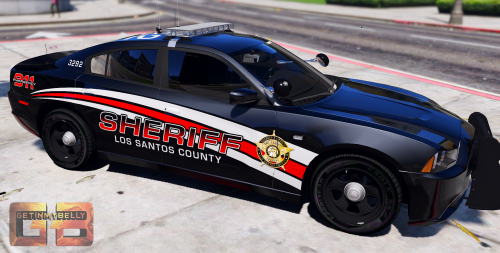
 when i remove the blue strip in the back window all the windows get moved around. Anyone know a fix or a new window template without the blue strip?
- 74 comments
- 23 reviews
-
-
-
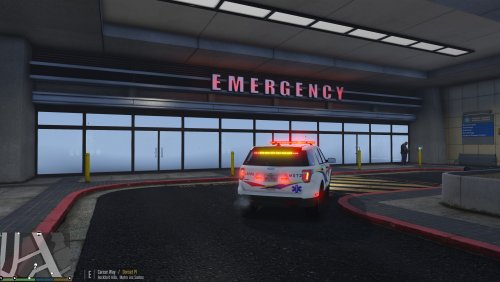
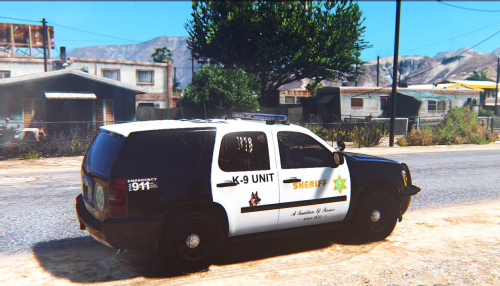 its all good, i appreciate it. I cant find a lapd skin to fit the 2013 explorers
- 11 comments
- 3 reviews
-
-
-
-
-
-
-
-
-
-
-
-
-
-
-
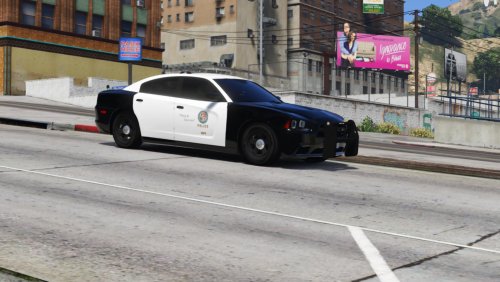 can you make a lspd texture for his explorer?
 -
-
.thumb.png.84adb823f7f653b8d654f1ab13098851.png) yes, it's hard to explain. comparing to other cars that require radiance, it's like night and day
yes, it's hard to explain. comparing to other cars that require radiance, it's like night and day- 89 comments
- 44 reviews
-
-
-







.thumb.png.84adb823f7f653b8d654f1ab13098851.png)
