RINGISKONG
Members
-
Joined
-
Last visited
Everything posted by RINGISKONG
-
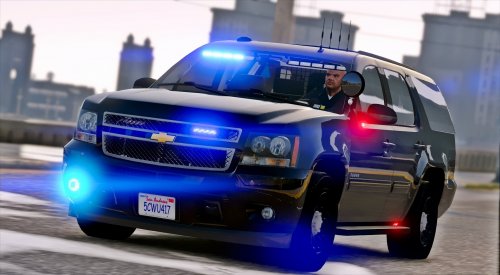 You just keep coming out with amazing cars!!! Keep up the fantastic work!!!!
- 39 comments
- 26 reviews
-
-

- 1
-
-
 what difference would it make whether or not the car can have extra skins on it? Im just curious
- 81 comments
- 25 reviews
-
i know you made this as an unmarked unit, but is there anyway i am able to add skins to it and have them spawn in game on the car?
- 81 comments
- 25 reviews
-
-
yet again another awesome car!!!! Any plans for a 2014 explorer or somewhere around that year?
- 81 comments
- 25 reviews
-
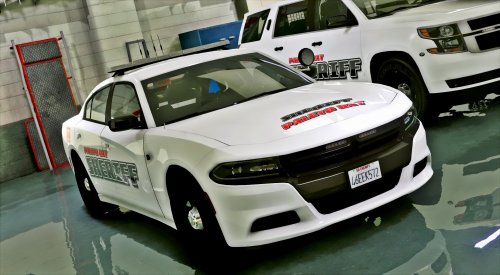 You could also replace all three liveries with the one you want. And have three of the same livery on the car
- 36 comments
- 13 reviews
-
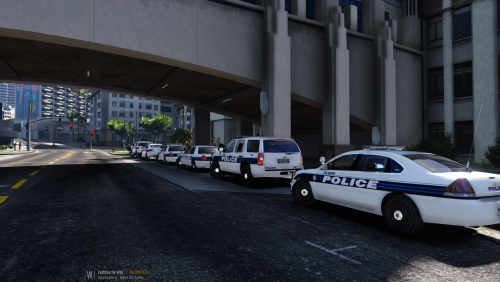 Will this pack fit twistedscopes Miami pack?
 -
-
-
-
-
-
-
-
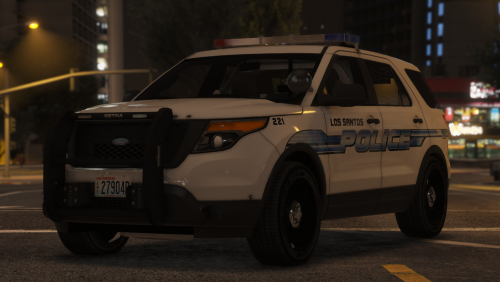 Any chance you could release a version that both explorers have the same light pattern as the taurus?
- 58 comments
- 13 reviews
-
-
 You also need to rename the carvariations and vehicle meta files. They are all located in lspd pack on open IV
- 779 comments
- 187 reviews
-
-
-
-
-
Yes, but you have to change the meta's and possibly the handling lines The meta files are in the car pack
- 779 comments
- 187 reviews
-
 Albo made it pretty easy though how do I disable the siren console in the bottom of the screen
- 851 comments
- 108 reviews
-
-
How do I make the buttons 1, 2, 3, and 4 work the same on my controller using the force siren setting in the ini?
- 851 comments
- 108 reviews