



steinberg4145
Members
-
Joined
-
Last visited
Everything posted by steinberg4145
-
 Magic!
 -
Lol
-
From the album: Screenshot Stuff
© West Valley Designs
-
-
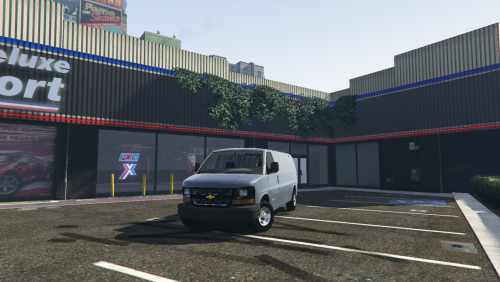 Ok I don't really know what I can do, but when I get the chance I can record what happens and send you my crash log, but idk if that will help.
- 47 comments
- 4 reviews
-
Patchday9 just like the readme and x64e or patchday3 (i dont really remember) for policeT. I can help you troubleshoot this if you'd like when I get more time.
- 47 comments
- 4 reviews
-
I did it still crashes. This happened with a test version from someone. Whenever I spawn the van my game just crashes to desktop. (this happened in speedo and policeT slots) Its the same problem someone stated above.
- 47 comments
- 4 reviews
-
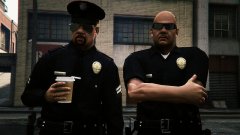 Ok cool. I like the leather also.
 -
That is the correct car variations to fix the lights not lighting up on the lightbar. The car variations have nothing to do with a lightbar not having bloom.
-
The picture looks like the car variations is messed up. As for radiance it should add bloom to the all lights in game so try reinstalling it now. ( a lot of times people install radiance before something like visualV and then radiance gets overwritten)
-
Hmmm... Why do the oval badges look so funny? other than that it looks great are you going to include nylon belts?
-
Use radiance V
-
Actually they have the entire bar steady burn because it's in park mode like the Vic in one of my vids on Google drive.
-
Yeah, the model crashes whenever I spawn the model in game along with some other versions of it I'm testing.
- 47 comments
- 4 reviews
-
Oh Well usually the run down areas of LA get all the new stuff but no money so new things don't stay new very long. Sorry for the clutter desmond
-
You mean compton type areas.
-
Sure glad to help. I don't really know to much about lasd you might want to ask either Lundy or forsakenbacon17 for more info on lasd (i know mostly lapd and chp). As for the chargers I agree that this isn't the place for discussion but I have a feeling ford didn't make a fuss because they're pretty confident about their explorers.
-
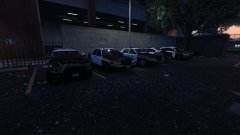 Hmm.. interesting, are these your cars? If so they look pretty nice I'll be sure to check them out if they are released.
 -
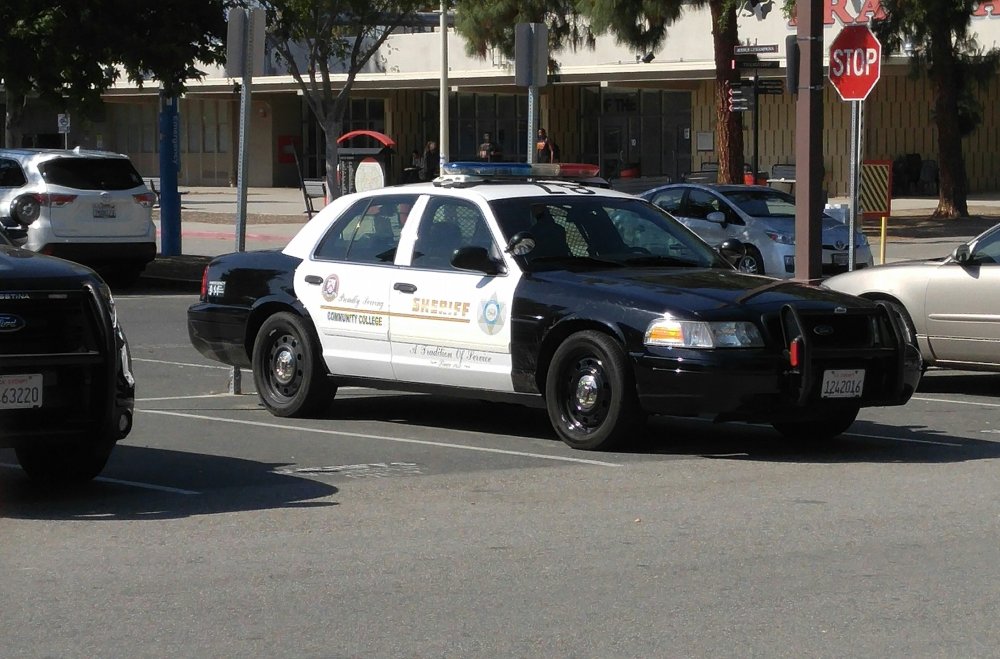
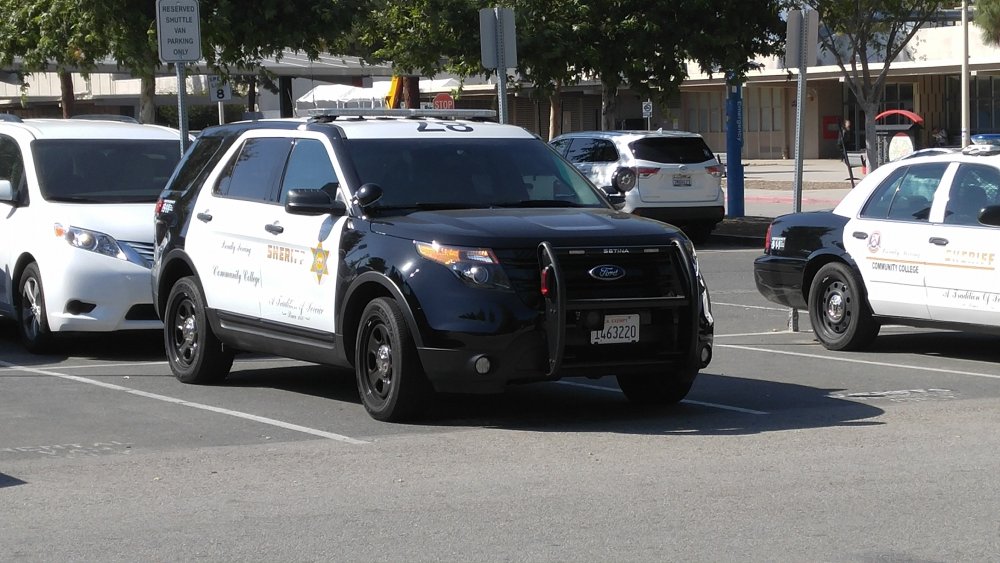
Hey Desmond here's a lasd pic I took this afternoon.
-
Is that an astro van?!
-
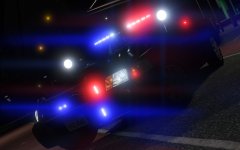
From the album: Screenshot Stuff
© West Valley Desgins
-
Actually the fpius are just as fast as the chargers and considering the charger is a naturally asperated v6 And the fpiu is a twin turbo v6 the only thing the charger really has going for it is less turbo lag (because there's no turbo) which equals a minor acceleration difference (by that tests show less than a second). And also in a conversation with a chp officer he said that he actually really liked the fpiu more than the charger because the charger was really unstable in pursuits (but keep in mind that was a 2010 charger so things may have changed) Also you can read about the new cars here https://www.ford.com/fordpoliceinterceptor/models/#/utility/
-
Yes chp I'm pretty sure won't be using chargers but if they are they will be limited.
-
2016 chp fpiu?(yes so glad they're not using chargers) anyways it's ok Desmond it'll take about 5 to 10 years for most of chp to get the new cruisers.
-
Hey guys it's not dead, just in case you're wondering. Thanks @OfficerFive0




