
MattBravo
Members
-
Joined
-
Last visited
Everything posted by MattBravo
-
 Quick question, does it ONLY work in first person? If so, would you think about adding it in third person as well?
- 168 comments
- 36 reviews
-
Will there be any gear that just says police (ex. not "Los Santos Police", just "Police") that we can use for Paleto Bay since there wont be outfits for those specific depts?
-
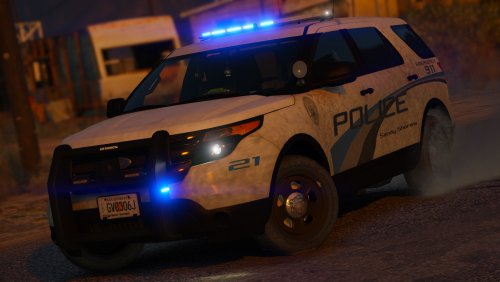
 hopefully an FPIU 😉 also not sure if you wanna answer yet but is it Houston based cars or just Houston skins
 -
hottt what other vehicles you planning
-
-
-
-
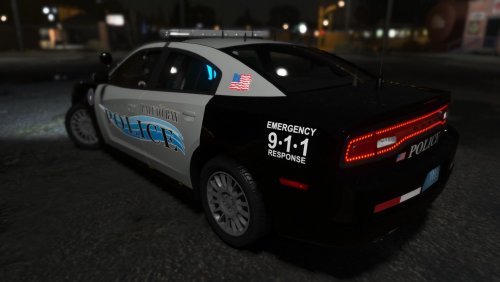 Yeah I had a feeling. Just didnt know if they could be moved to a different position so that they dont go through the windshield (maybe into the spotlight? idk) Maybe that causes them to shine backward as well though idk. Is the break light issue a bug though?
- 20 comments
- 12 reviews
-
Just want to give some feedback (only on the FPIU because thats what im using) *Two LOD coronas are shining through the windshield for the single spotlight when on (not sure if intentional because cant fix or just a bug). Just looks weird because the distance is so short that when im on a traffic stop looking back at my vehicle i see two bright white lights shining through the windshield. *Rear break lights/ tail lights dont turn on when breaking (again not sure if intentional or not).
- 20 comments
- 12 reviews
-
-
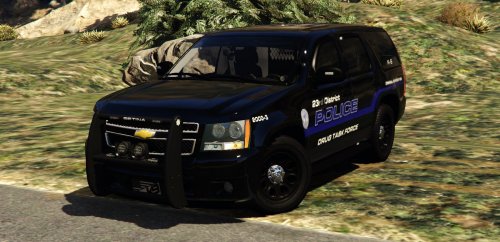
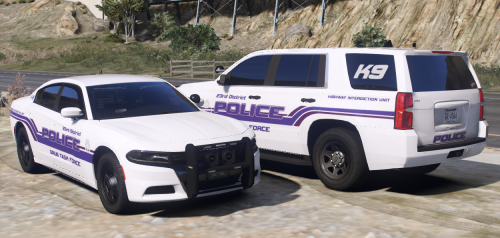 Loooove these cars. Only thing out of place I noticed was a slight red light output in the blue output of the intersectors of both vehicles.
- 22 comments
- 4 reviews
-
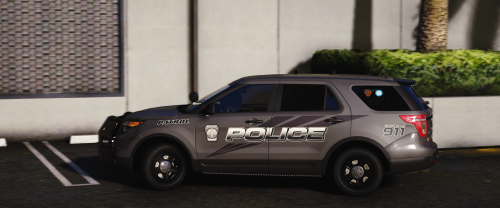 No, I don't do things for clans or gtav or non-els and generally don't do request.
- 17 comments
- 3 reviews
-
-
-
-
-
-
-
 thank you. For the next update could you do this pack? Thanks. Also, I think the liberty_emis is only for the Liberty I, a different one is needed for the Liberty II I believe.
- 380 comments
- 31 reviews
-
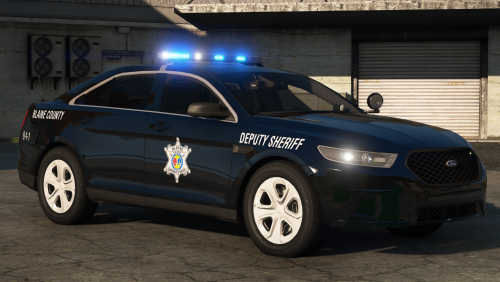 I love how you incorporated the stage of lighting into the taillights of the 2016 FPIS instead of using the ELS taillights effects. More people should do that, looks alot more realistic 👍
- 46 comments
- 27 reviews
-
-

- 1
-
-
Would it be possible to do a mini pack for Slendis' RCSD pack? Just to replace the one amber in the back of the lightbars with blue. Also could you do Slendis' SCSO pack all blue no amber? Thanks for your hard work.
- 380 comments
- 31 reviews
-
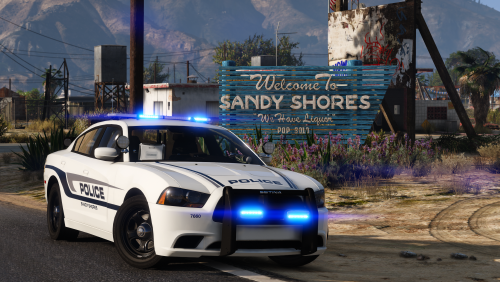 I checked, it already uses <layout>LAYOUT_STANDARD</layout>. Its not that big of a deal it only sticks out by like an inch or two.
- 25 comments
- 6 reviews
-
-
Interesting. Pretty sure I use the default vehiclelayout.meta but ill check again.
- 25 comments
- 6 reviews
-
Only bug Ive noticed is that suspects heads stick through the roof in the rear seats. Other than that its perfect 👍
- 25 comments
- 6 reviews