


bizzlezx10r
Members
-
Joined
-
Last visited
Everything posted by bizzlezx10r
-
 In OpenIV instead of going to: mods\update\x64\dlcpacks\patchday3ng\dlc.rpf\x64\levels\gta5\vehicles.rpf\ mods\update\x64\dlcpacks\patchday4ng\dlc.rpf\x64\levels\gta5\vehicles.rpf\ just go to: update\x64\dlcpacks\patchday3ng\dlc.rpf\x64\levels\gta5\vehicles.rpf\ update\x64\dlcpacks\patchday4ng\dlc.rpf\x64\levels\gta5\vehicles.rpf\ instead. but BEFORE you add the car what you're going to want to do is once you get to the vehicles.rpf (in both patchday3 & 4) you're going to want to right click on it and there should be something that says to add to mod folder. You will have to go to the handling.meta file and increase the numbers. I don't know which number exactly but here try this first: http://www.gtamodding.com/wiki/Handling.meta
- 48 comments
- 11 reviews
-
.thumb.png.90a7c3cbeab905405aad5c0b0d8b90bb.png) Thats the thing, i have no idea how to use the Dev items. If you look at my uploads you can see that i can make police cars fine but every time i ask how to get the Dev items into ZModeler i just get ignored.
Thats the thing, i have no idea how to use the Dev items. If you look at my uploads you can see that i can make police cars fine but every time i ask how to get the Dev items into ZModeler i just get ignored. -
-
-
-
It depends on what you replaced. Police 3 i believe goes in: Grand Theft Auto V\mods\update\x64\dlcpacks\patchday3ng\dlc.rpf\x64\levels\gta5\vehicles.rpf\ I also put it in patchday4ng to be safe.
- 48 comments
- 11 reviews
-
-
Would be awesome if the conversion to GTA V was already done.
-
 As it seems self explanatory, can you elaborate on the "forbidden to use any 2013 parts as they were stolen" ?
 -
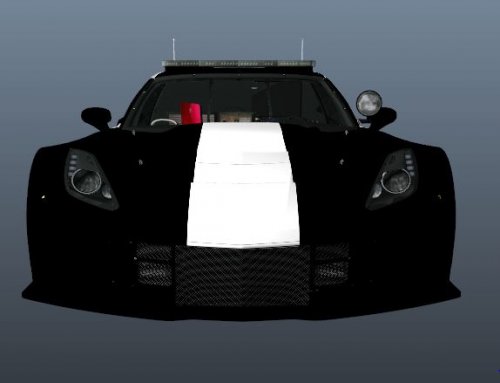 I actually ended up making my own LAPD version.
 -
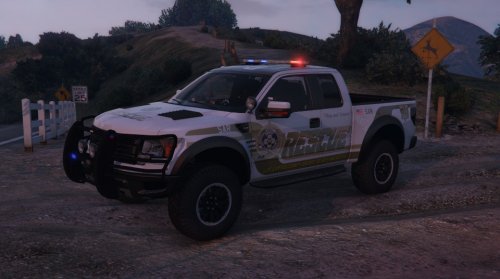 I think under carvariations.meta the "Siren Setting" would have to atleast have a 1 in it Example: '<sirenSettings value="1" />'
- 64 comments
- 13 reviews
-
 The cage bars look like pool noodles.
 -
I would also remove "Pursuit Edition" or atleast change the font.
-
I'm not gonna lie but i'm starting to hate the stripe lol
-
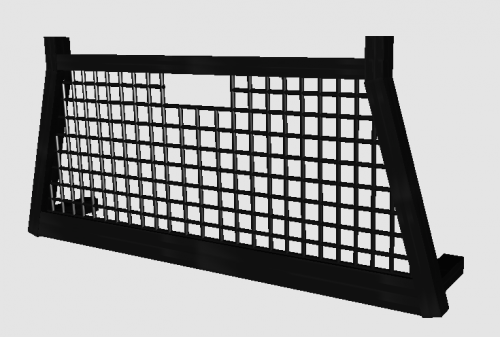 Can you tell me how i can import this into Zmodeler3?
 -
-
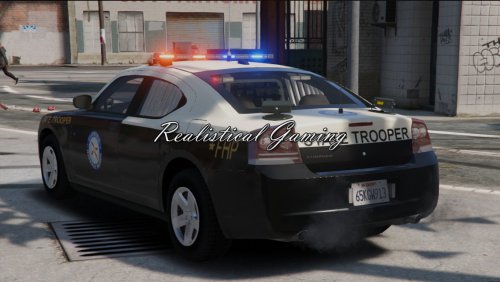
Whats the shit in the back window? There are quite a few of FHP cars out there already that look better.
-
.thumb.png.5fbbb989547defaeeb5c22864df62b54.png) What would i have to edit to fix it as i would like to keep it as Police 3 being it's the most common car to spawn. Carvariation.meta? Vehicles.meta?
What would i have to edit to fix it as i would like to keep it as Police 3 being it's the most common car to spawn. Carvariation.meta? Vehicles.meta?- 174 comments
- 47 reviews
-
-

- 1
-
-
All of the lights dont flash for me. Could it be because i have it set as "Police 3" ?
- 174 comments
- 47 reviews
-
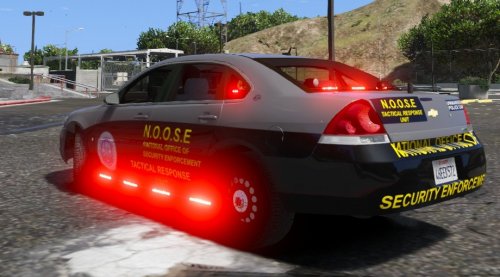 hmmmm odd, those look to be correct
 -
Gotta make sure the red and blue light textures are present in the ytd file (Which ever one the texture file is)
-
Dude how did you get all of these lights to work? Every time i make a police car only a few of them work.
-
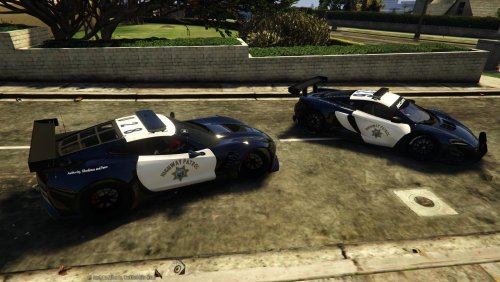 Thanks alot buddy!
 -
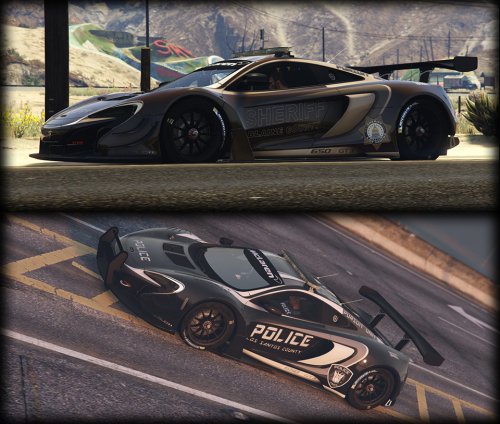
Please also add Dyc3 in the credits as he was the one who created the McLaren model.
-
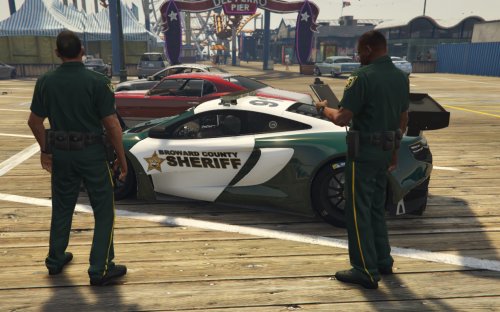 Sure man, i mean. I don't mind sending them to your email. Just if you use it in a pack give me credit for it, also - The badge hasn't been touched it's still the silver one.

.thumb.png.90a7c3cbeab905405aad5c0b0d8b90bb.png)
.thumb.png.5fbbb989547defaeeb5c22864df62b54.png)
