




BlueLine Vibes
Insiders
-
Joined
-
Last visited
Everything posted by BlueLine Vibes
-
Hello fellow officers, My name is Benzo I run the Benzo Effect channel. Started back in October 2015. Just a quick background on myself. I have been a Professional Paramedic for the past 22 years. So a lot of my viewers can tell right off that I am comfortable on the mic and the radio. Now to be honest it was not that way at the beginning. My early days of doing LSPDFR episodes, were fairly embarrassing as I had never commentated a YouTube Channel. But those days have passed. I release videos 3-5 days a week. I am very active. My channel is a mix of professional / fun / sarcastic / did I mention fun? Yes, we always have fun in the channel. That is a must that I must have fun and I hope it shows in the episodes. I currently have over 160 videos in archives. Including a 1 hour tutorial on installing LSPDFR and Installing Plugins. I love to be helpful and I am approachable as I engage the viewers. I have done many tutorial videos and reviews. Including a decent review on the Traffic Policer by Albo1125 and he was nice enough to include me in the PDR install manual and reference the video in my channel. I have been asked my times to start a new EMS type episodes. With my medical background it should make for an interesting series, so I shall keep you up to date. Please stop by and pay a visit. Benzo Effect - COME VISIT I have an Under Cover episode coming out tomorrow. I also have Live Police Radio Feed for Major cities coming out soon. I will participate with the viewers and take request for different major cities for Police Chatter. They make for interesting episodes. So once again stop by the Benzo channel. Click here for latest released video on Sunday May 22nd, 2016
-
-
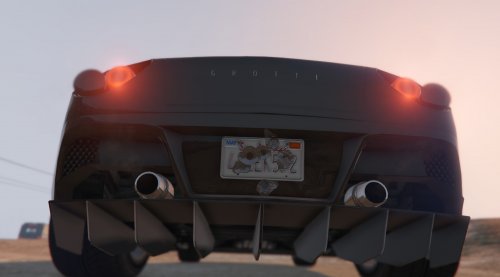 Thanks for this. I do a lot of YouTube LSPDFR Episodes on "Benzo Effect" I got tired of calling out the same plate all the time. So thank you for improving my channel. BENZO EFFECT YouTube Channel
- 20 comments
- 10 reviews
-
-

- 3
-
-
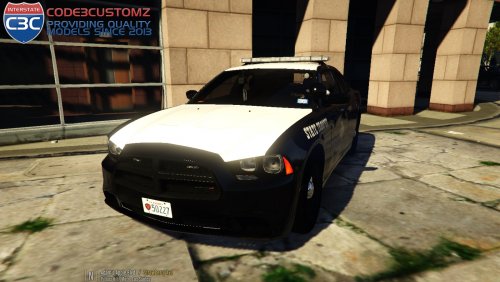 Everything is bigger and better in Texas! DFW Shoutout! I pass these everyday to work
- 6 comments
- 16 reviews
-
 Thanks for the reply. It was probably a random crash. Not much sense. Good callout package
- 329 comments
- 53 reviews
-
-
- 1
-
-
Looking good thus far. However, I have had a few issues with some callouts of some individuals. I am assuming it is the Code Red callouts. Customer refusing to pay? Customer pulls knife stabs manager, I lay into the suspect with a shotgun and no way to end the call out. Still have the green dot on my screen. Is there a menu here? I apologize if you mentioned this before but I could not find a readme or in your description on how to end the call, so I have this permanent green dot on my screen the rest of a recorded episode. I went ahead and called Coroner, as soon as the body bag appeared I get the crash. It probably has to do with, this is not how the callout was intended to take place, perhaps an arrest etc. but he was actively stabbing someone so I had I shot first asked questions later ;) Thanks for any response.
- 329 comments
- 53 reviews
-
Congrats Jeff. It was you and Steve which inspired me to create my own channel "Benzo Effect"
-
-
 Hey Alex, You had asked for a Log file. I am going to attach it here as a Spoiler. I really do not have a ton of mods installed. I am running the Latest LSPDFR, RPH 0.38 It is doing an insta crash
- 476 comments
- 73 reviews
-
-
-
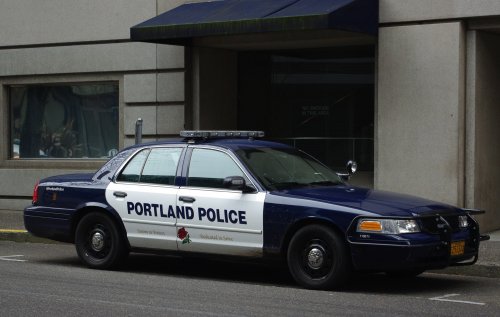 Like it, could be a tad louder as the horn is perfectly loud but the main siren is a tad bit low. Other than that pretty cool. Might want to include some further instruction on the main page about import the new file.
- 45 comments
- 11 reviews
-
 This makes for a great vehicle and love the style and the light patterns as well.
- 126 comments
- 41 reviews
-
-
-
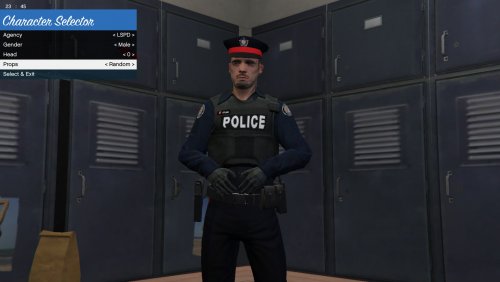 Ok thanks, ya there appears to be some clipping on this hat around the head as well. I will leave it off for now.
- 19 comments
- 2 reviews
-
Thank you Matt Quick question if you know. The officer that I downloaded here and installed via OpenIV still has the black ring around hat instead of red. Anyway to change this? Does yours do this as well?
- 19 comments
- 2 reviews
-
-
-
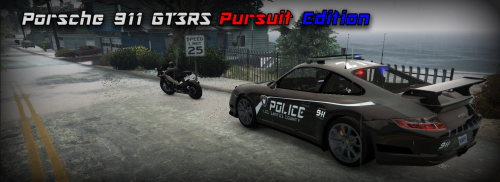 Not sure if anyone else is getting a memory error type crash or not. Not going to give bad stars based on that because it may be due to my end. So need some confirmation.
 -
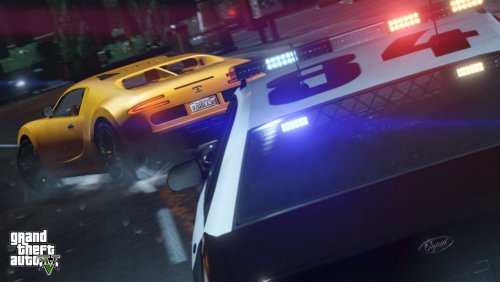 Love these Callouts! TO THE PEOPLE GIVING IT 1-3 STARS... DO NOT put your rating based on your lack of knowledge on how to install the plugin. This section is for review only, this not a teach session for your incompetence. Have issues, post them in the "Comment" section. These are pretty unique callouts and am having a blast on my channel with these.
- 76 comments
- 23 reviews
-
-
- 1
-
-
 Loving the callout package. Have done many of these in my YouTube episodes on my channel. I have found them to be pretty immersive and unique. If you want a suggestion for a possible future update, any callouts on the end or near, or even on the beach would be welcome. Not many modders do this, some of my episodes are undercover type episodes on the pier itself or on the beach area and I end up having to turn the radio off.
- 130 comments
- 28 reviews
-
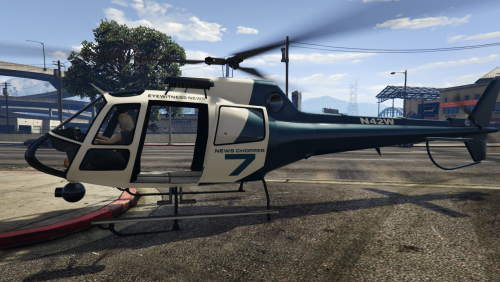 Very interesting Idea here. I agree with the others here, would be really cool to perhaps a button press just to switch camera angles during a chase from the new heli back to your car for example. Or have the New Heli hang around for about 15 more seconds or so after the chase, then you can switch to that camera to get a birds eye view of what the outcome looks like from the sky. Would make for some kick ass video episodes ;)
- 59 comments
- 18 reviews
-
-
- 1
-
-
-
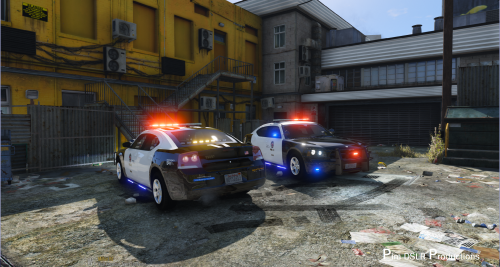 Lovin the Siderunners, Not many modders have done this and released it. So good job. 5/5
- 38 comments
- 10 reviews





