




BlueLine Vibes
-
Joined
-
Last visited
File Reviews posted by BlueLine Vibes
-
-
-
- Zooniq, Zhivko and Julian Tillman
-
 1
1
-
 2
2
-
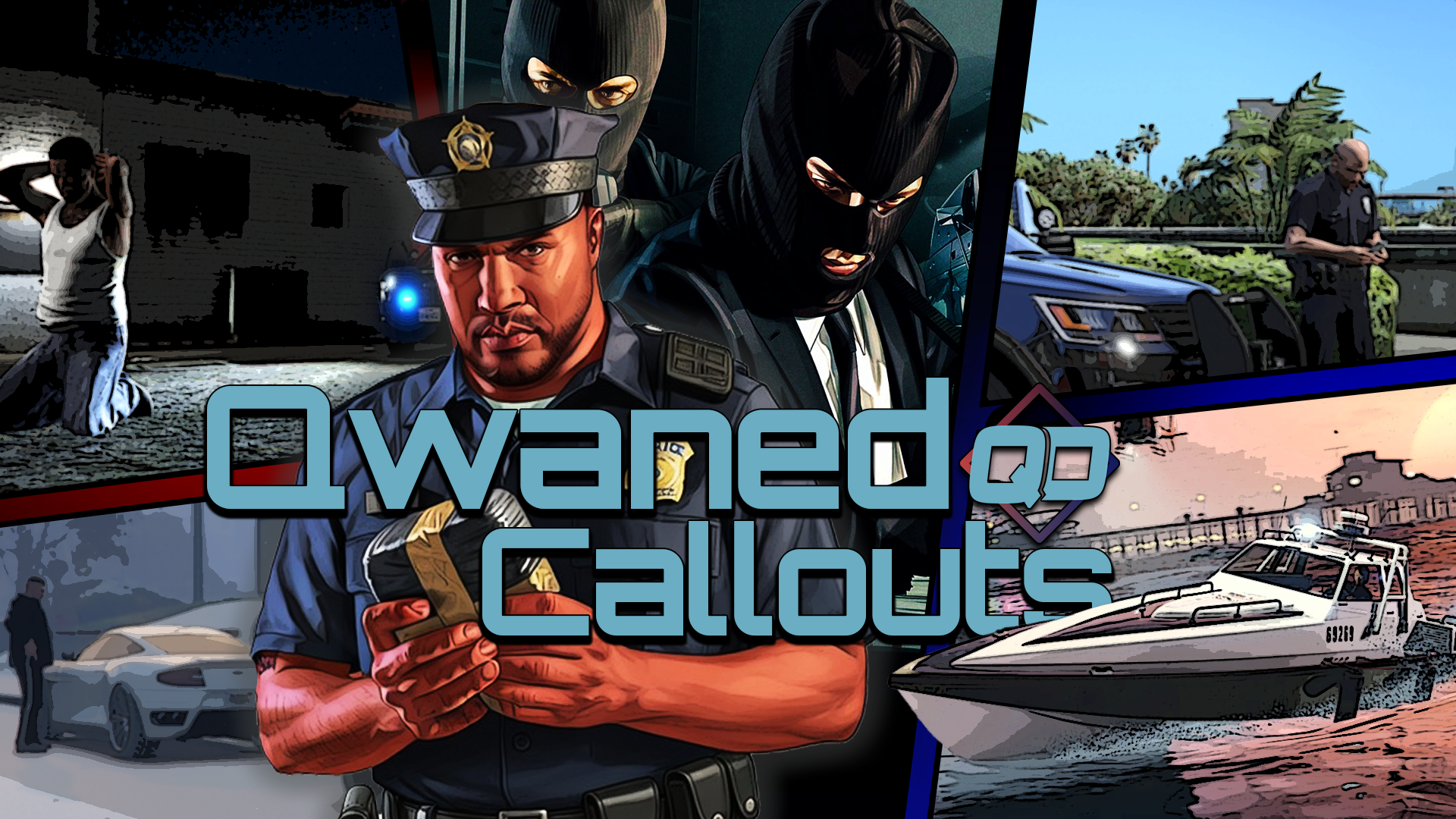
I must say that you are off to a really good start on this Callout Pack. Unique calls with different outcomes. Refreshing to see a callout pack like this on the LSPDFR site. Keep up the great work.
-
Edited by BlueLine Vibes
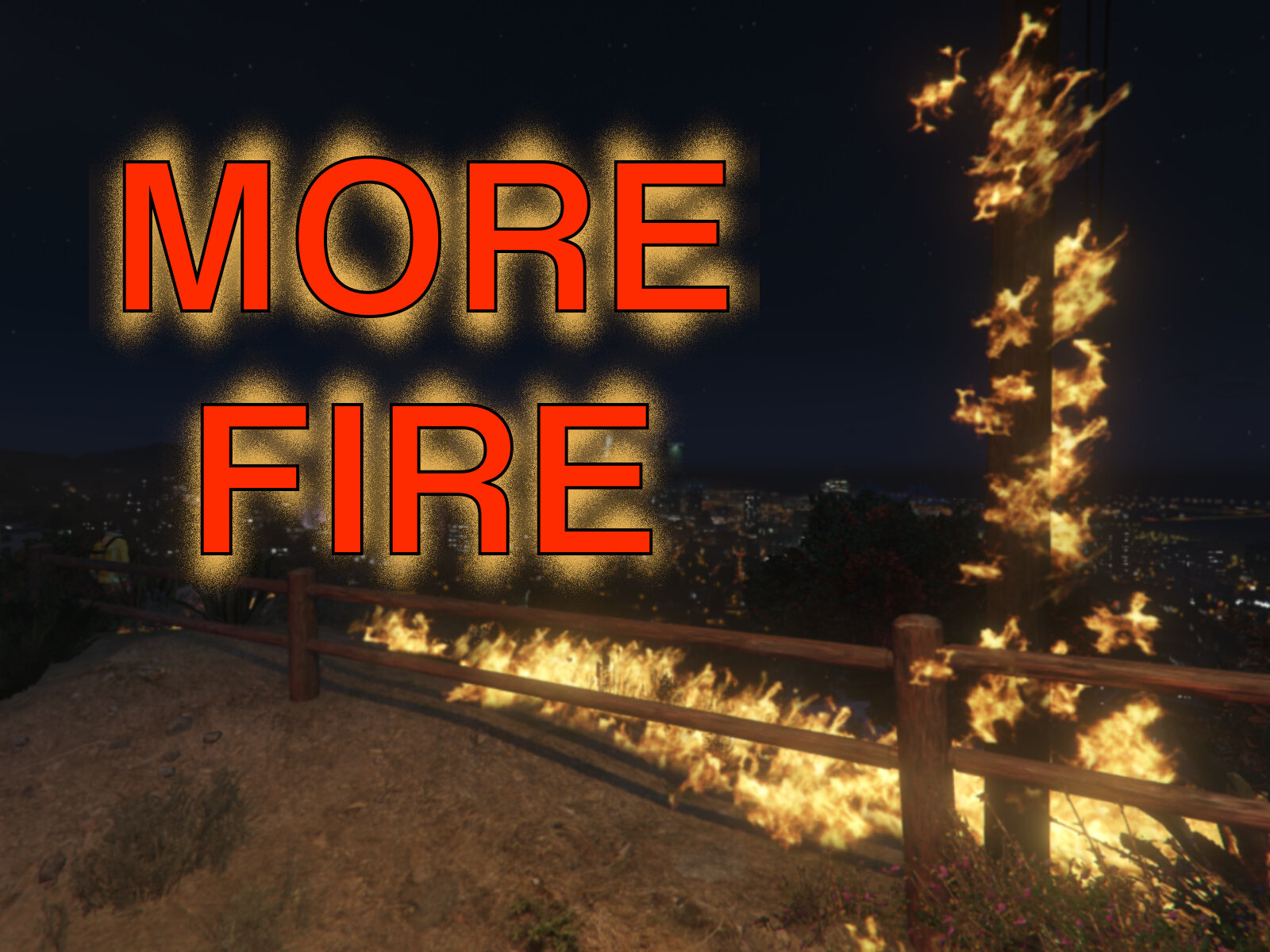
This is a fun plugin to include into the game. Easy to load and I like your console command RemoveAllFire Haven't had an issues so far and the config is easy to understand.
Great addition to your patrols as the default fire goes out too fast and the FD has nothing to do when arriving on scene. Configure the settings so that it's not too heavy or lasts too long. No need to do file swaps in your OpenIV, this takes care of everything.
Keep up the great work.- Officer Here, VRDog and RWieber79
-
 3
3
-
Converter works great for PR. Easy to make backup uniforms and label them. Also has the ability to have "mask" true or false which helps with backup units showing up with masks (example: SWAT) and gets rid of facial textures clipping through masks.
-
-
-
Truly a game changer if you play LSPDFR you will want this for your gameplay. Thanks to all the developers for all of your hard work!
-
-
-
-
-
-
-
- JM Modifications and Echooo
-
1
-
1
-
-
-
-
-
Edited by BlueLine Vibes
Definitely going to give 5 stars on this. It did take a bit to get use to the formatting, especially when adding in special units like EMS / FIRE. Thanks to @Venoxity for his help on the proper formatting, I have learned new things.
I like how you have more control yourself of what the plate numbers / letters will look like on different classes of vehicles. It makes it extremely easy to read the plates and when you have been playing this mod for as long as I have, it is indeed a welcome luxury.
I have my law enforcement as LEO-4525 <--- as an example the LEO will be the same for all LEO vehicles and the numbers will vary per car.
I have my Ambulance as EMS-6243 <--- example as mentioned above - All Ambulances will be EMS and numbers will vary
I have my Fire Department as FIRE-928 <--- another example
I have my Blaine County Sheriff units as BLAINE32 <--- yes I have no imagination 🥸
I have my Gang Unit Under cover Vehicles as IM UNDRCVR <--- okay maybe not, but you get my point 😆- Venoxity and SgtNelsonUSMC
-
1
-
1
-
-
Edited by BlueLine Vibes
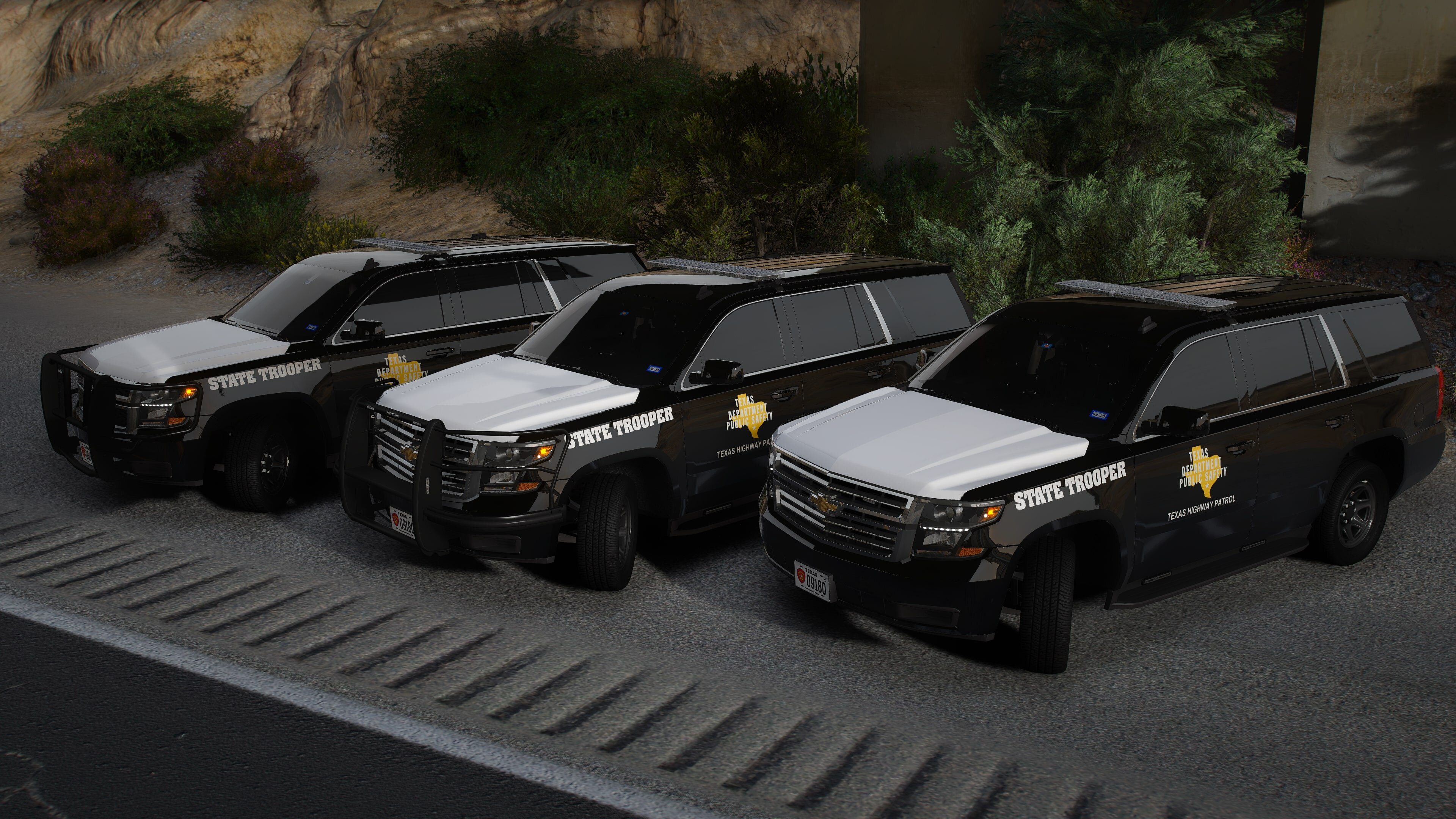
Best old school taxi that I have seen. Love how old school it looks. Gives me those GTA IV vibes. 5/5 And you don't have to worry about the glare from the taxi lights.
-
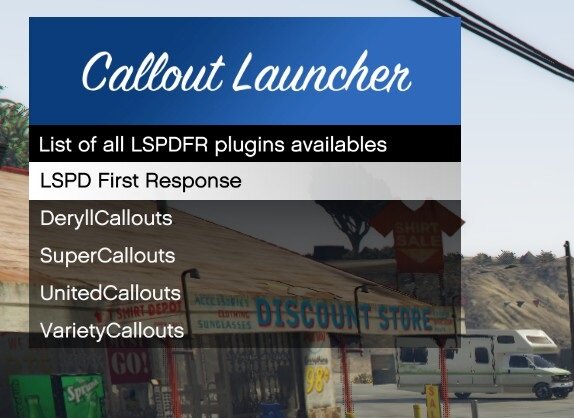
Been using this plugin for the past 2 months. Some would argue that there is no need for such a plugin. If you have Callout Interface and are happy with it, then you would be 100% correct, you don't need it. However, for those that do not use Callout Interface, or are like me and just have decided to uninstall Callout interface (for now) it is refreshing to see a plugin like this.
Triggers the callouts you want ✅
Has a configurable Delay and closes the menu ✅
Helps developers testing the specific callouts allowing easy troubleshooting ✅
Helps content creators choosing specific callouts and smooth transitions with the delay function ✅
The only thing I would like to see added in is a configurable AOP (Area of Patrol) Some callouts are AOP based, if we can set a AOP it would be nice. For example: Do not trigger the callout even if I select it, if the callout originatest > 500m away.
Just my thoughts and since there were over 4 thousand downloads and people are too F**king lazy to leave a review. Well there ya have it 😆 -
.png.7456bb9d99b3b2704f2ffe15a34b11fc.png)
Edited by BlueLine Vibes
The plugin definitely adds an entirely new level to your patrols. Hope to see some great things added in. Off to a great start.
- CoffeeCitations and Kiuwi
-
2


.png.3b4a74acdc4bbef89cf7cc67b41ebf01.png)


.png.7456bb9d99b3b2704f2ffe15a34b11fc.png)
Legacy Pursuits Callouts
in Script Modifications & Plugins
Fun Callouts and it's cool to get into pursuits with the main characters.