



Disclaimer, Please Read.
We are not responsible for any damage to your game files, use at your own risk.
Installation:
- Extract the contents of the downloaded EUPToPR v[VERSION].zip archive.
- Drag-and-drop the 'plugins' folder into your GTA 5 root directory.
Usage:
- Load the plugin
- Equip the outfit you'd like to convert in EUP Menu
- Open the RPH Console (default F4)
- Type "PrintCurrentOutfit"
- Fill out the fields
- Hit Enter
- You can now use the Ped entries found in the plugins/EUPToPR/ConvertedLines.txt file in your Policing Redefined backup configurations
Short Description
A PR Companion tool to easily convert your EUP outfits into backup uniforms
Policing Redefined Team




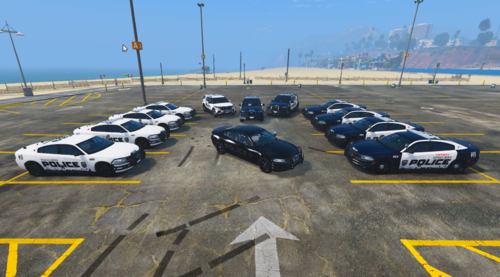












![Blaine County Sheriff Department [DLS v2,REFLECTIVE,ADDON]](http://s3-screenshots.int-cdn.lcpdfrusercontent.com/monthly_2026_06/GTA52026-06-2115-24-24.thumb.png.ee754c55d1965a17c363ae191f88ae13.png)

Recommended Comments
Create an account or sign in to comment