


Visoblue
Members
-
Joined
-
Last visited
Everything posted by Visoblue
-
 Sweet, definitely wanna use it.
 -
What ENB are you using?
-
-
-
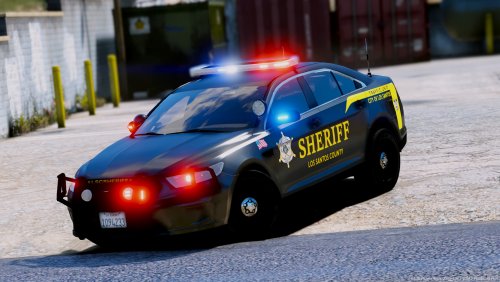 The pack for this texture pack got deleted. That's why. And no, no models are included.
- 20 comments
- 9 reviews
-
 Awesome simple plugin. Simple but gives you a more realistic feel to the game :)
- 135 comments
- 22 reviews
-
-

- 2
-
-
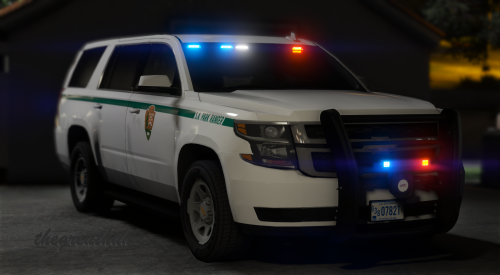 You can fix this by going in OpenIV, go to update>update.rpf>common>data>levels>gta5, open vehicles.meta with notepad, press CTRL+F, search pranger, go to the line "diffuse tint", change the value to "0x00FFFFFF" and save it.
- 22 comments
- 19 reviews
-
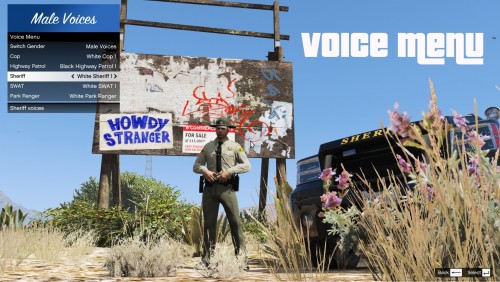 Awesome script to play with EUP. I really liked it. Thanks for making this! :)
 -
-


