SomeCanadian87
Members
-
Joined
-
Last visited
Everything posted by SomeCanadian87
-
-
 Pessed X to get a callout... crash. Saw in console a Federal Callouts callout. Some feedback would be appreciated :) RagePluginHook.log
- 204 comments
- 22 reviews
-
 Yeah. But for some reason, it says Caps Lock does "intimidation mode" When 1. It should say that it does the animation and 2. The ini file doesnt say caps lock
- 561 comments
- 97 reviews
-
-

- 1
-
-
Well I use Mouse and Keyboard. And it says nothing on how to use the mod which is incredibly dumb It says nothing in the .ini file on how to use the mods with mouse and keyboard. It says nothing clear
- 561 comments
- 97 reviews
-
-
Uhm... what are the controls? I haven't seen anything anywhere about how to actually use this mod.
- 561 comments
- 97 reviews
-
 31k downloads no update in 3 months :/ Now it causes a lot of people to crash their LSPDFR
- 423 comments
- 73 reviews
-
 Erhm, Im pretty sure Im on 3.7.1 . I'll recheck. Ill be sure to give you a log if the problem proceeds.
- 1,915 comments
- 242 reviews
-
-
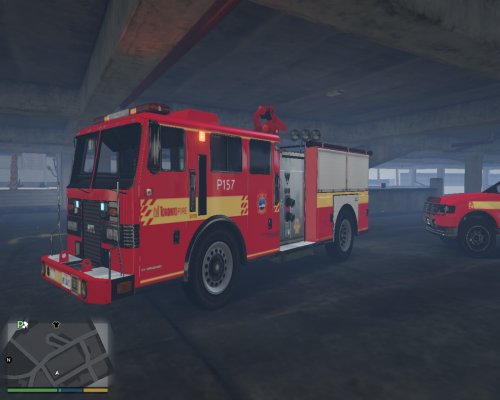 Great pack! Nice to see Canadians.. or Ontarionions in the LSPDFR modding community! Surrounding city packs would also be a great! Keep it up! :D
- 42 comments
- 6 reviews
-
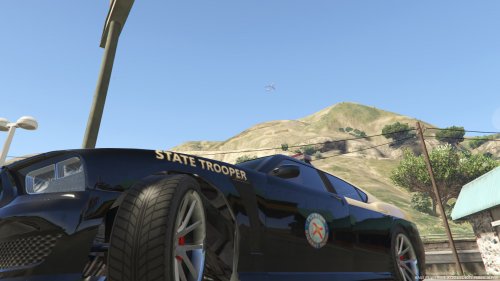 Yeah. Must be the update. Nevertheless, great mod and all other vehicles I can replace so its all good :)
- 41 comments
- 3 reviews
-
No, I install the vehicle, properly. But when I replace files :police3.ytf, police3.ytd, police3_hi.ytd, police+hi.ytf, with your files or any other car mod, it doesnt show up in game. When I replace the police2 files it works. I use OpenIV and RageHookPlugin to spawn vehicles.
- 41 comments
- 3 reviews
-
Thank you. I uninstalled Arrest Manager because I thought is was causing some crashes. I will fix Code 3 callouts and look into Police radio. Although, when LSPDFR crashes, Im not arresting anyone most of the time, so I dont think LSPDFRs Arrest Manager may be causing problems. Thank you. [EDIT] I installed a fresh version of Arrest Manager and updated Code 3 callouts. It seems your mod wasnt causing many problems, pretty sure it was the outdated .dll of Code 3 Callouts. Great mod, and thank you!
- 1,915 comments
- 242 reviews
-
-
- 1
-
-
I seem to have a problem with installing vehicle mods. police1 2 and 4 work when I replace said files with the vehicle files. But when I replace police3 ytf, ytd etc. , it doesnt show up in game. Yes, I have a mods folder and use it correctly, and yes, I also replaced said files in the "update" folder. Help?
- 41 comments
- 3 reviews
-
There it is. I dont know too much about RPH but when my LSPDFR crashes it usually references Stealth Code 3 Callouts and Arrest Manager 3.1.1 RagePluginHook.log
- 1,915 comments
- 242 reviews
-
Good useful mod. But it causes some problems with my game and LSPDFR. LSPDFR crashes and the text in the console says "Arrest Manager API Handled" "Arrest Manager API Exception" before it crashes. Help?
- 1,915 comments
- 242 reviews
-
-
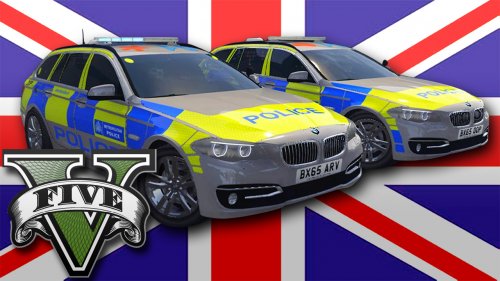 Pretty nice. Im not British, but I might use it. The UK has some odd looking cars though. Nice job
- 17 comments
- 7 reviews
-
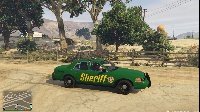 Pretty nice and good for a second skin. You should look around the forums for the problem you have! Good luck with your textures.
- 2 comments
- 1 review
-
-
- 1
-
-
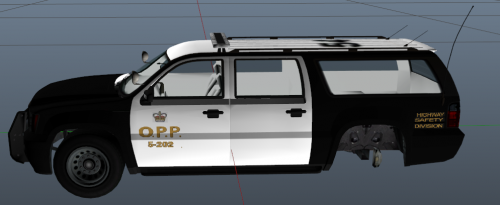 Great pack. I've seen other of your textures. You should make them with modded cars. Some of the GTA 5 police cars just aren't appealing. You should also do a Charger Hamilton Police pack and a Halton Pack :D
 -
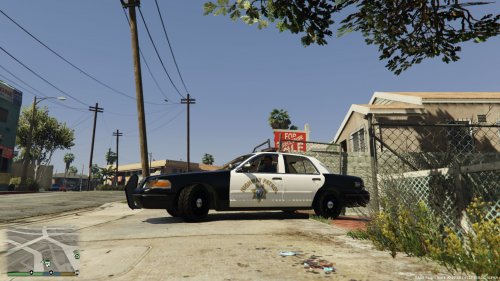 Good.. but, where is the link to the original. Luckily enough I know the car mod, but seriously? No readme?
 -
This should really be updated to use with RageHook v0.24. Then he can update Police Radio when big RageHook plugins come out.