


11john11
Members
-
Joined
-
Last visited
Everything posted by 11john11
-
-
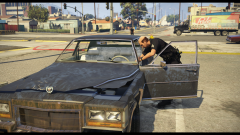
From the album: John's Pics
-
Very unique, I like it
-
That's good, btw, are you going to work on the 88' LTD again after the release of the pack?
-
Looks great, are you really going to wait for Carface to finish the Diplomat? God, I'm not sure if I can wait that long. playing with your old 89' and 94' Caprice as the only cars in my LAPD fleet get's boring fast :/
-
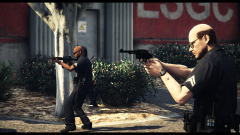 I will go full 80s when Lundy releases the 80s LAPD pack though
 -
I also have many 90s vehicles in my game including the 94 Caprice, so my game is currently in the mid 90s
-
-
From the album: John's Pics
-
-
It's still there
-
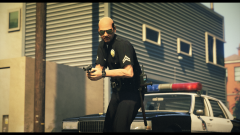 This great movie actually inspired me to play with 80s LAPD cars in GTA V, I have the unmarked Chevy Impala in my game too. If only there would make an unmarked Fury mod
 -
From the album: John's Pics
-
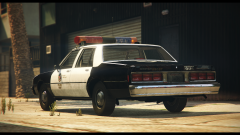
From the album: John's Pics
-
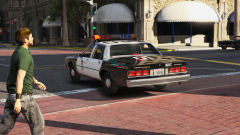 Yeah, the car only had one livery with the 01 number, I could create new ones but I'm going to wait for Lundy to drop his 80s LAPD pack
 -
From the album: John's Pics
-
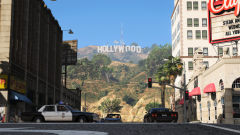
From the album: John's Pics
-
Yup
-
There is a mod that inlcudes modified traffic settings so that sometimes lowriders naturally spawn around South Los Santos, that you can of course pull over with LSPDFR, I think it was this mod but I'm not sure if this feature is still included in the current version. https://de.gta5-mods.com/misc/world-of-variety
-
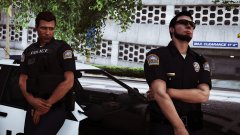 Wait, is that an default style police car I see in the background? Seems like you finally switched over to the good side! :P
 -
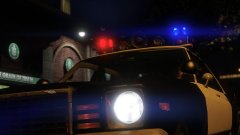 What versions are you going to do? apparently it wasn't used by that many cali agencys, I heard CHP used some though
 -
Nice, will it use the template from the GTA IV Aspen model?
-

From the album: John's Pics
https://www.gta5-mods.com/weapons/m37-ithaca-muzzleflash-soundeffect -
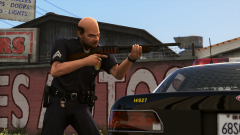
From the album: John's Pics
https://www.gta5-mods.com/weapons/m37-ithaca-muzzleflash-soundeffect -
Wait, where are the steady burns?




