


11john11
Members
-
Joined
-
Last visited
Everything posted by 11john11
-
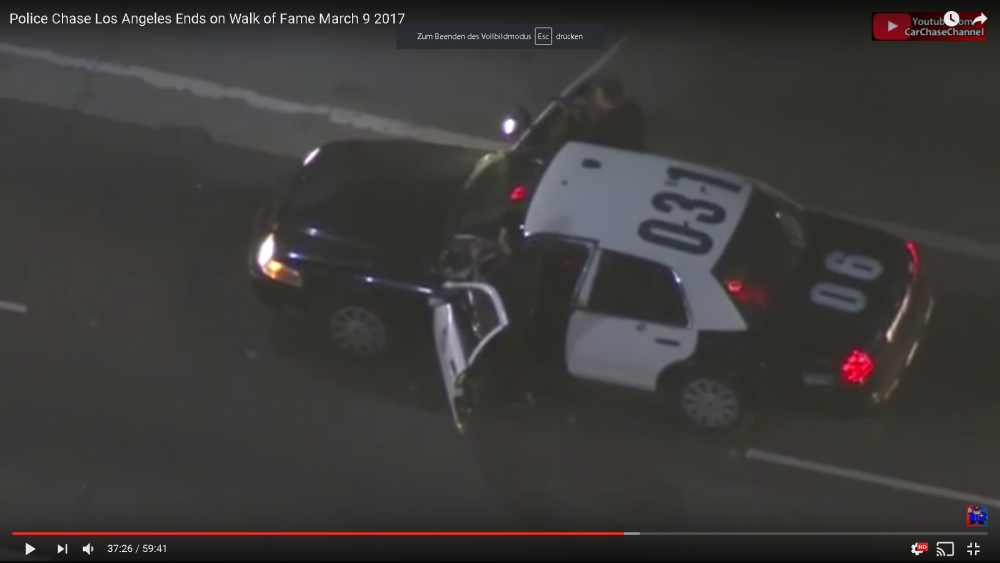
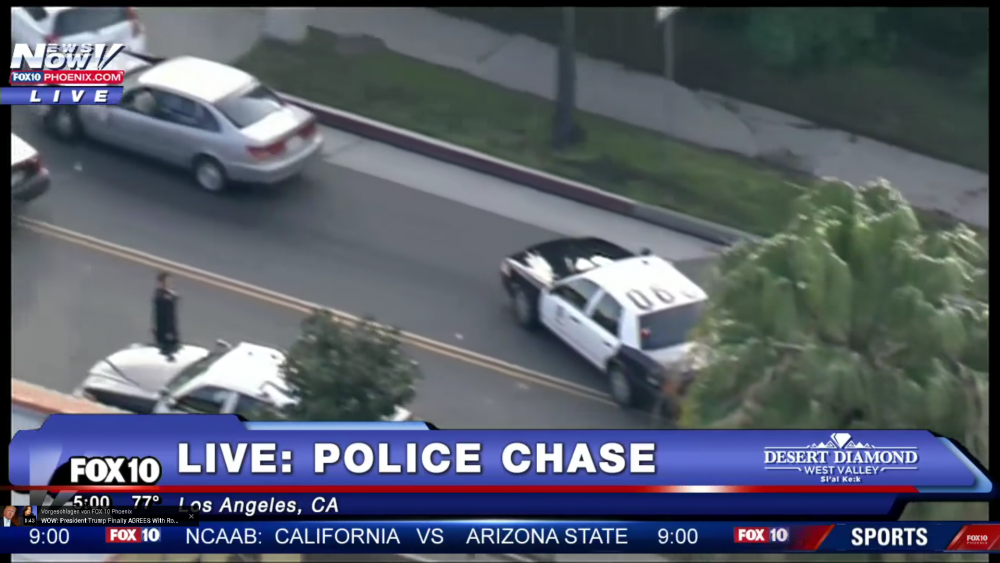
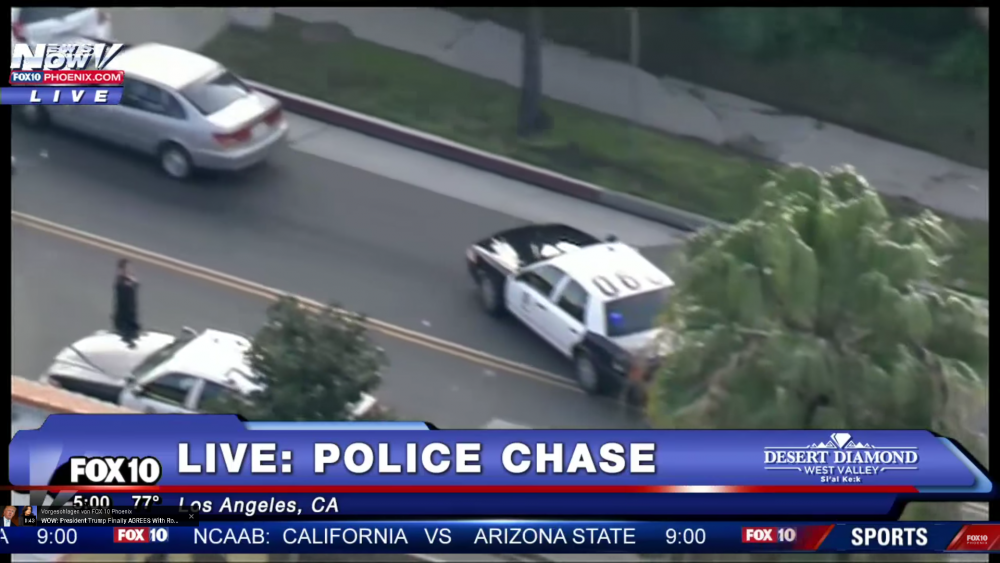
Are you sure about that, I've read that it's rather an recommendation, LAPDs motorcycles also often didn't have a amber light in the back. I thought that the indicators on the bikes were used for the amber rear emergency lights but they didn't in the videos I saw Again, no amber lightsYeah, It really doesn't make sense, I thought that it was a camera problem or something at first but the ambers show up on other vehicles just fine and those "new lights" can be seen in multiple different 2017 LA police chase videosI agree, VisualV will be the best option until this will be released (this will be a custom timecyc mod luckily, there won't be any fps loss, it's also from the guy that made all of those photorealistic GTA IV mods so you can except something with high quality)In the last time I have seen many LAPD slicktop Crown vics with the previously amber-blue lights changed to red-blue lights, that's definetly something strange since I have never seen a California emergency vehicle without at least one amber light in the back (except some of the LAPD motorcycles) I actually prefer the amber-blue lights but I want to hear your opinion on this too.
 I can give you the files for those cars once I fixed some stuff, write me a message in a few days so I don't forget
It's kinda shitty since it doesn't have LODs or breaking glass but here you are http://download.lcpdfr.com/datastore/file_cache/3cd791e0c9f444621470c2c02ee61ee5/LAPD Marbelle.zip?st=32RqSZOH-a8s63hk4ZY1Eg&e=1494449608&p=1498
I can give you the files for those cars once I fixed some stuff, write me a message in a few days so I don't forget
It's kinda shitty since it doesn't have LODs or breaking glass but here you are http://download.lcpdfr.com/datastore/file_cache/3cd791e0c9f444621470c2c02ee61ee5/LAPD Marbelle.zip?st=32RqSZOH-a8s63hk4ZY1Eg&e=1494449608&p=1498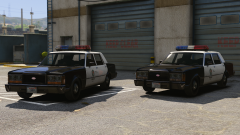
From the album: John's Workshop
1988 Vapid STD Stanier vs 1991 Vapid STD Stanier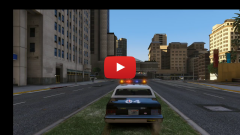 The RDE addon will feature the MP3 Premier since it's from 1992 in the GTA lore (a similar car was in GTA SA after all), the Stanier will also be included since it's supposed to reflect a 1992-1997 Crown vic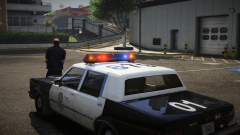
From the album: John's Workshop
Thanks, if you have ideas or suggestions for that small 80s standalone pack inform me
Nope, a 1992 RDE pack :D it's going to be an official add-on for RDE. Maybe I'm going to do a little 80s standalone pack with this vehicle though
From the album: John's Workshop
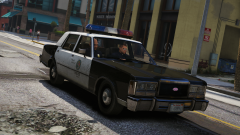 I'm not really working on it anymore but I can send you the car later if I find it
Seems like a perfect description of the car
I asked the author of this mod if I could convert his car to GTA V, maybe he answers soon
I'm not really working on it anymore but I can send you the car later if I find it
Seems like a perfect description of the car
I asked the author of this mod if I could convert his car to GTA V, maybe he answers soon
From the album: John's Workshop
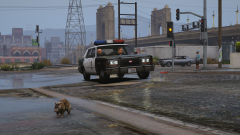 Yes, this is a heavy work in progress, I worked nearly 5 hours on this yesterday, it shouldn't be that long anymore until it gets released. Also, I have many more lore friendly retro cars to comeI absolutely love new default style cars, you did a amazing job
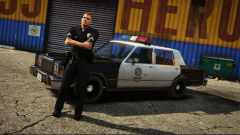 Thank you, I will try my best to make more lore friendly retro cars after I finished the current model, i'll try the Aerodynic lightbar tomorrow to see if it fits the vehicle
I already changed my plans with this car, it's now going to be a default version of the 1988 Ford LTD Crown Victoria called the "Vapid STD Stanier", I'll remake this Premier with some better parts later on. Thanks for the input anyway, I appreciate it. :)
Thank you, I will try my best to make more lore friendly retro cars after I finished the current model, i'll try the Aerodynic lightbar tomorrow to see if it fits the vehicle
I already changed my plans with this car, it's now going to be a default version of the 1988 Ford LTD Crown Victoria called the "Vapid STD Stanier", I'll remake this Premier with some better parts later on. Thanks for the input anyway, I appreciate it. :)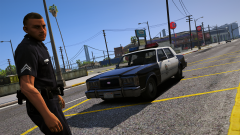
From the album: John's Workshop
From the album: John's Workshop
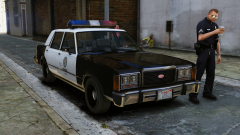 Yeah, I'm trying to bring in some aspects of different Ford LTDs, the taillights will be from the 1990 LTD





