


11john11
Members
-
Joined
-
Last visited
Everything posted by 11john11
-
-
-
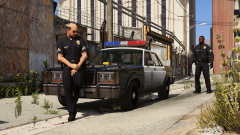
From the album: John's Pics
-
-
-
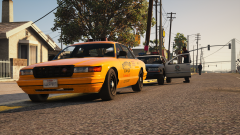 Yup, still my favorite GTA, I might even make some SA styled vehicles once my Zmodeler works again, Premier Taxi, Premier police car, FBI Rancher, proper LSPD Maverick. No idea why the taxi has an exempt plate
 -
From the album: John's Pics
-
-
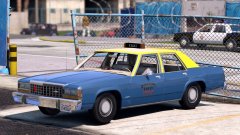 I will probably make a non-els version if he won't
 -
-
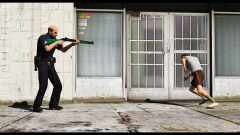 Sure, I will send it to you later
 -
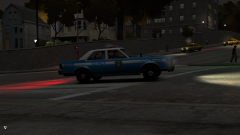
From the album: John's IV pics
-
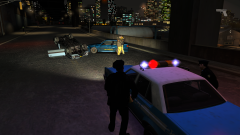
From the album: John's IV pics
-
-
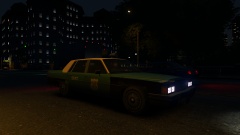 I know the chances are near zero, but do you still have this and the Marbelle with the old NYPD livery somewhere?
 -
I found this pictures, as you can see they used the old LAPD setup (single red lamp in the front, single amber lamp in the back) that you also used in your unmarked 1985 Impala, maybe they even used the slightly newer slicktop/unmarked setup (single red lamp in the front, amber, and blue lamps in the back) also seen on the late 90s, 2000s slicktop Crown vics. The pictures are from the 1992 LA riots, so I'm not sure if the new light setup was already used in the 80s. The old one (with the single amber light) was around since the 60s and can even be seen in some early 90s LAPD pictures so I'm 100% sure it was also used in the 80s , sadly some of the pictures are low quality, but you can hopefully make out the lights s
.thumb.png.1919dec0feeb96450063490d7b5acec6.png)
-
 Thank you
 -
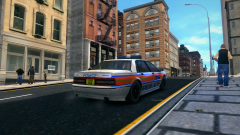
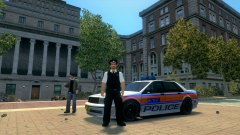 Achso, ich wollte halt mal ein paar alte britische 90er polizeiwagen machen ;)
 -
-
-
From the album: John's IV Workshop
-
That's what I'm going to, I'm already experimenting with an Marbelle version, I have some problem finding retro MET Police signs I could use for the skin though
-
From the album: John's IV Workshop
Still needs a lot of work, especially on the skin -
Maybe an Crown Vic part?
-
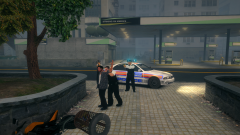
From the album: John's IV pics
Ignore that sign in the background, lol





.png.110bb4dcc309f81b933ad68fd3679467.png)

