


11john11
Members
-
Joined
-
Last visited
Everything posted by 11john11
-
No problem, you should check out the other mods from Aquamenti he does good lore friendly police mods
-
Can't help you with the issue sadly but the Radius was already UV mapped by this great guy, he included a template too
-
 I'm already searching
 -
I was correcting Hulian111 who said that police Crown Vics didn't have chrome parts though, I was not refering to default cars in that sentence. I like the default cars, I totally understand your view on it, Rockstar games did a very good job, but I also like to explore the possiblities of modding on default cars while keeping the lore. Keeping all the cars the way they are just isn't something for me, I don't want lore as a restriction to my ceativity, I want it as something I can carefully expand with love to detail.
-
The earlier 90s crown vics had chrome on the police versions too, look at those pictures of 1998 Crown Vics or this pic of a 1996 Crown Vic
-
Thanks for the feedback, I'm still experimenting with the Stanier.
-
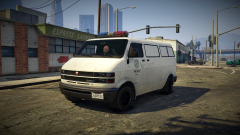 Yes, I will have to figure out how add seats though, the youga normally has only 2.
 -
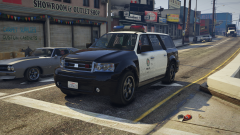 Yes, but there will be something else just as good. We should rather talk about this on Discord.
 -
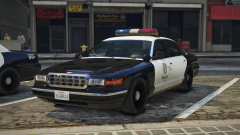
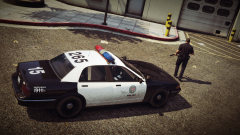 I already have a couple of hubcaps for my Staniers :D
 -
From the album: John's Workshop
-
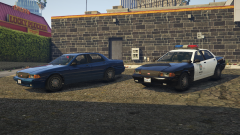 Natürlich, ich arbeite aber im moment immer noch hart an den Fahrzeugen, hoffe ich kann sie bald fertig stellen.
 -
Maybe ;)
-
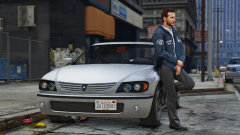 True, I'm glad we have the IVPack.
 -
From the album: John's Workshop
-
Yes, I have some plans for the Yosemite and the Uranus.
-
No, I will be editing the popgroups file so that only pre 1992 car spawn in traffic.
-
It will include some edited .meta files for a retro feel for sure (edited traffic, no more smartphones) I'll see what other things I can include beneath the vehicles.
-
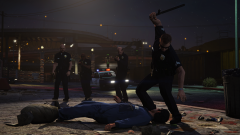
From the album: John's Pics
-
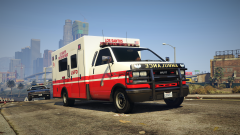 Someone actually created as GTA SA livery for the ambulance and uploaded it here but I can't find it right now.
 -
From the album: John's Pics
A big thank you to @NefariousBonne for creating that awesome retro livery! -
-
Wow, did you put steady burn coronas on a rotator, or are that just rotator coronas without the rotator model? Anyway, looks sick!
-
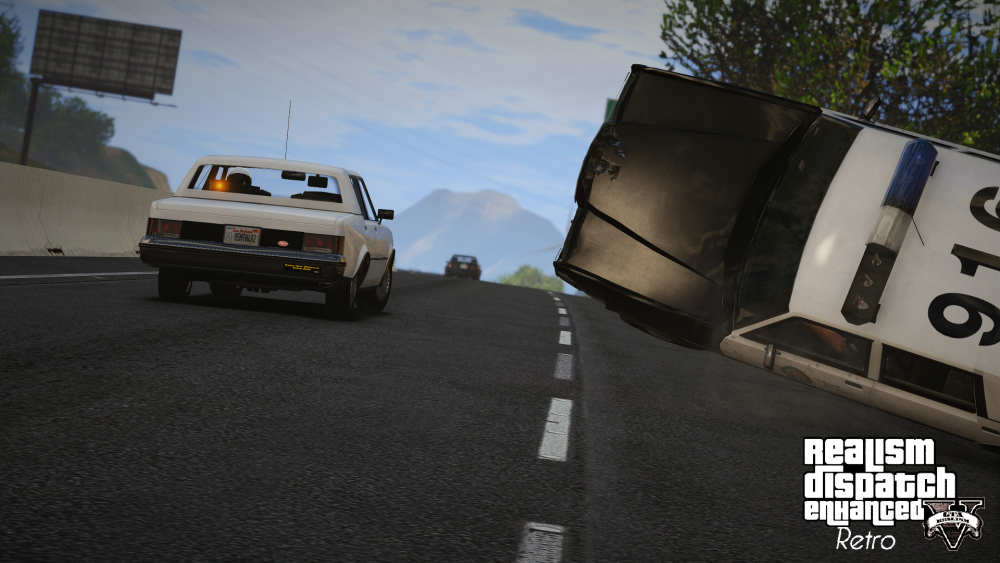
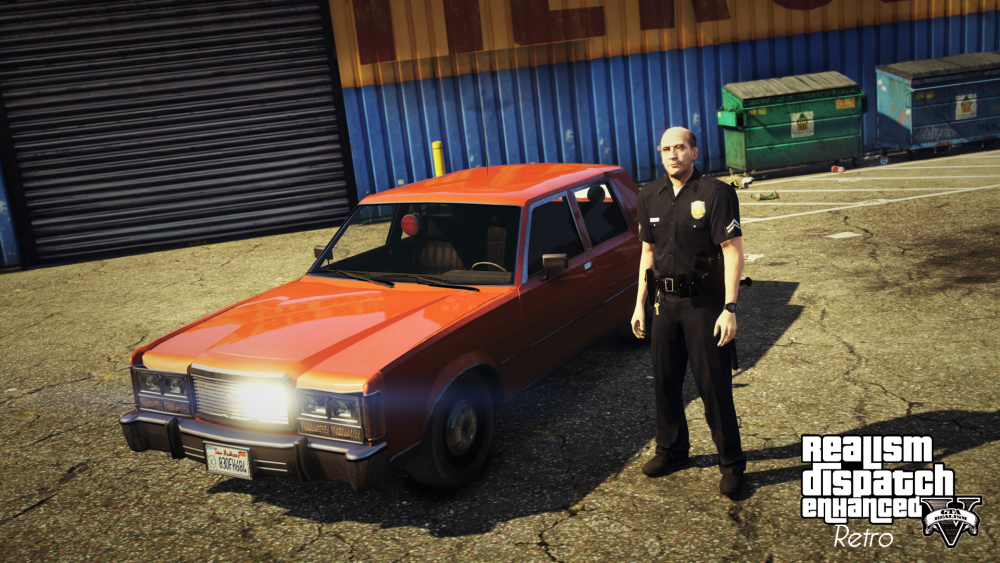
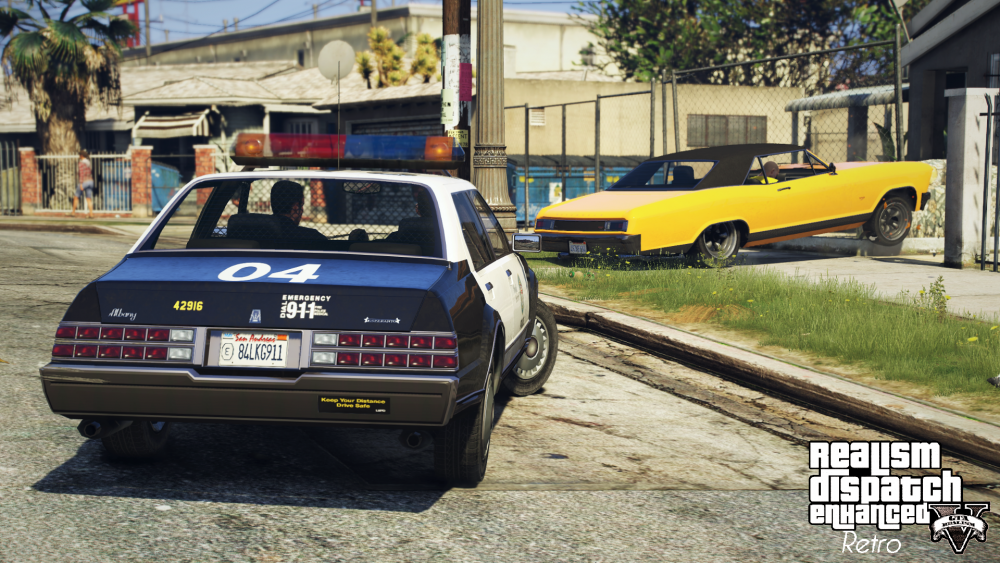
Here are some new pictures of the big upcoming RDE Retro addon, set in a 1992 time setting.
-
Someone I know already did this + an Parking Enforcement Asea which I created a lightbar for, they are both currently unreleased though, hopefully that will change soon.
-
Thank you, if you have any ideas what I can do next, tell me. I'm going to create a lore friendly Arjent inspired lightbar for RDE and my 2005+ LSPD cars soon btw




