


11john11
Members
-
Joined
-
Last visited
Everything posted by 11john11
-
Thanks man, that will be helpful for the development of RDE Retro.
-
Oh that would be amazing
-
That's actually a interesting idea, would bring even more variation into RDE Retro since that will enable me to use more vehicle models, I will definetly think about that, thanks for your input.
-
I'm going to use the Premier Classic and some other cars too that weren't in the original game, only lore friendly stuff like this though, no real life models or anything like that.
-
uhm, what do you mean with that?
-
The time setting of RDE Retro has been changed to the late 90s due to the game not having enough fitting vehicles for a early 90s setting
-
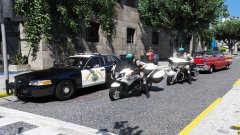 Don't do that, vehicles are supposed to have multiple LODs, removing them by replacing the .yft with a _hi.yft wouldn't be good for your game stability.
 -
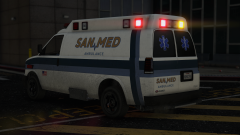
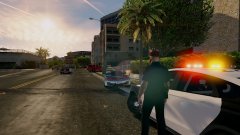 I think this is the model used in the screenshot if I see it right.
 -
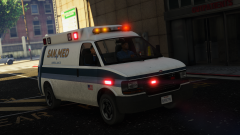 nope, this is a modern ambulance
 -
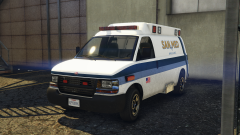 Oh, I'm not entirely sure either but I saw it on many van ambulances while doing research (including another Speedo ambulance someone did.)
 -
It's a not fully finished mapping of a part I guess, will try to finish that soon
-
From the album: John's Workshop
collaboration by Me, Fenton and Break again -
From the album: John's Workshop
collaboration by Me, Fenton and Break again -
From the album: John's Workshop
collaboration by Me, Fenton and Break again -
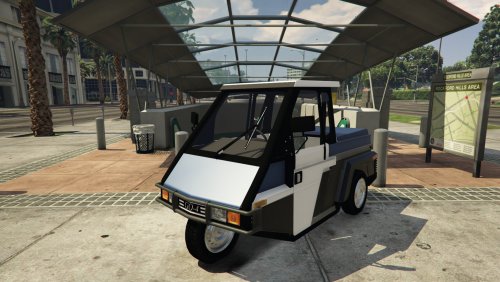 hehe, this is awesome, I'll definetly make a lore friendly edit of this for the LSPD
 -
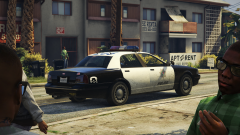 hehe, I'm already working on a big sheriff pack together with a friend, it's nearly finished but is still secret, you will see it very soon
 -
It's interesting that they still used that old light setup they had since the 60s on it though, with the single red front lamp and the single amber lamp in the rear.
-
Don't worry mate, the main stuff is already finished.
-
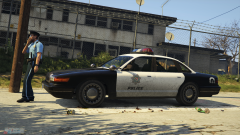 Don't worry, I like the default wheels as much as you do but I just want to try a new and different look.
 -
Those are the washington rims, I like how they look on the Staniers, less boring then the default police wheels
-
eww, take that thing away
-
From the album: John's Workshop
-
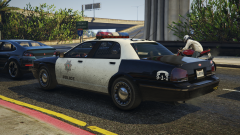
From the album: John's Workshop
-
From the album: John's Workshop
-
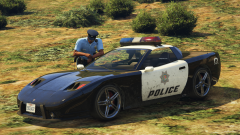 Netman did that on one of his Staniers and I liked the look of it so I adapted it, see the screenshot below It also gave me some space on the back to put a traffic advisor (taken from the IV lightbar) on it I don't really like how the textures look stretched now though, I will work on that later.


