


11john11
Members
-
Joined
-
Last visited
Everything posted by 11john11
-
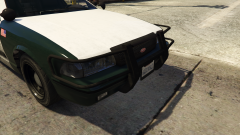 Thanks, I'll see if I can release a car with that pushbar soon
 -
From the album: John's Workshop
Only parts from default cars were used to make this. It's part of a little project I'm working on to bring more variety to the (sadly rather small) lore friendly police modding scene with more parts to use, we need more variety so people can be more creative with their cars, without having to resort to using non lore friendly 3d model assets for/from real life models, or the same old default lightbars and other default equipment parts. -
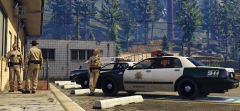 Oh thanks, I will send you the files later today or tomorrow on discord, depending on how much time I will have to finish the rest of the models.
 -
You mean release? I will release my state police pack first in the next days and then I will make some more cars with that green-white sheriff design, you can beta test the state police pack later if you want.
-
From the album: John's Workshop
-
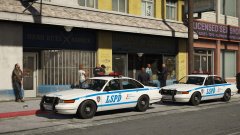 Roman is there too? You should have hidden him on the backseat of that police stanier
 -
Do I see Nico Bellic there? Nice detail
-
You should contact NefariousBonne for a better mapped Stanier, the current ones aren't that good, he made a completely new mapped model and it's very high quality with proper LODs and everything, i'm using it myself too. http://www.lcpdfr.com/profile/184557-nefariousbonne/
-
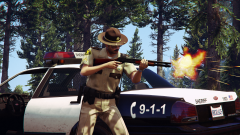
From the album: John's Pics
-
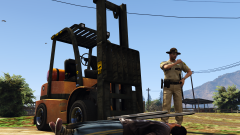
From the album: John's Pics
-
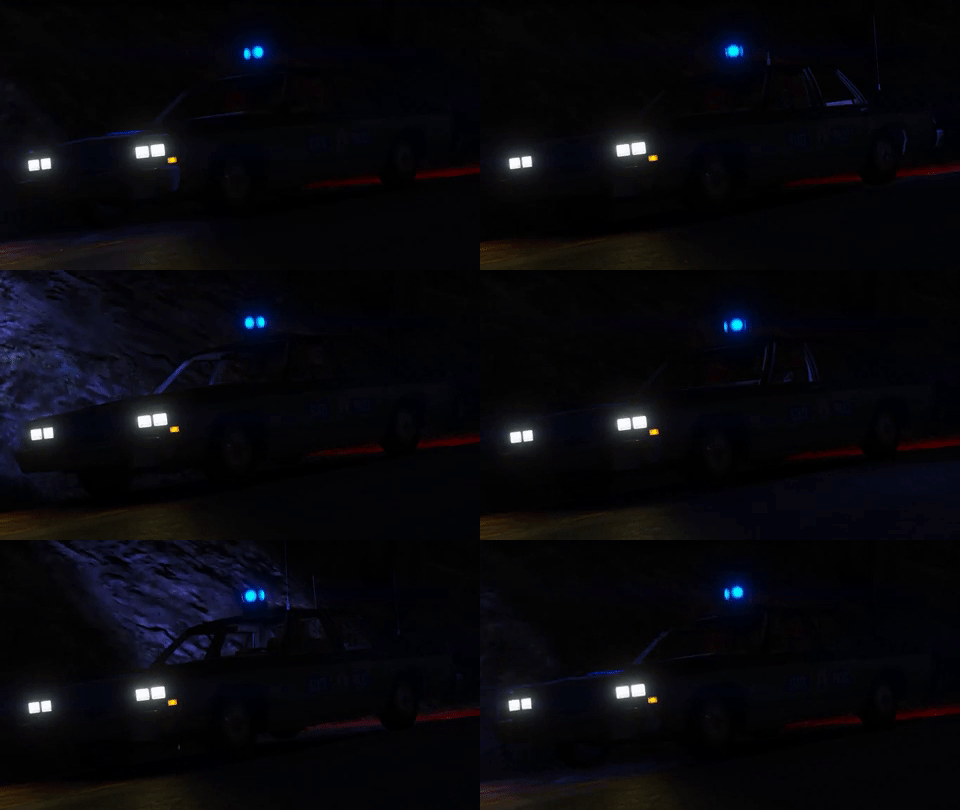 Editing rotation speed is possibe in the carcols.ymt, you need to slow down the whole sirensetting though to slow it down.
 -
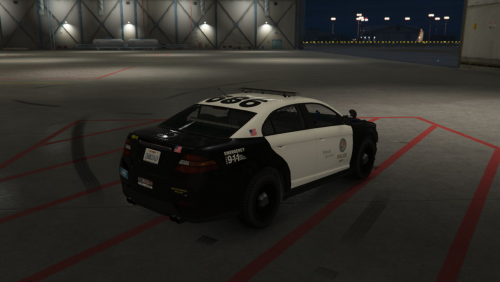 The Los Santos sign should be more centered on the doors, looks weird the way it is now.
 -
It would be a default car pack though because I dislike real vehicles in GTA, not sure if you and others would be interested in this sadly.
-
Kosciusko County Sheriff if I'm not mistaken, I actually wanted to make a BCSO pack inspired by that design earlier, what a coincidence that Lund posted it here. Their cars are pretty sexy.
-
-
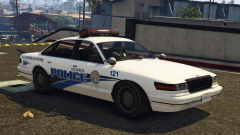
From the album: John's Workshop
(Cookies for the people who got the reference) -
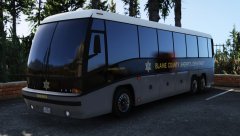 It's in RDE
 -
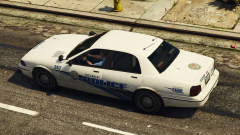 lol, that rusty pushbar
 -
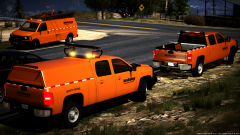 Oh, I love that song!
 -
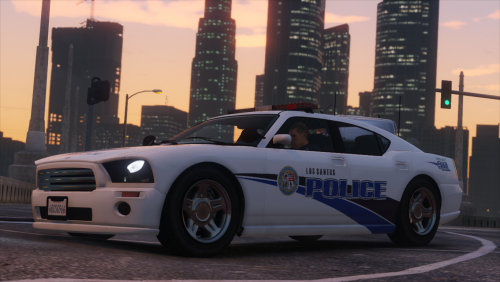 Definetly my favourite skin pack on this site!
 -
From the album: John's Workshop
Skin by: @RolandHUE Edited by me -
No love for the classics?
-
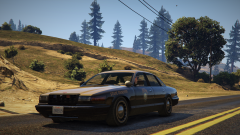
From the album: John's Pics
Such a beautiful game -
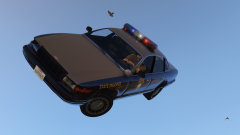 What are you hmmmming about? :D
 -
From the album: John's Pics


